Chapter 4: FUNCTIONS
3. ACTIVATION ITEMS
4-9
3.1.6. Volume UP operation
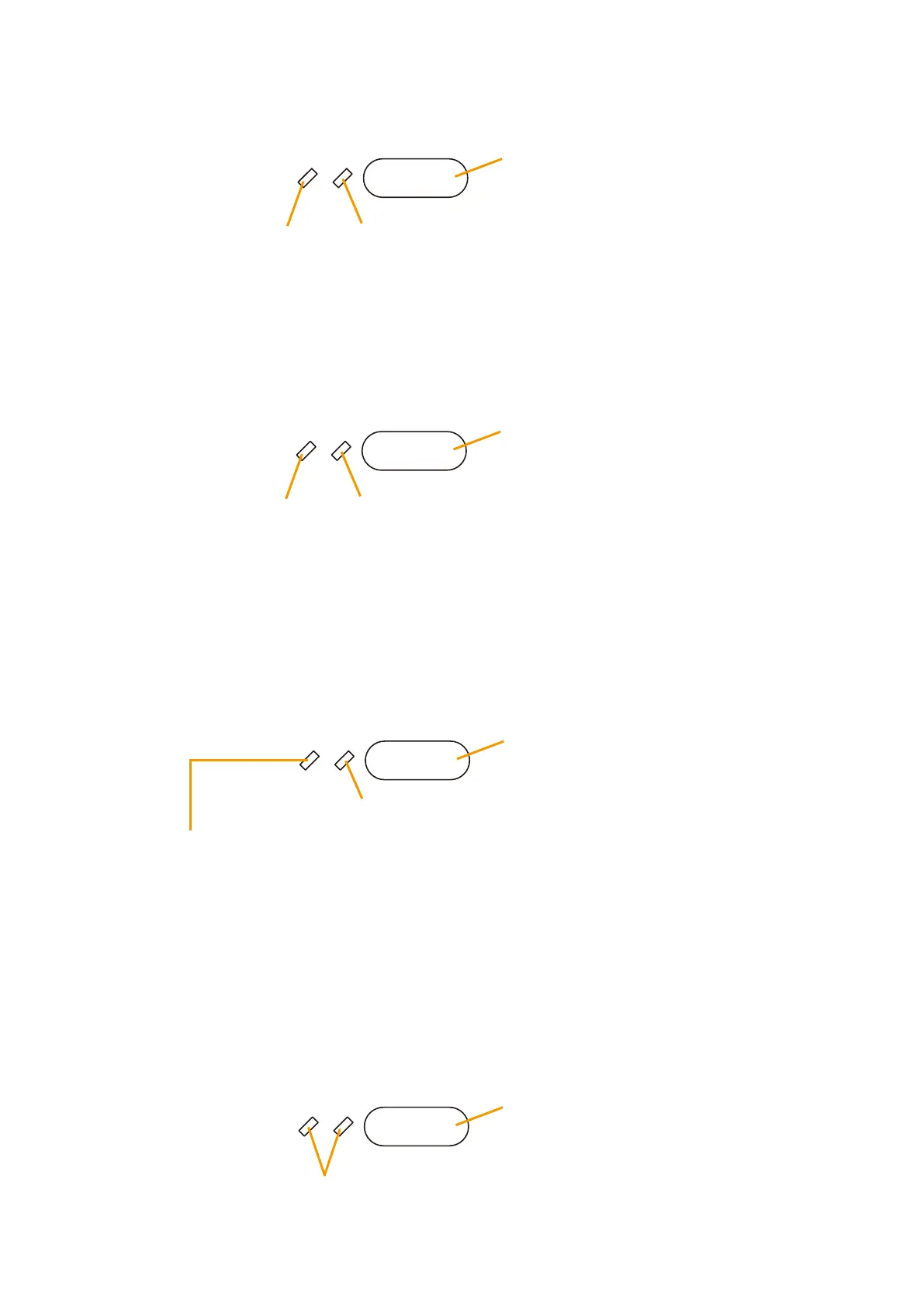
Raises the volume level set in Pattern Settings. The volume increases by 3 dB each time the key is pressed.
Unused
Volume Up LED
• Volume UP key pressed:
Lights green.
• Initial volume level or lower: OFF
3.1.7. Volume DOWN operation
Lowers the volume level set in Pattern Settings. The volume decreases by 3 dB each time the key is pressed.
Unused
Volume Down LED
• Volume DOWN key pressed:
Lights green.
• Initial volume level or higher: OFF
3.1.8. Failure output reception
When a failure corresponding to the pattern made in Surveillance Factors occurs, the failure indicator flashes
accompanied by the buzzer. Pressing the key after checking to confirm a failure stops the buzzer and changes
the failure indicator from flashing to continuously lit status.
Unused
Failure Output Receipt key
Failure Output LED
• Failure detected: Flashes orange.
• Failure confirmed: Continuously lights orange.
• No irregularity:
OFF
• Reset to normal condition: OFF
• Failure output reset: OFF
3.1.9. Failure output reset
Permits the failure status to be cleared and reset to exit the failure indication mode. (The failure indication is
turned off, and the buzzer stops.)
Unused
Failure Output Reset key



 To Next Page