Chapter 10: PC ONLINE CHECKS AND ADJUSTMENTS
2. SYSTEM SETTING FILE DOWNLOAD
10-6
2.3.2. Current Date/Time Settings
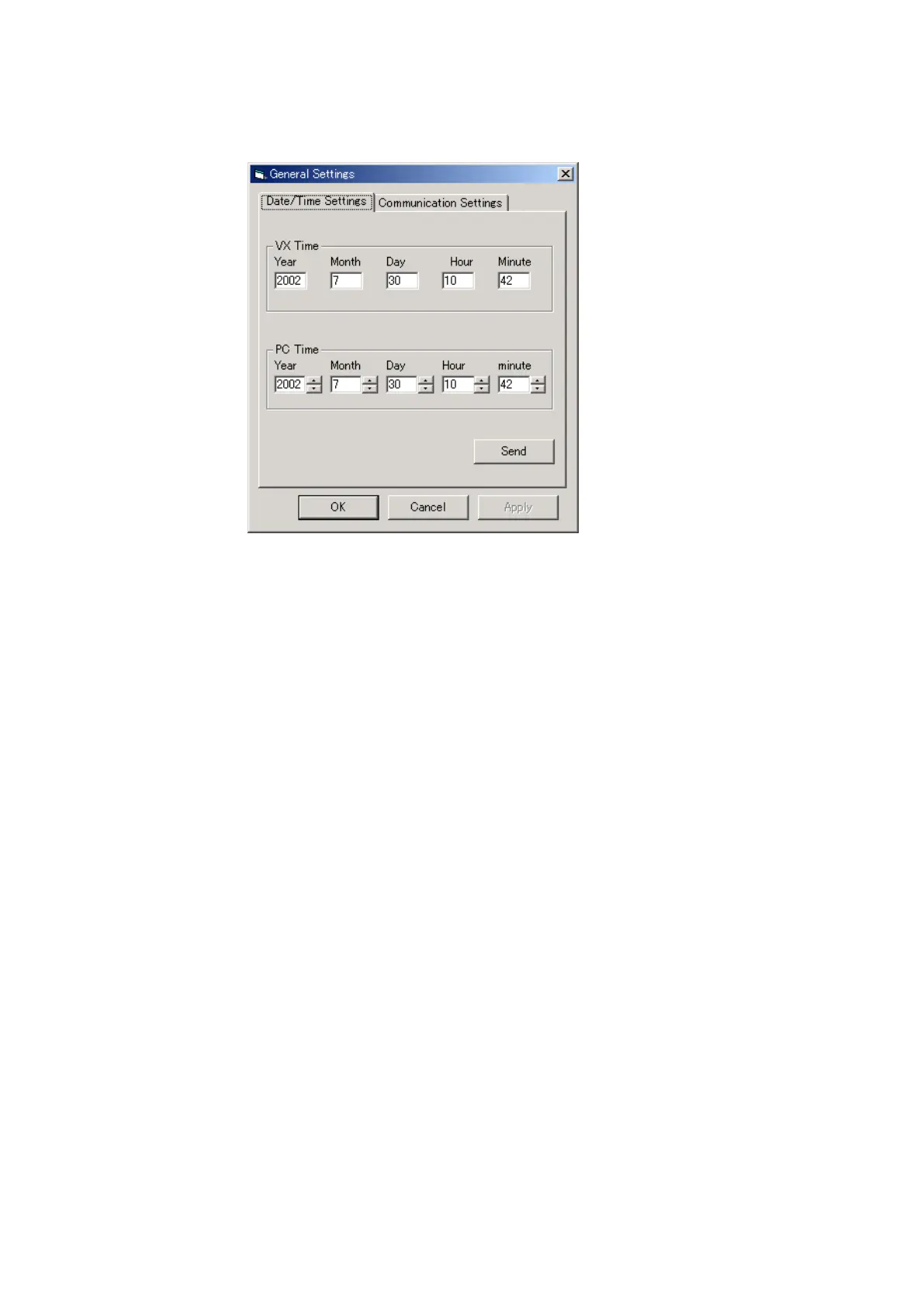
Set the date and time for the VX-2000's internal timer.
The VX-2000's internal timer settings are uploaded to the PC and displayed in the VX Time column.
Step 1. Set the current time in the VX-2000.
The displayed date and time in the PC Time column are those set in the PC.
If they are not correct, correct the PC Time setting by using up or down button of the item to be changed.
Step 2. Click on the [Send] button to transmit the PC Time setting to the VX-2000.
Step 3. After transmission completion, click on the [OK] button to close the [General Settings] window.
Tip
The set data/time settings are maintained for 7 days in case of power outage to the VX-2000.



 To Next Page