Chapter 7: PC SOFTWARE OFFLINE SETTINGS
3. SOFTWARE INSTALLATION
7-5
3. SOFTWARE INSTALLATION
Install the VX-2000 software following the procedure below.
Terminate all applications before installation.
Step 1. Insert the VX-2000 setting software CD-ROM into the PC's CD-ROM drive.
Step 2. Double-clickthele"VX2000.msi"inthesettingsoftwarefolder.
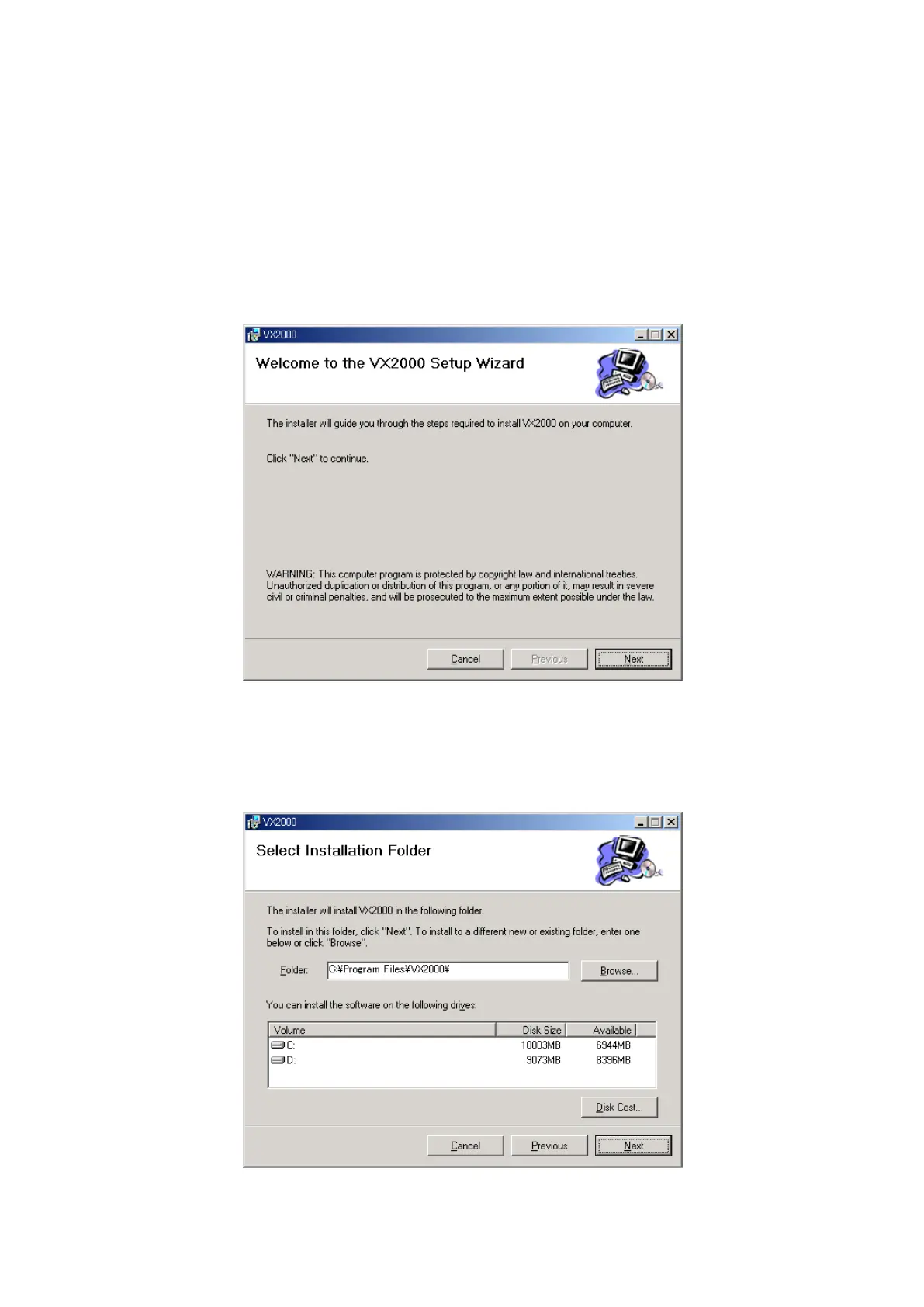
The setup wizard will then be activated.
Step 3. Click on the [Next] button.
Step 4. Set the directory the software is installed in.
Continued on next page



 To Next Page