Chapter 8: INSTALLATION AND SETTING PROCEDURES (HARDWARE)
3. VX-2000SF, VX-200SZ , VX-200SP, VX-200SI , VX-200SO, AND VX-200SE
8-25
3.1.2. Setting the unit ID number for the VX-2000SF Surveillance Frame
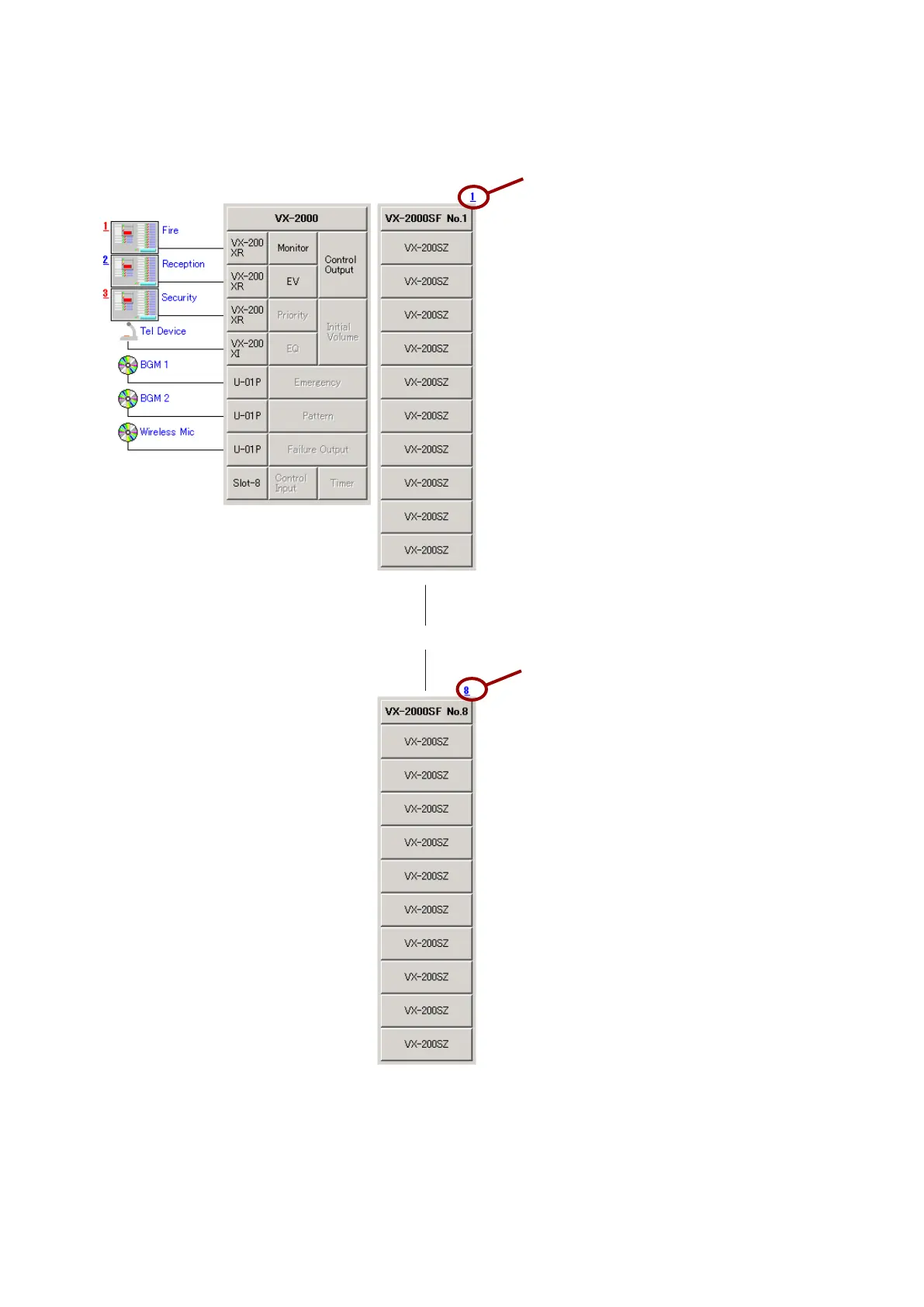
Up to 5 VX-2000SF can be connected per system. Unit ID numbers of 1 – 8 need to be set for each Frame.
[VX-2000SF's Unit ID Number]
• The number on the right-hand side above
each VX-2000SF symbol indicates the Unit
ID number.
• When setting the Unit ID Number for the VX-
2000SF Frame, the ID Numbers must be
identical to those set by the PC software.
Unit ID number
Unit ID number



 To Next Page