Chapter 4: FUNCTIONS
3. ACTIVATION ITEMS
4 -11
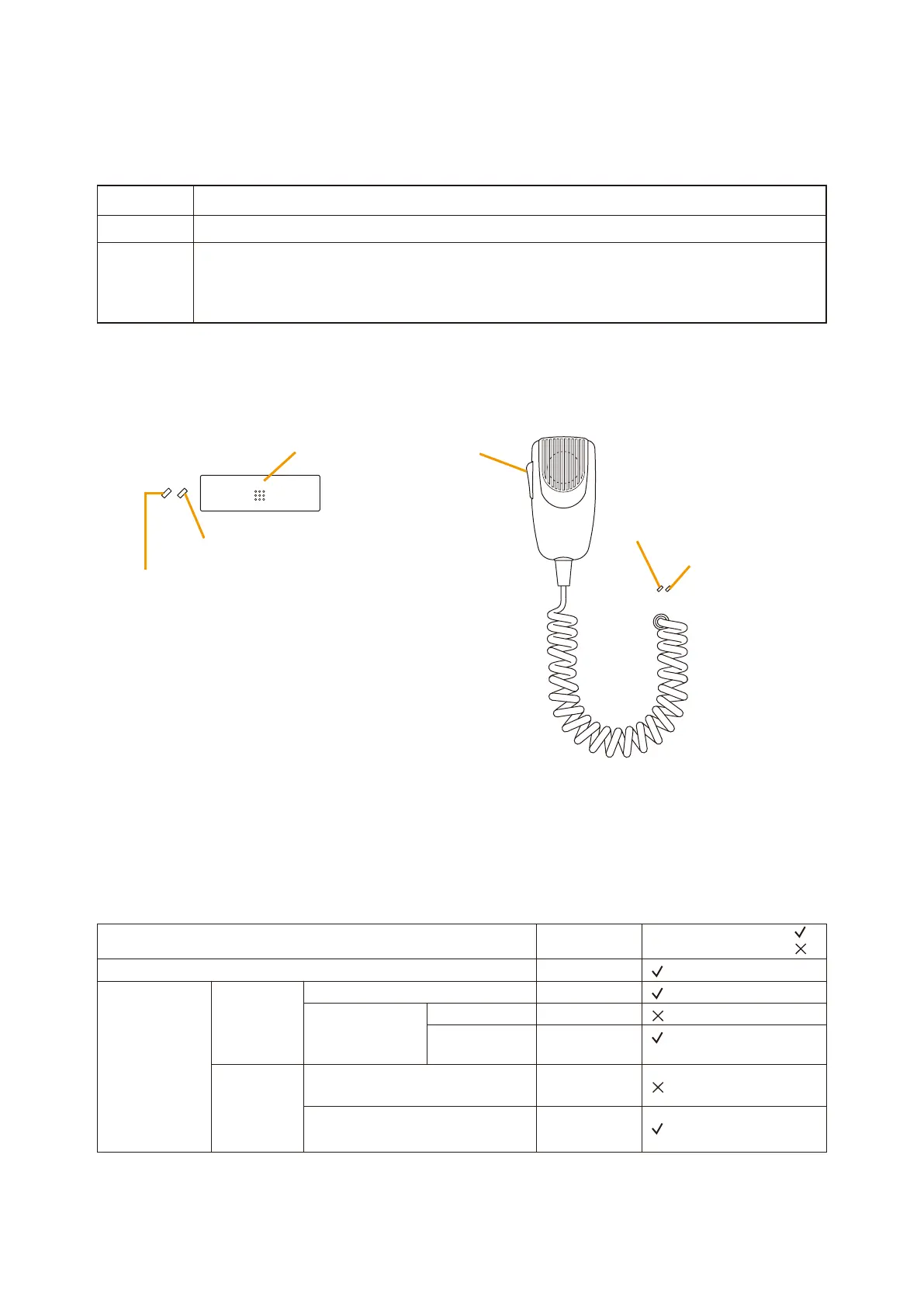
3.1.13. Talk
Press the Talk key to make microphone announcements.
• PTTandLockmodesturnthemicrophoneONorOFFwiththeuseoftheTalkkey.
•Four types of chime tones (ascending 4 tones, descending 4 tones, 2 tones, and a single tone) can be
selected individually for use at the microphone ON and OFF operation.
Mode Operation
PTT The microphone turns on to enable broadcasts while the key is pressed.
LOCK •Onetouchofthekeyturnsonthemicrophonetoenablebroadcasts.Thenexttouchof
the key turns off the microphone.
•AmicrophoneONdurationof1–20 minutesin1 minuteunitscanbesetif theuser
forgets to turn off the microphone.
Microphone Status LED
Microphone Enable LED
Microphone Enable LED
Talk key Talk key
Microphone Status LED
[RM-200X]
Pre-selected zones not used by other equipment.
System Status
Broadcasts made
to pre-selected
zones from other
equipment.
E q u i p m e n t
not connected
to the same
line
Other Remote
Microphone
connected to
the same line
Other equipment broadcast priority low.
Other Remote Microphone priority high.
Other Remote Microphone priority low.
Other equipment
broadcast priority
high.
All zones
OFF
Microphone
Enable LED
Flashes green.
Flashes orange.
Flashes green.
Flashes orange.
Flashes green.
Part of zones
Broadcast Possible:
Broadcast Impossible:
(Broadcasts can be made
to the remaining zones.)
Microphone Status LED
•Microphonenotinuse:OFF
•Chimeinprogress:Flashesgreen.
•Microphoneinuse:Lightsgreen.
Microphone Enable LED



 To Next Page