Chapter 7: PC SOFTWARE OFFLINE SETTINGS
10. ACTIVATION SETTING MODE
7-56
10.2. Control Input Settings
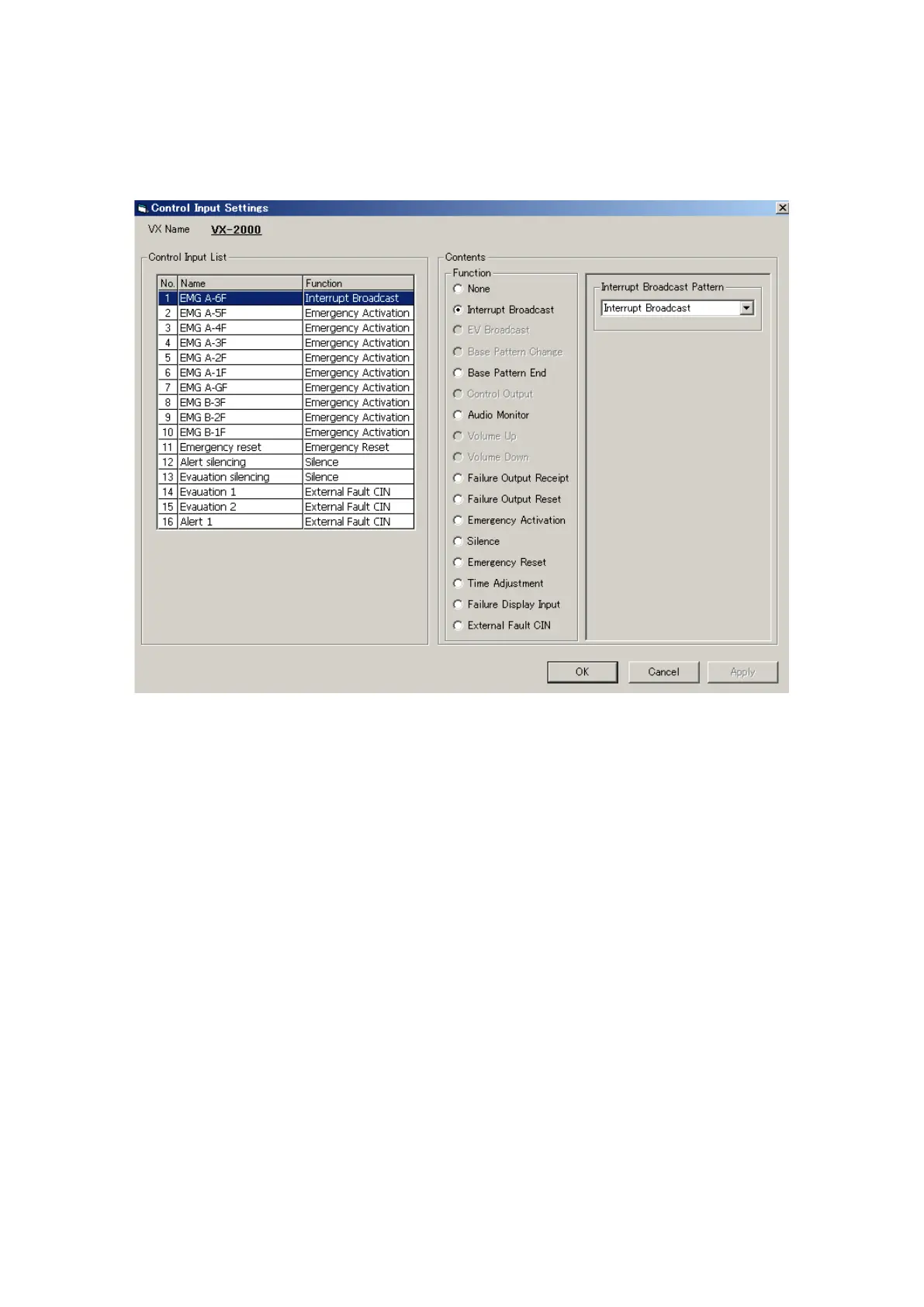
Clicking the [Control Input] button on the Configuration screen opens the [Control Input Settings] window. The
control inputs can be assigned various functions other than the patterns created in the Emergency, Pattern, and
Failure Output Pattern Settings.
Step 1. Select the control input to which a function is to be assigned from the Control Input List. The name of
the control input can also be changed. Select a line to rename, then click on it again, and the name can
be changed.
Continued on next page



 To Next Page