Chapter 7: PC SOFTWARE OFFLINE SETTINGS
8. SYSTEM SETTING MODE
7-30
8. SYSTEM SETTING MODE
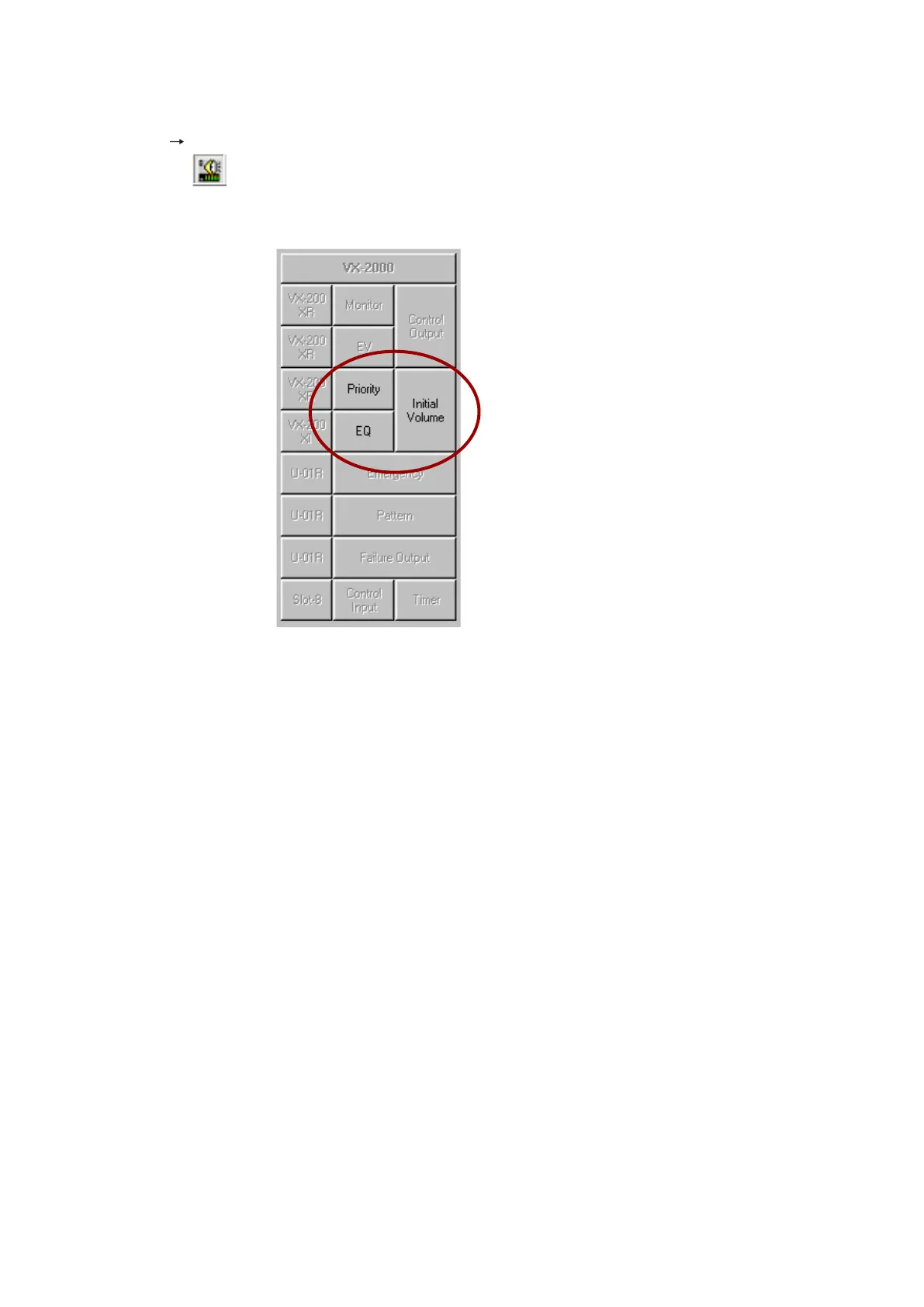
Select [Edit
System Setting Mode] from the menu.
Alternately, the
button on the toolbar may be clicked to switch the display to the System Setting mode.
Here, set the broadcast priorities, initial sound volume, and equaliser.
8.1. Broadcast Priority Settings
Click on the [Priority] button on the Configuration screen, and the [Priority Settings] window will open. Broadcast
priorities are predetermined depending on content.
These are arranged as follows in order of highest to lowest priority: [Emergency RM announcement],
[Emergency EV message], [General-purpose broadcast] and [BGM]. It is also possible to set priorities for
individual broadcast contents.
Continued on next page



 To Next Page