Chapter 7: PC SOFTWARE OFFLINE SETTINGS
7. CONFIGURATION SETTING MODE
7-19
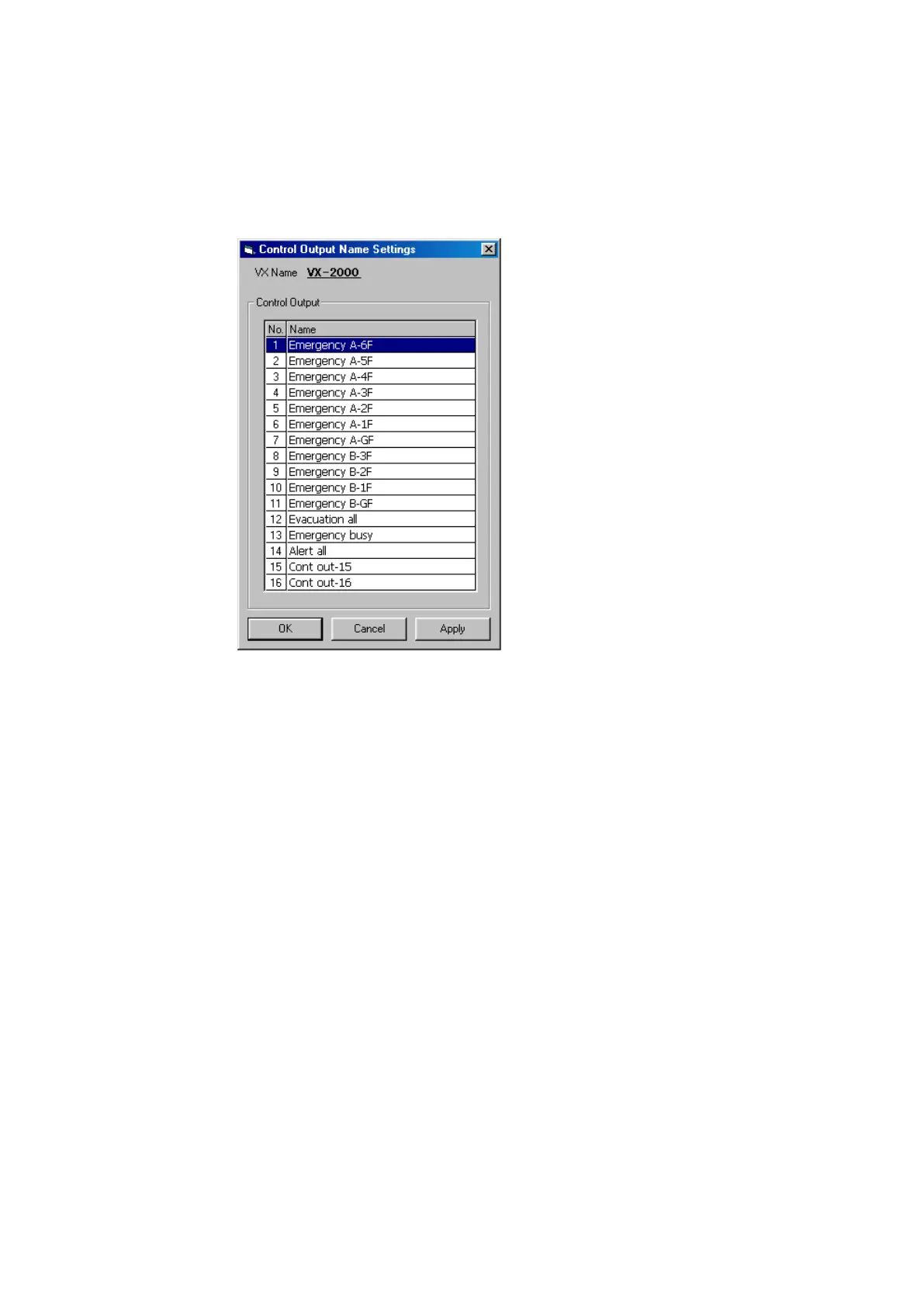
7.2. Control Output Name Setting
Assign a name to the control output terminal.
Step 1. Clickonthe[ControlOutput]buttonontheCongurationscreen.
[Control Output Name Setting] window will open.
Step 2. Click on the line to be changed, and the line is highlighted. Click on the line again.
The left-hand cell changes to yellow, indicating that a name can be entered.
Step 3. After the change is complete, click on the [Apply] button to save the settings and click on the [OK]
button to close [Control Output Name Settings] window.



 To Next Page