Chapter 8: INSTALLATION AND SETTING PROCEDURES (HARDWARE)
2. VX-2000, VX-200XR, VX-200XI, AND EV-200
8-17
OUTSIDE
• Set to this position when using the external power supply.
• Permits the control input to be insulated.
INSIDE (factory-preset position)
• Set to this position when using the internal power supply.
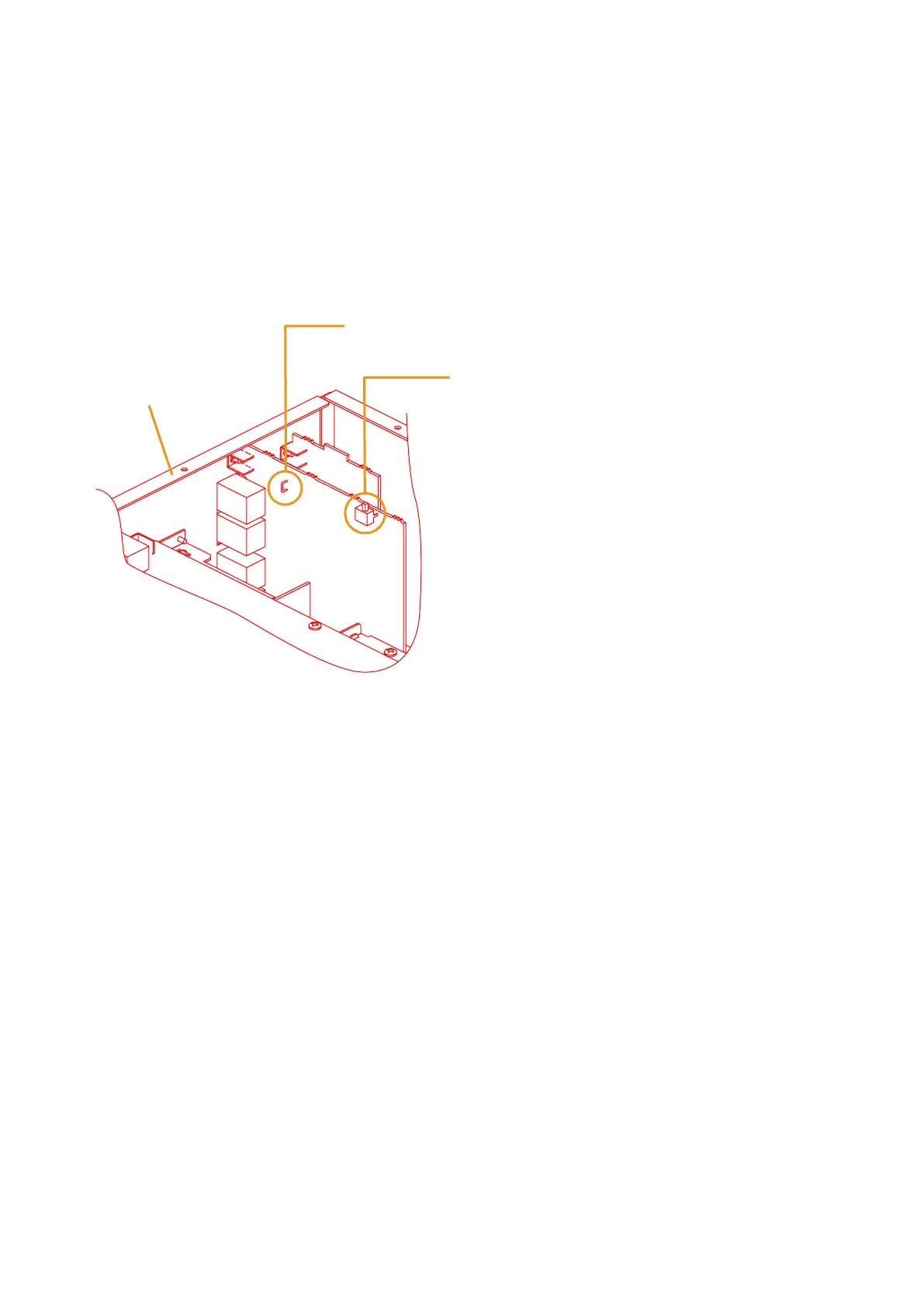
SJP1203 (Cut to insulate the control output.)
SW1201 (Used to insulate the control input.)
VX-2000 Rear panel
2.3. Insulating the VX-2000 Control I/O
Because the VX-2000's control inputs and outputs employ photocouplers, they can be insulated by performing
the following settings to be powered from external equipment.
Step 1. Remove the top panel.
Refer to p. 8-15 "2.1. Removing the VX-2000's Top and Front Panels."
Step 2. Perform the setting.
2-1. Insulating the Control input
Shift the SW1201 switch to the OUTSIDE position. This switch is factory-preset to the INSIDE position.
2-2. Insulating the Control output
Cut SJP1203.
Step 3. Replace the top panel.



 To Next Page