Chapter 7: PC SOFTWARE OFFLINE SETTINGS
10. ACTIVATION SETTING MODE
7-60
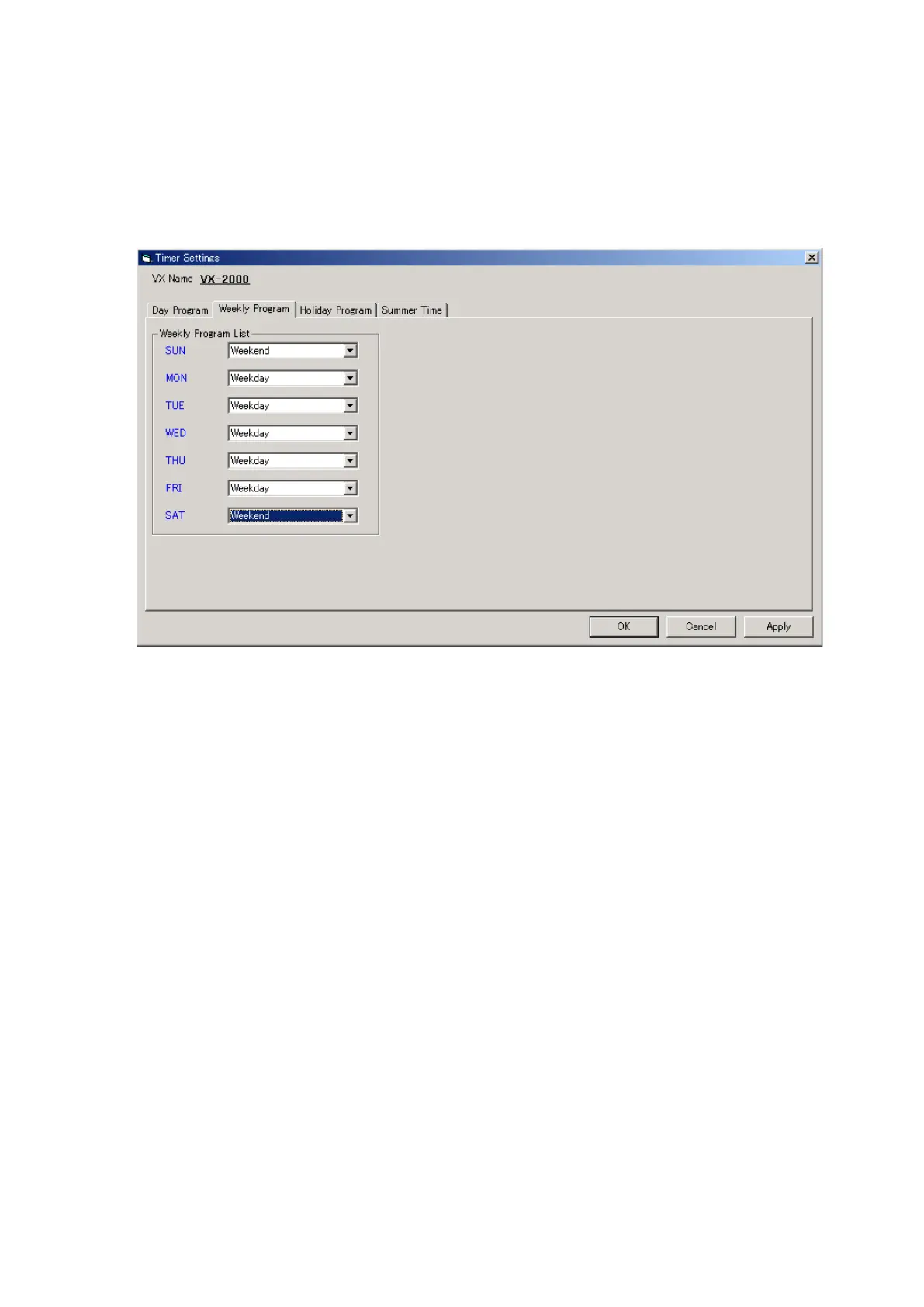
10.3.2. Weekly program
Broadcast programs for an entire week can be created by assigning the day-based programs created in the day
program to each day of the week.
Step 1. Click on the [Weekly Program] tab.
Step 2. Assign the broadcast settings created in the day program to each corresponding day of the week.



 To Next Page