Chapter 7: PC SOFTWARE OFFLINE SETTINGS
8. SYSTEM SETTING MODE
7-32
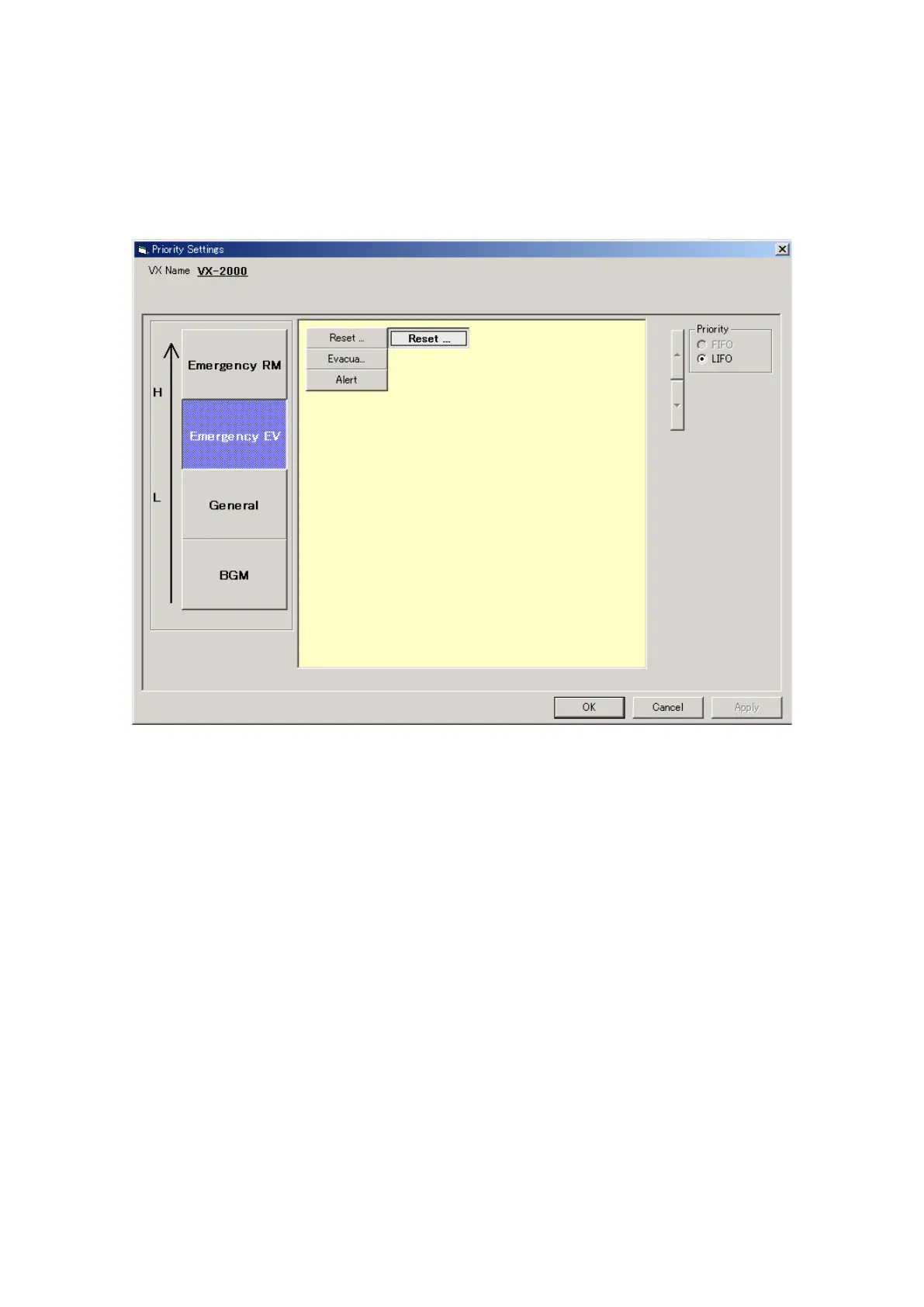
8.1.2. Emergency EV
Clicking on the [Emergency EV] button displays the emergency messages set in the [EV Message Settings]
window. Emergency message priorities are predetermined, and cannot be changed. These are arranged as
follows in order of highest to lowest priority: [Reset], [Evacuation], and [Alert].
It is possible to have several of the same sort of emergency messages. Although their priority levels are the
same, when simultaneous broadcasts are made, they are always broadcast on a last in, first out (LIFO) basis.



 To Next Page