Chapter 4: FUNCTIONS
3. ACTIVATION ITEMS
4-10
3.1.12. Clear
Cancels pre-selections.
Unused
Clear key
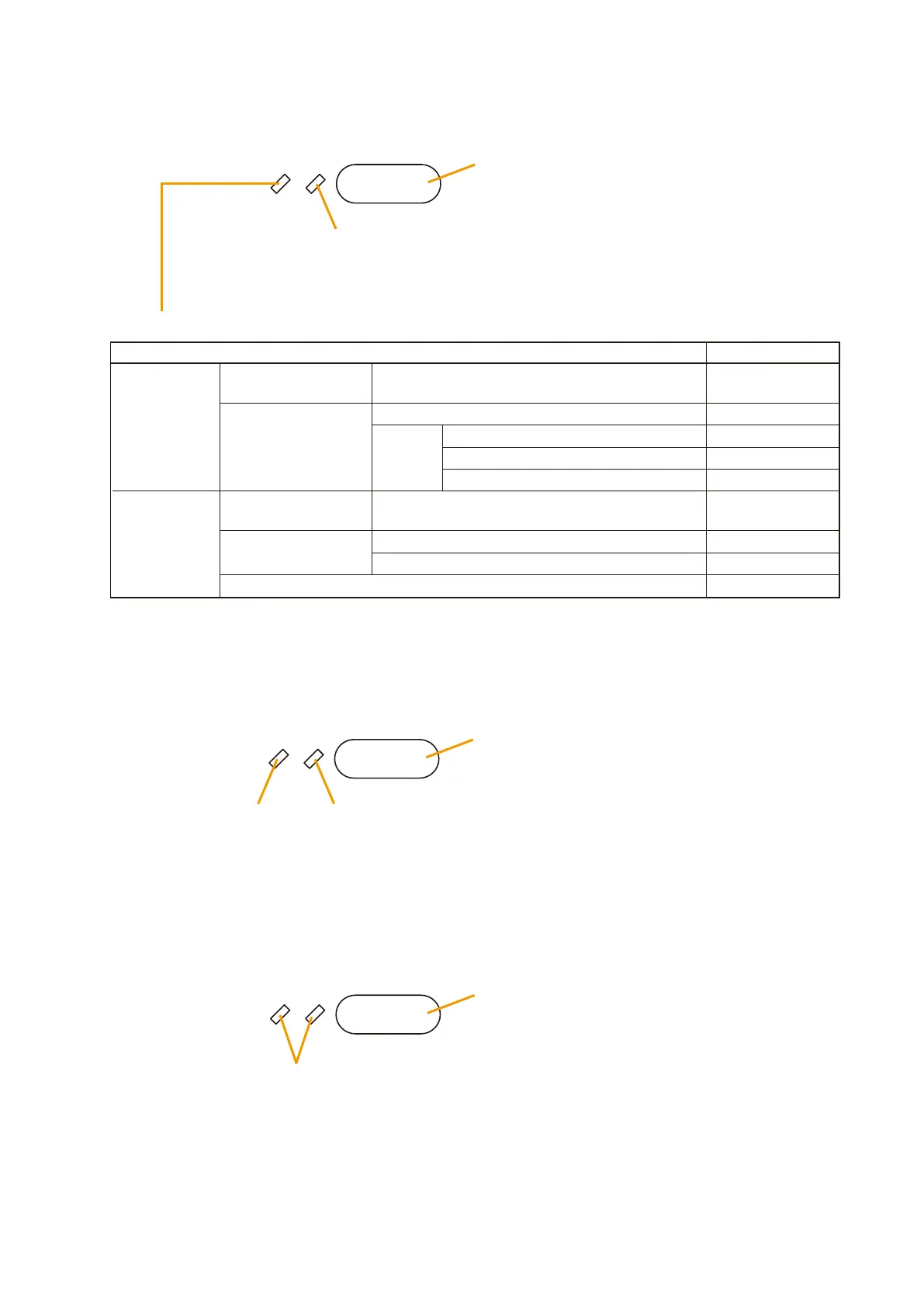
3.1.10. Zone selection
Pre-selects individual broadcast zones.
3.1.11. All-Zone selection
Pre-selects all zones for broadcast.
Select LED
Zone Monitor LED
Zone Select key
• No pre-selection: OFF
• Zone pre-selected: Lights green.
General-purpose
System Status
Emergency
Other Remote
Microphone
operation
Remote Microphone
operation
Microphone in use
Broadcast
made
No broadcast
Other emergency microphone in use
Alert EV message currently broadcast
Evacuation EV message currently broadcast
Zone Monitor LED
OFF
Flashes green.
Flashes red.
Lights red.
Lights green.
Other Remote
Microphone operation
Remote Microphone
operation
Microphone in use
Broadcast made
No broadcast or broadcasting BGM
OFF
Flashes green.
Lights green.
Select LEDUnused
All key
• No pre-selection: OFF
• Zone pre-selected: Lights green.
Broadcasts made to pre-selected zones from other equipment.
Flashes green.



 To Next Page