Chapter 7: PC SOFTWARE OFFLINE SETTINGS
10. ACTIVATION SETTING MODE
7-52
10. ACTIVATION SETTING MODE
Select [Edit
Activation Setting Mode] from the menu.
Clicking on the
button in the toolbar also enables the activation setting
mode.
Here, functions can be assigned to the Remote Microphone function keys,
and the control input and internal timer set.
10.1. Remote Microphone Function Key Assignment
Remote Microphone function keys can be assigned various functions other than simply recalling patterns created
in the Emergency Broadcast, Pattern, and Failure Output Pattern Settings.
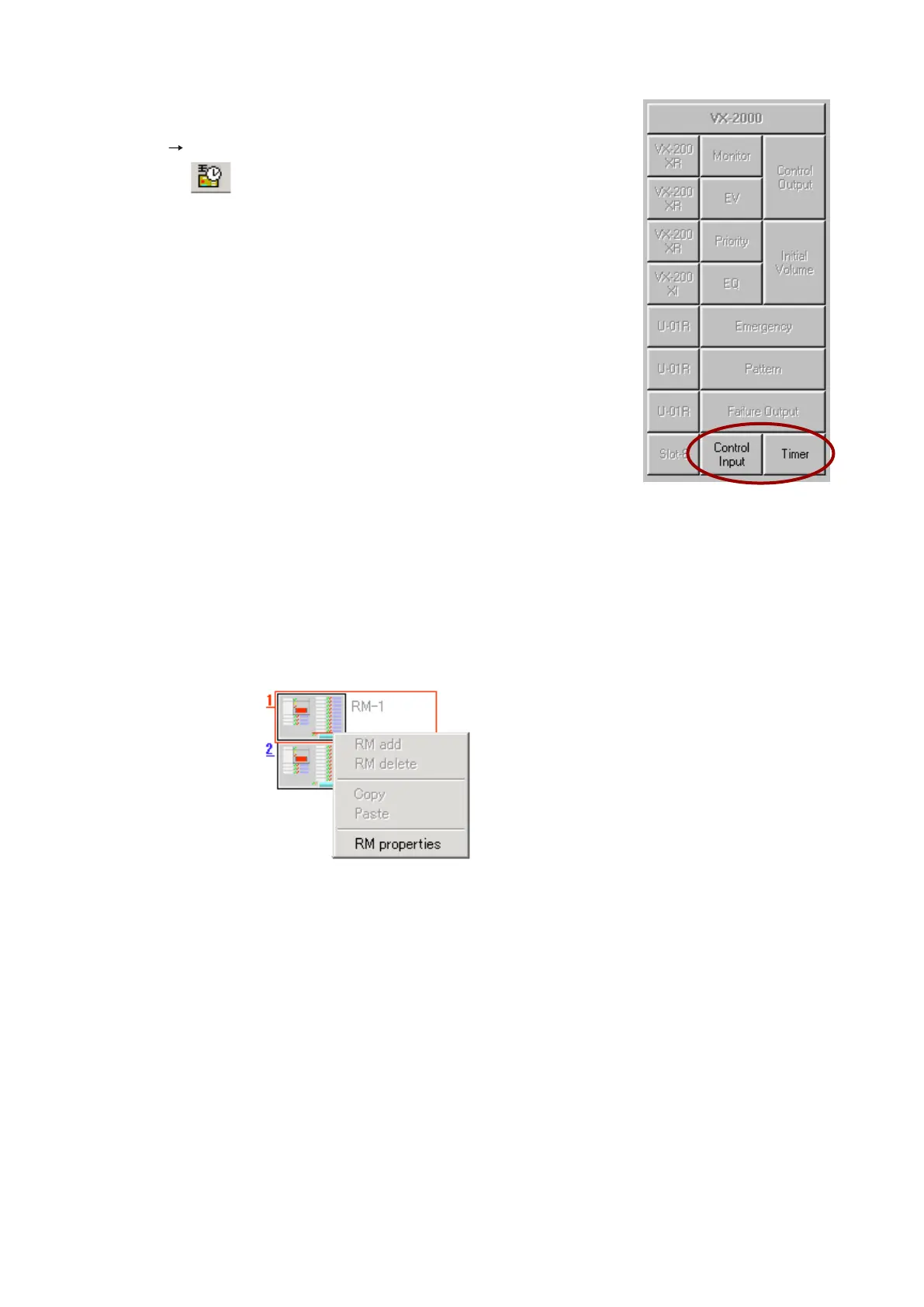
Step 1. Click the right mouse button over the corresponding Remote Microphone icon, and the following pop-
up menu will be displayed.
Continued on next page



 To Next Page