Chapter 7: PC SOFTWARE OFFLINE SETTINGS
8. SYSTEM SETTING MODE
7-36
8.2.2. Initial output volume settings
Output zones are displayed on the right side of the window.
Step 1. Click on the zone to be set.
The selected zone line will be highlighted.
Step 2. Drag the top volume control knob with the mouse to set the initial volume.
The sound volume can be set for 0 to –21 dB in 1 dB step.
This setting can also be performed by directly entering a numerical value in the volume cell.
Step 3. Press the [Apply] button to save the settings and click on the [OK] button to close the [Initial Volume
Settings] window.
Note
When connected online, initial volume settings can be varied by pressing the [Send] button on the [Initial
Volume Settings] window. This makes it possible to output sound and set the volume to adequate initial levels
during system installation. For details, refer to p. 10-15.
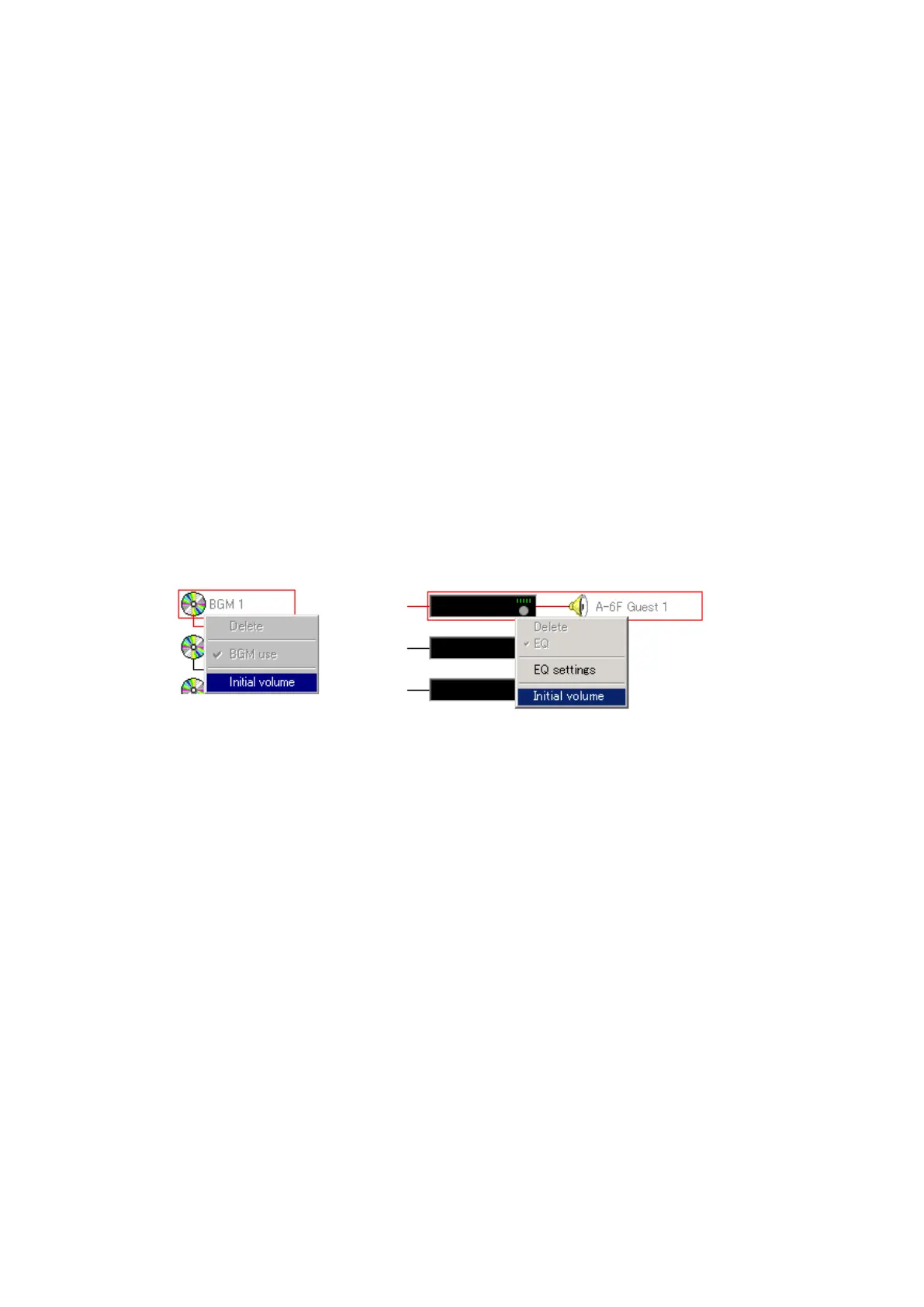
[Pop-up menu operation to set the initial volume]
The [Initial Volume Settings] window can also be opened at the Configuration screen by clicking the right
mouse button over the corresponding equipment block and selecting [Initial Volume] from the pop-up menu
that appears.



 To Next Page