Chapter 8: INSTALLATION AND SETTING PROCEDURES (HARDWARE)
1. RM-200XF AND RM-200X MICROPHONES
8-2
Some settings require equipment panels to be removed. Make sure that the system's power is switched
OFF when there is a chance of bodily contact with the internal components of the equipment, or when
removing or inserting modules. For procedures regarding switching off the system power, refer to the
Instruction Manual attached to the VX-2000DS/3000DS.
1. RM-200XF AND RM-200X MICROPHONES
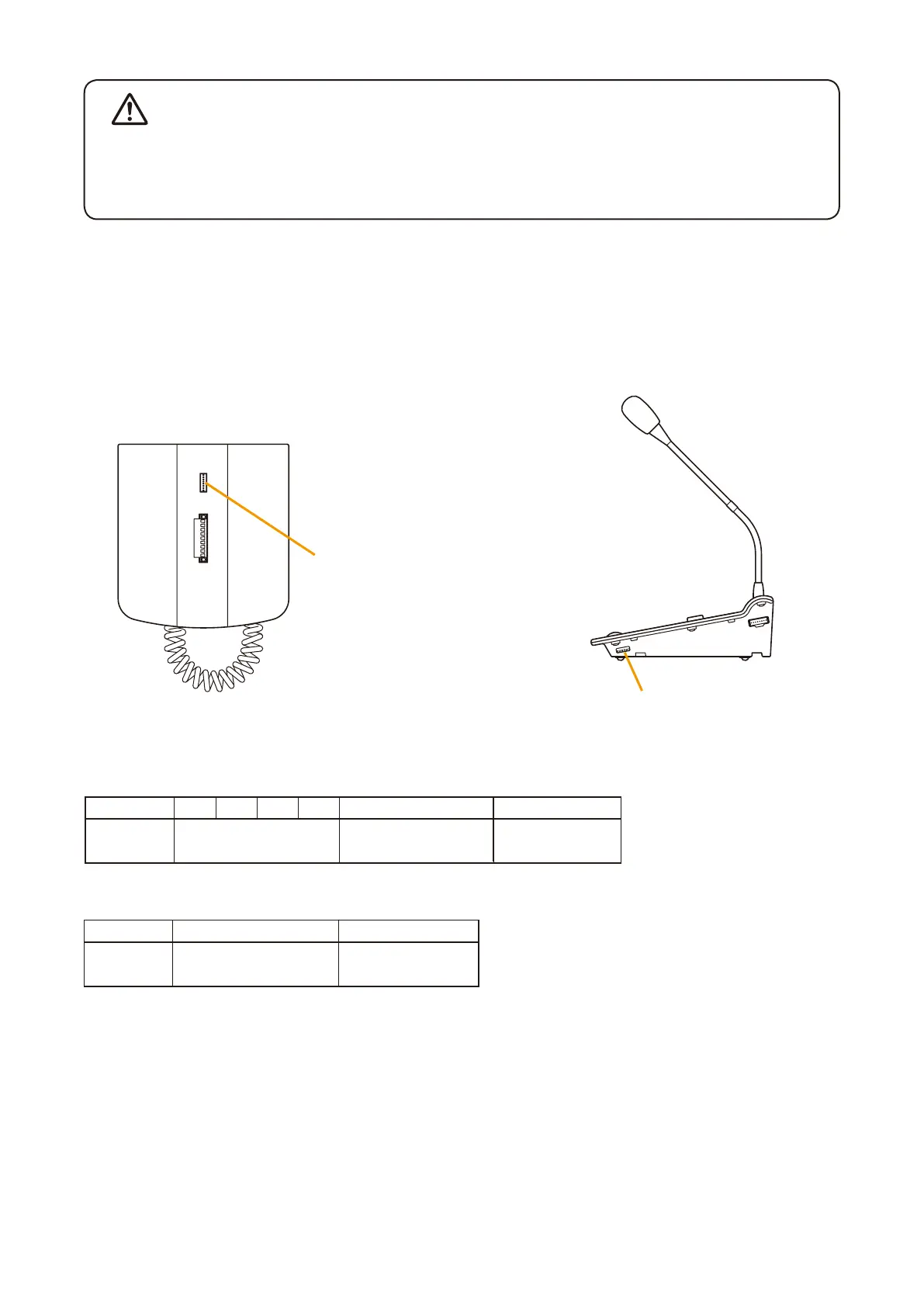
1.1. DIP Switch Settings
1.1.1. DIP switch functions
EXTENSION
[RM-200XF Bottom]
Setting DIP switch
Setting DIP switch
[RM-200X Side]
[Functions common to both the RM-200X and the RM-200XF]
[Functions available only to the RM-200XF]
WARNING
Switch No. 1 2 3 4 5 6
Function Unit ID No. Setting Level Meter
Mode ON/OFF
Compression
ON/OFF
Switch No. 7 8
Function Emergency Button
Enable/Disable
Function Key 2
Enable/Disable



 To Next Page