Chapter 10: PC ONLINE CHECKS AND ADJUSTMENTS
3. SYSTEM CHECK FUNCTIONS
10-12
3.2.2. Using the VX-2000SF's initial setting switch
SETTINGS
ATA FLASH CARD
ACCESS
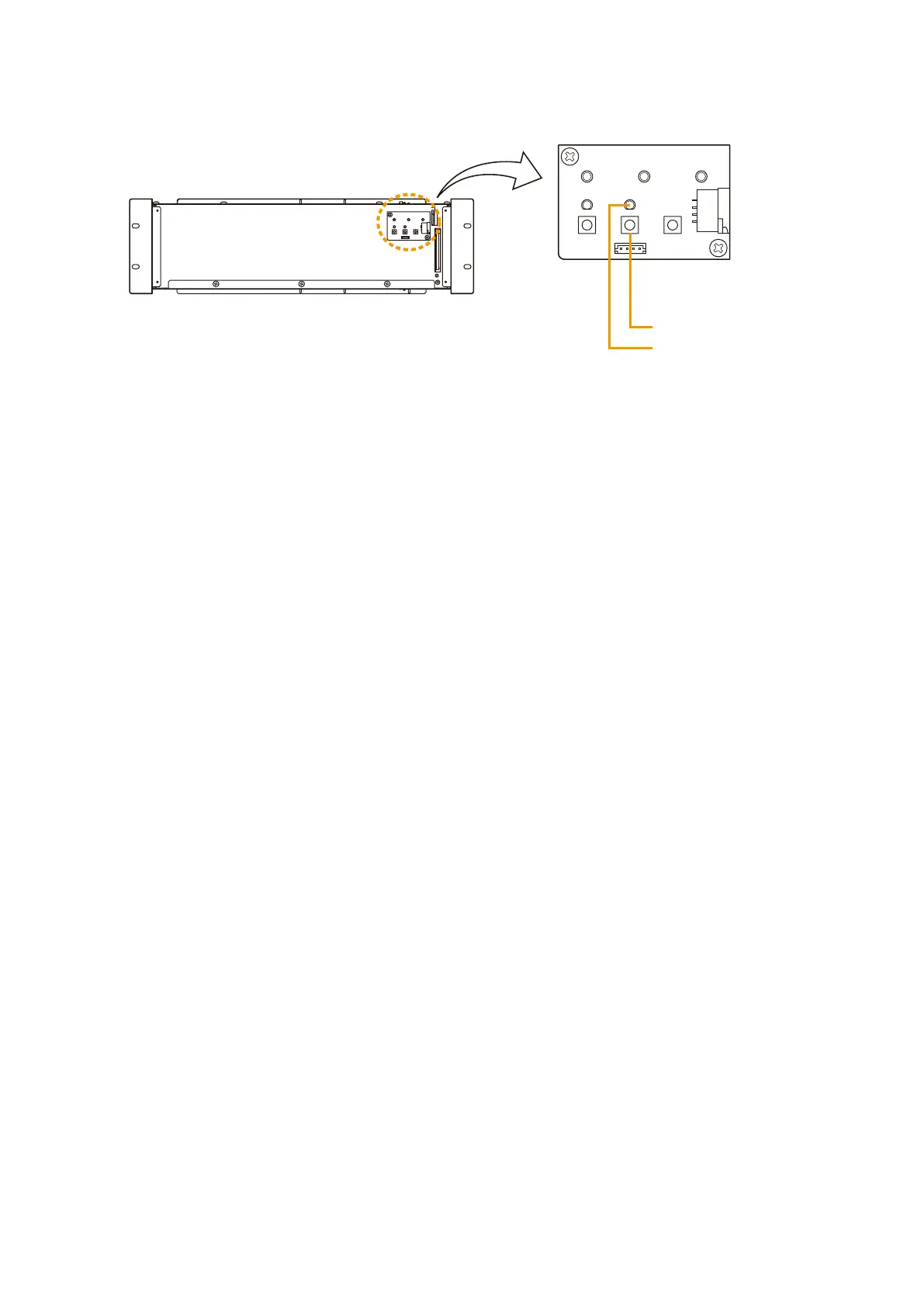
Initial setting switch
Initial setting indicator
[VX-2000SF Front section without front panel]
Step 1. Press the Initial setting switch.
The VX-200SZ's initial setting operation will start, and the VX-2000SF's Initial setting indicator will
continuously light green during this period of time.
Step 2. Check to confirm that the Initial setting indicator is extinguished.
The Initial setting indicator automatically extinguishes upon completion of the initial setting.
Note
If the Initial setting indicator does not extinguish even after a lengthy period of time, there may be something
wrong with the VX-200SZ. In such cases, please contact your nearest TOA dealer.



 To Next Page