Chapter 7: PC SOFTWARE OFFLINE SETTINGS
7. CONFIGURATION SETTING MODE
7-25
7.5. Remote Microphone (RM) Unit Expansion
Two or more Remote Microphones (RM-200X and RM-200XF) can be connected to one input module.
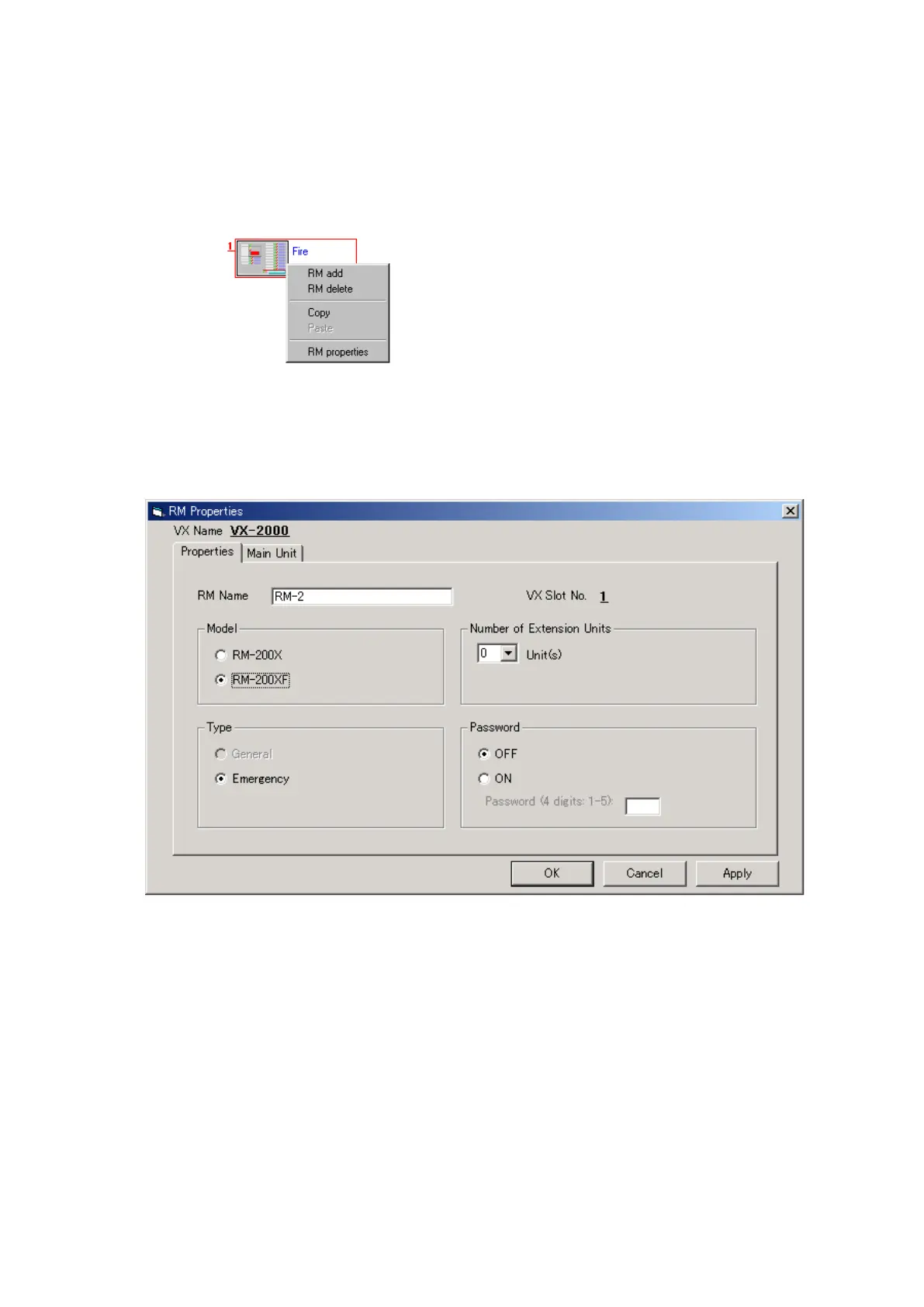
Step 1. Click the right mouse button over the icons for the Remote Microphones to be expanded.
The following menu will then be displayed.
Step 2. Select [RM add] on the menu.
The [RM Properties] window will then open.
Set the Remote Microphone model number, broadcast type, number of extension units and password.
Continued on next page



 To Next Page