Chapter 8: INSTALLATION AND SETTING PROCEDURES (HARDWARE)
1. RM-200XF AND RM-200X MICROPHONES
8-5
1.1.4. Compression settings (Switch 6)
When the compression circuitry is set to ON, broadcasts can be made without voice distortion, even during loud
outbursts. Compression is factory-preset to ON.
1.1.5. Enable/Disable switching for the Emergency button and Function key 2
(Switches 7 and 8, and RM-200XF only)
FIREMAN'S MICROPHONE
RM-200XF
MICSP CPU
OFFON
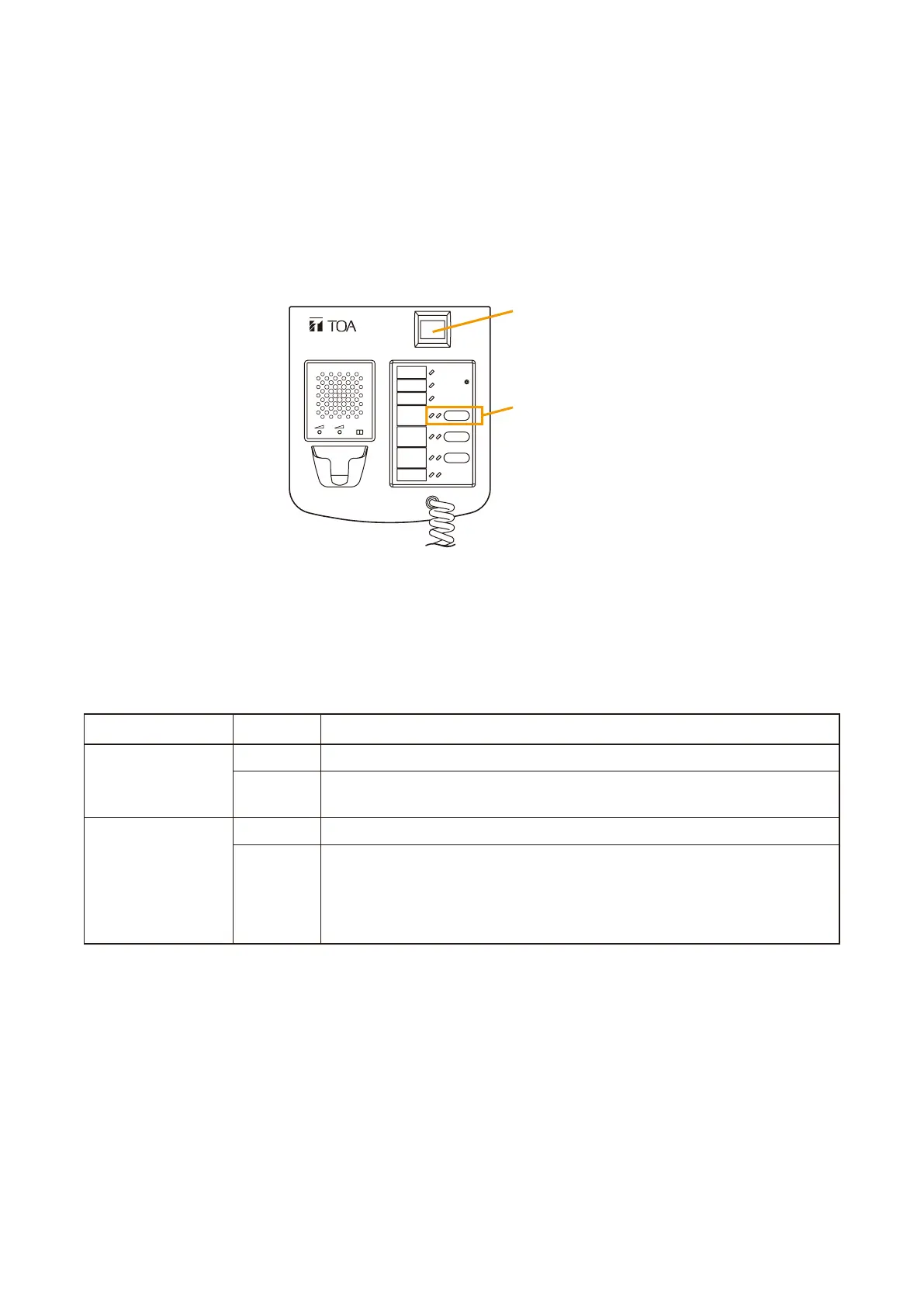
Emergency button
[RM-200XF Top]
Function key 2
Both functions of the Emergency button and Function key 2 are factory-preset for "OFF" (Enable).
Selecting "ON" disables the Emergency button or Function key 2 operation, allowing it only to function as an
indicator.
Use this setting, for example, when Emergency activation from the RM-200XF is not desired but only emergency
mode indication is needed.
For details of the remote microphone indications, refer to p. 4-7.
Operation
The Emergency button operates normally.
The Emergency button will not perform Emergency activation, but
provides only an indication for emergency mode.
The Function key 2 operates normally.
The Function key 2 will not operate, but provides the indications of the
assigned function.
Example: When the function "Evacuation EV message recall" is
assigned, the indication provides the status of the evacuation
EV message broadcast.
Setting DIP Switch
7
8
Function
OFF
ON
OFF
ON



 To Next Page