Chapter 7: PC SOFTWARE OFFLINE SETTINGS
7. CONFIGURATION SETTING MODE
7-18
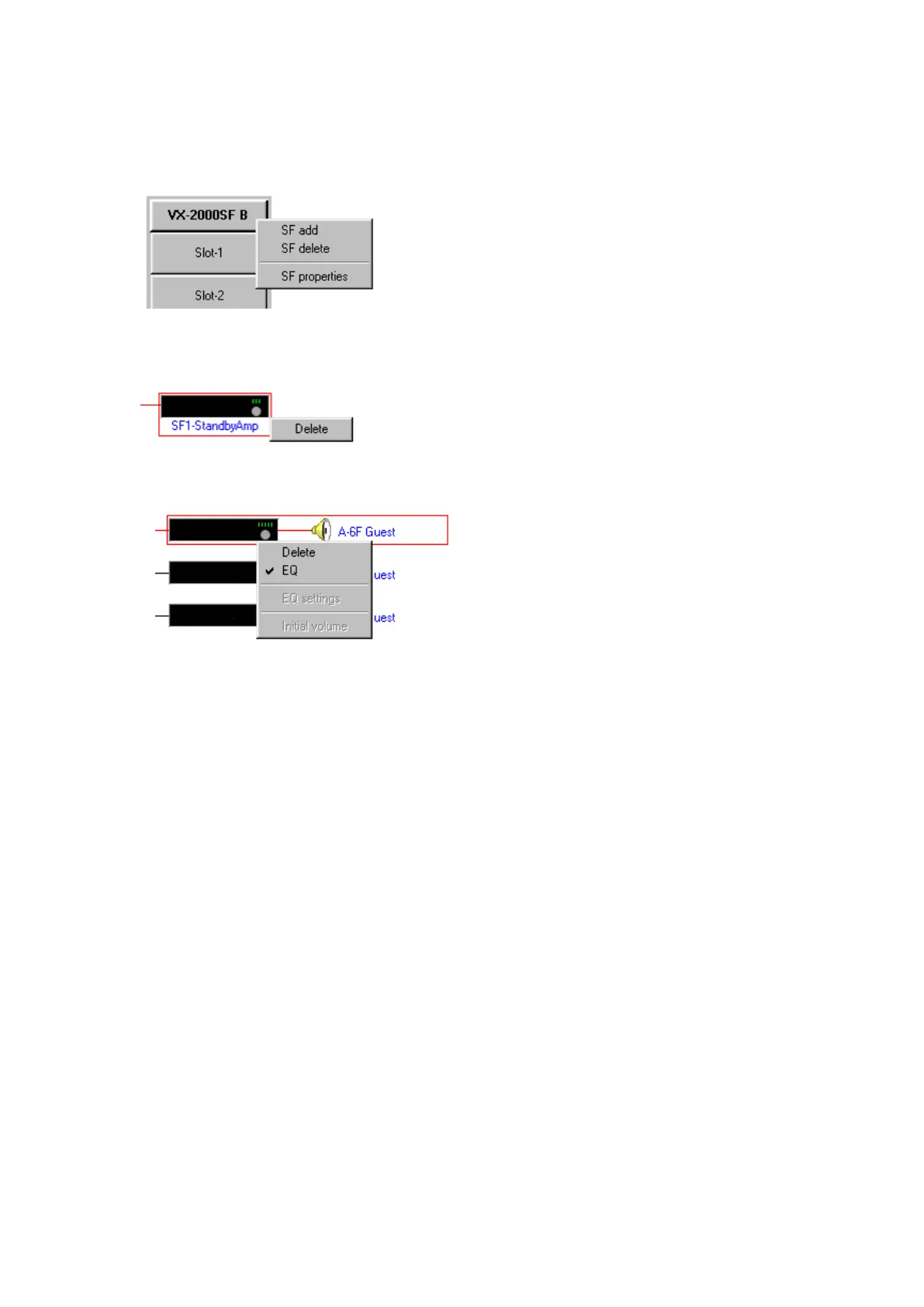
[Pop-up menu operation to change the VX-2000SF configuration]
The following operations can be performed on the Configuration screen as well. Click the right mouse button
over the desired equipment symbol. Since the menu is displayed, select the operation.
•SFexpansionanddeletion,andopeningProperties.
•Standbyamplifierdeletion
•SFmoduledeletionanduse/disuseofanequaliser



 To Next Page