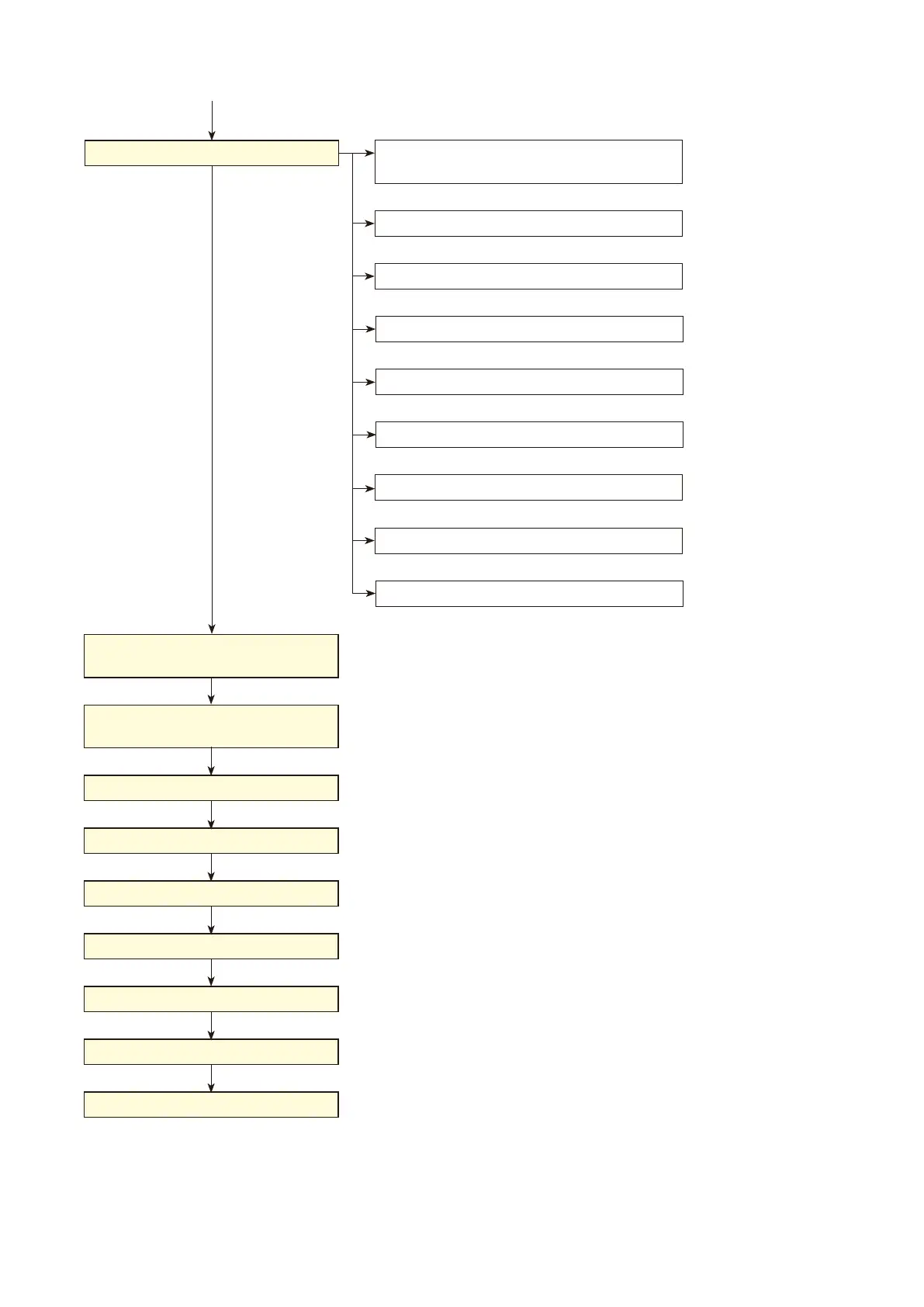
Chapter 6: FROWCHART FROM SYSTEM SETUP TO OPERATION
1. PROCEDURE TO SYSTEM OPERATION
6-4
Remote Microphone, Input Source Equipment
to VX-2000
VX-2000 to VX-2000SF
VX-200SP/SZ to Speakers
Connections
(p. 9-2)
(
p. 9-2)
VX-200SP/SZ to VP Amplifiers
(p. 9-3)
(
p. 9-4)
(
p. 9-4)
VX-2000, VX-200SI/SO to External Devices
VX-2000SF to Standby Amplifier
(p. 9-8)
(
p. 9-9)
VX-2000SF to VX-2000DS' or VX-3000DS' *
2
VX-2000DS or VX-3000DS to Batteries *
2
VX-2000DS to VX-200PS' *
2
PC Connection
(PC Software Online)
(p. 10-3)
VX-2000 Current Date/Time Settings
(p. 10-6)
System Setting File Download
(p. 10-7)
SystemCongurationCheck
(p. 10-8)
VX-200SZ Initialisation
(p. 10-10)
Connection Check*
1
(p. 10-13)
Initial Volume Settings
(p. 10-15)
Equaliser Settings
(p. 10-16)
System Operation
Continued from the previous page
*
1
This function applies to the VX-2000 Setting Software Version 2.0 or later.
*
2
Refer to
the Instruction Manual attached to the VX-2000DS/3000DS
.



 To Next Page