Chapter 7: PC SOFTWARE OFFLINE SETTINGS
6. NEW FILE CREATION
7-12
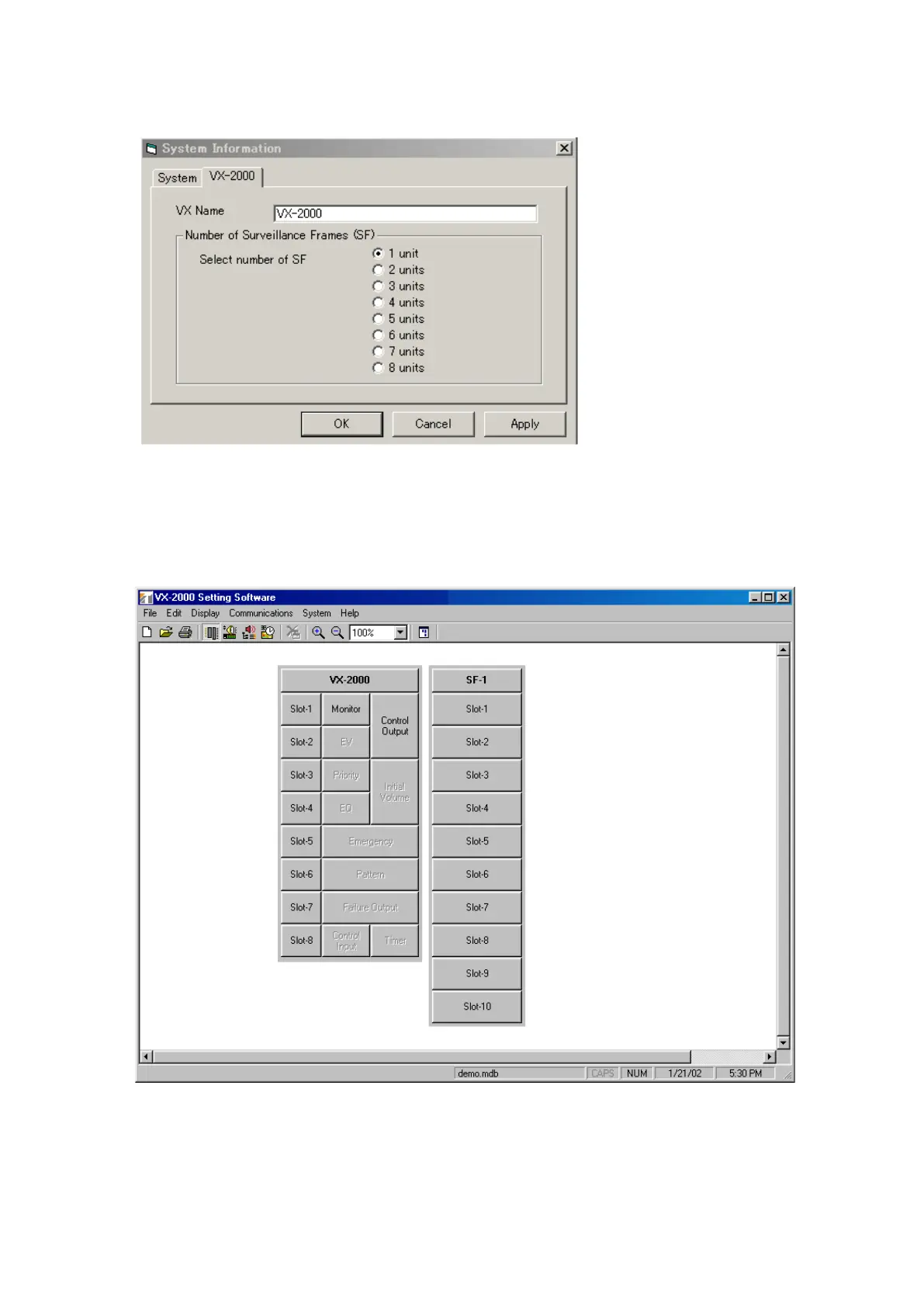
Step 4. Click on the VX-2000 tab. Enter the VX-2000's name if necessary and select the number of connected
VX-2000SF units.
Step 5. Click on the [Apply] button to save the settings and click on the [OK] button.
The [System Information] window will close, and the following configuration screen will be displayed,
advancing the system to the configuration setting mode.
Refer to the next page for setting procedures.



 To Next Page