Chapter 11: OTHER PC SOFTWARE FUNCTIONS
2. SYSTEM SETTING FILE UPLOAD
11- 6
When data transfer is completed, the dialog box "Upload was completed normally." will be displayed.
Pressing the [OK] button closes the dialog box, completing the upload.
Notes
• Uploadedfilesdonotcontainanyuser-setnames(suchaszoneandpatternnames).Whentheuploadedfile
is opened, a default name is displayed instead.
• TheversionintheSystemInformationwindowisnotthePCsettingsoftwareversion.
Enter the version here to manage your system setting file.
Step 4. Enter a project name, the name of Author, and Version, then click on the [OK] button.
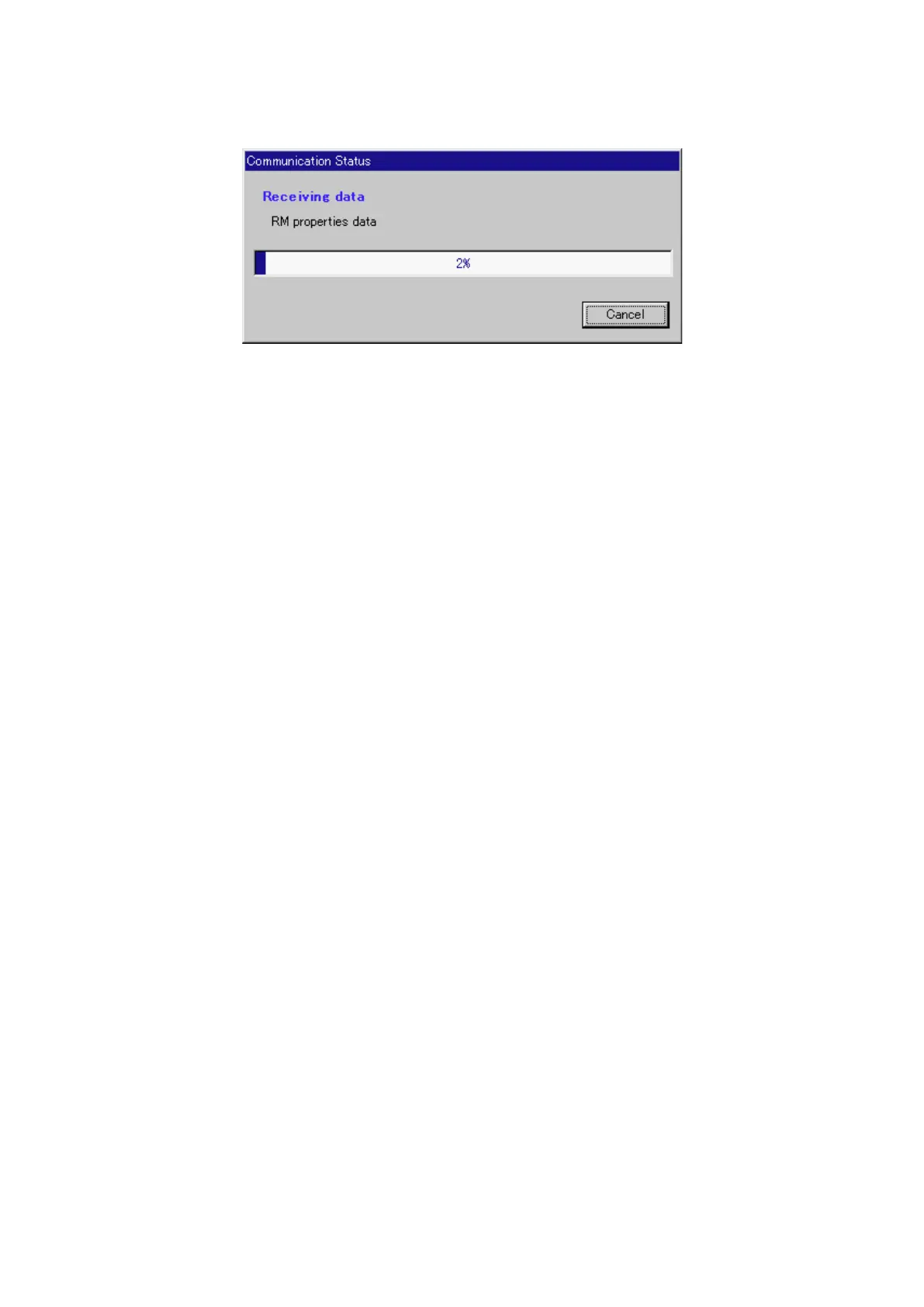
Communications with the VX-2000 will be started, and the screen showing the communication status
displayed.



 To Next Page