Chapter 5: OPERATION
2. EMERGENCY BROADCASTS
5-18
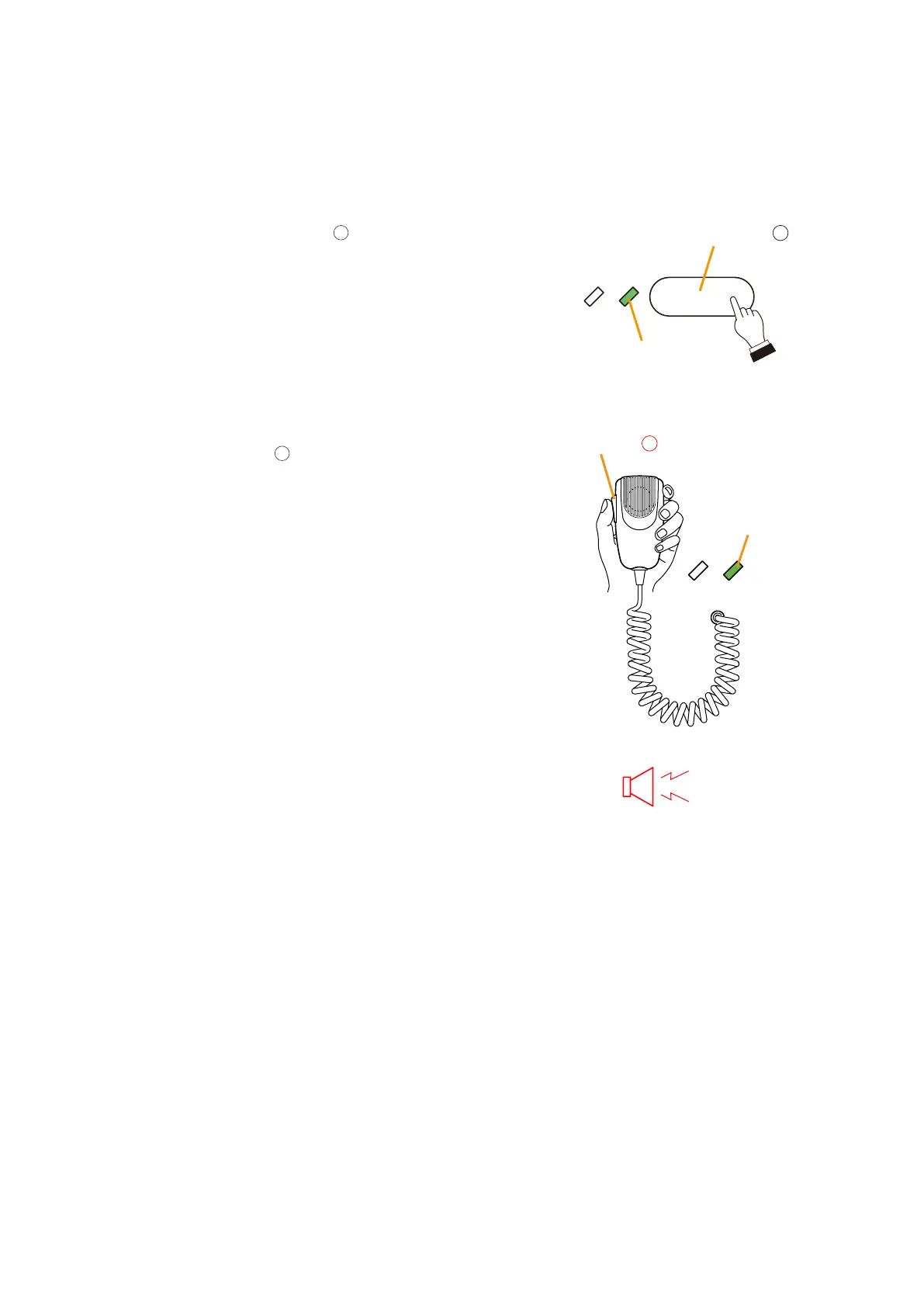
(2) Making a microphone reset announcement after returning to general-purpose broadcast
mode by pressing the Emergency Reset key.
To use a microphone to make announcements in general-purpose broadcast mode, the broadcast zone needs
to be selected. In this example, the broadcast is made to all zones.
Step 1. Press the All-Zone Call key
.
All zones will be pre-selected, and the Select LED will light
green.
Step 2. Press the Talk key
to make announcements.
The right-side Microphone LED lights green.
The announcements are broadcast to the entire zone.
4
All-Zone Call key
Select LED
Lights
Microphone LED
5
Talk key
Lights
To all zones



 To Next Page