KEYS AND MACROS
WORKING WITH MACROS
272 ENVOY™ TRANSCEIVER REFERENCE MANUAL
Related links:
Moving a macro on page 277
Navigating the menu structure on page 92
Entering text in a field on page 103
Entering text with the 2221 Handset on page 106
Selecting a value from a list on page 107
Selecting/deselecting a check box on page 108
Saving your changes on page 111
Overview of basic and advanced views on page 94
Overview of user and admin levels on page 96
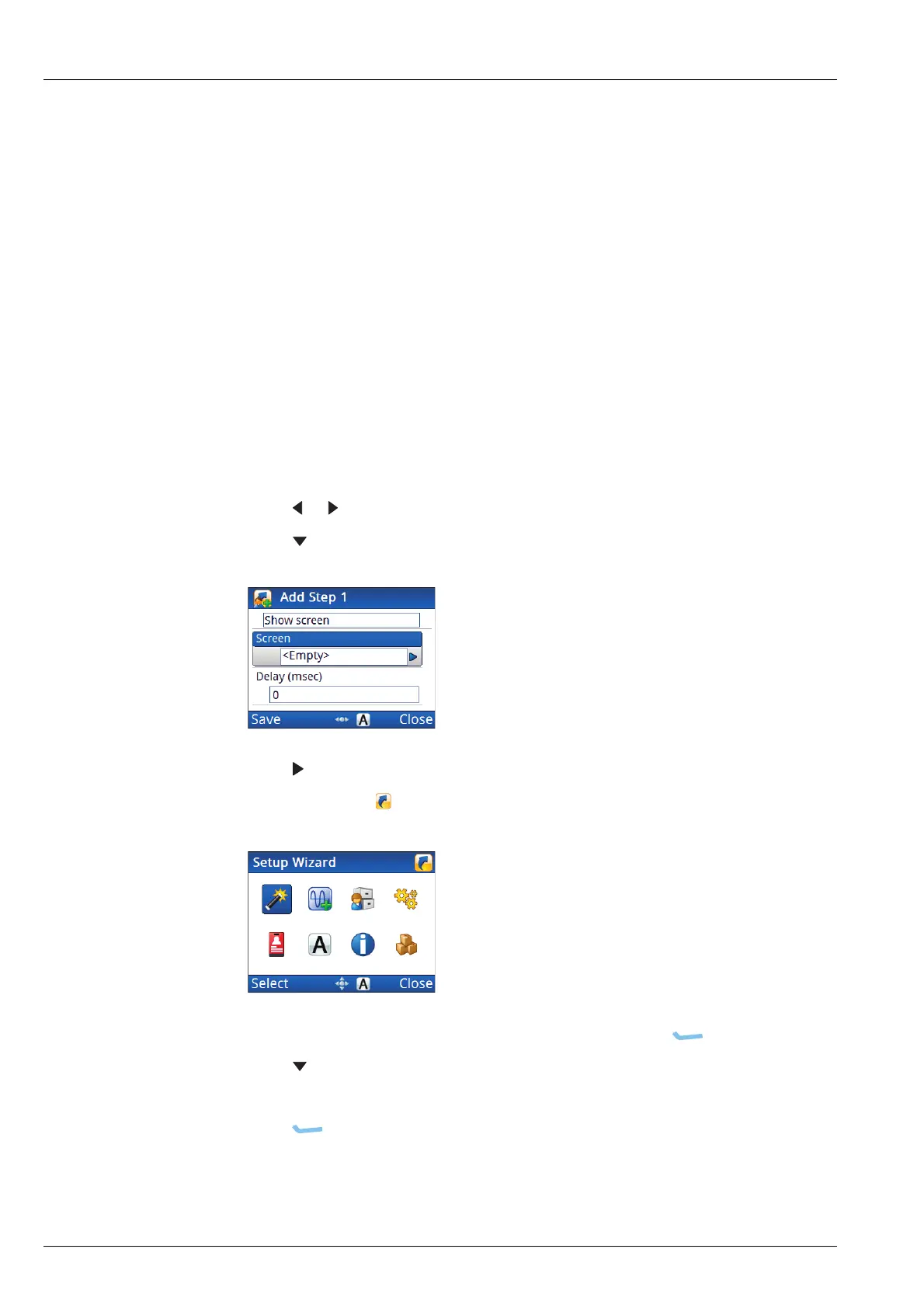
Adding a step that shows a screen
To show a screen:
1 Press or to select the Show screen value.
1 Press to move to the Screen entry.
1 Press .
The macro icon ( ) flashes at the top right of the screen.
1 Navigate to the screen that you want to show, then press (Select).
1 Press to move to the Delay entry.
1 Enter the delay (in msec) that you want between the macro steps.
1 Press (Save) to save the information.
1 Continue from Completing the macro on page 276.



 To Next Page