OPERATING THE TRANSCEIVER
CALLING
ENVOY™ TRANSCEIVER REFERENCE MANUAL 51
1 Do one of the following:
• To repeat the call to the last address used, press CALL.
• To call a different station, enter the address, then press CALL.
• To repeat or return a call from the Call Log, press to scroll to the call,
press or to select your required call type, then press CALL.
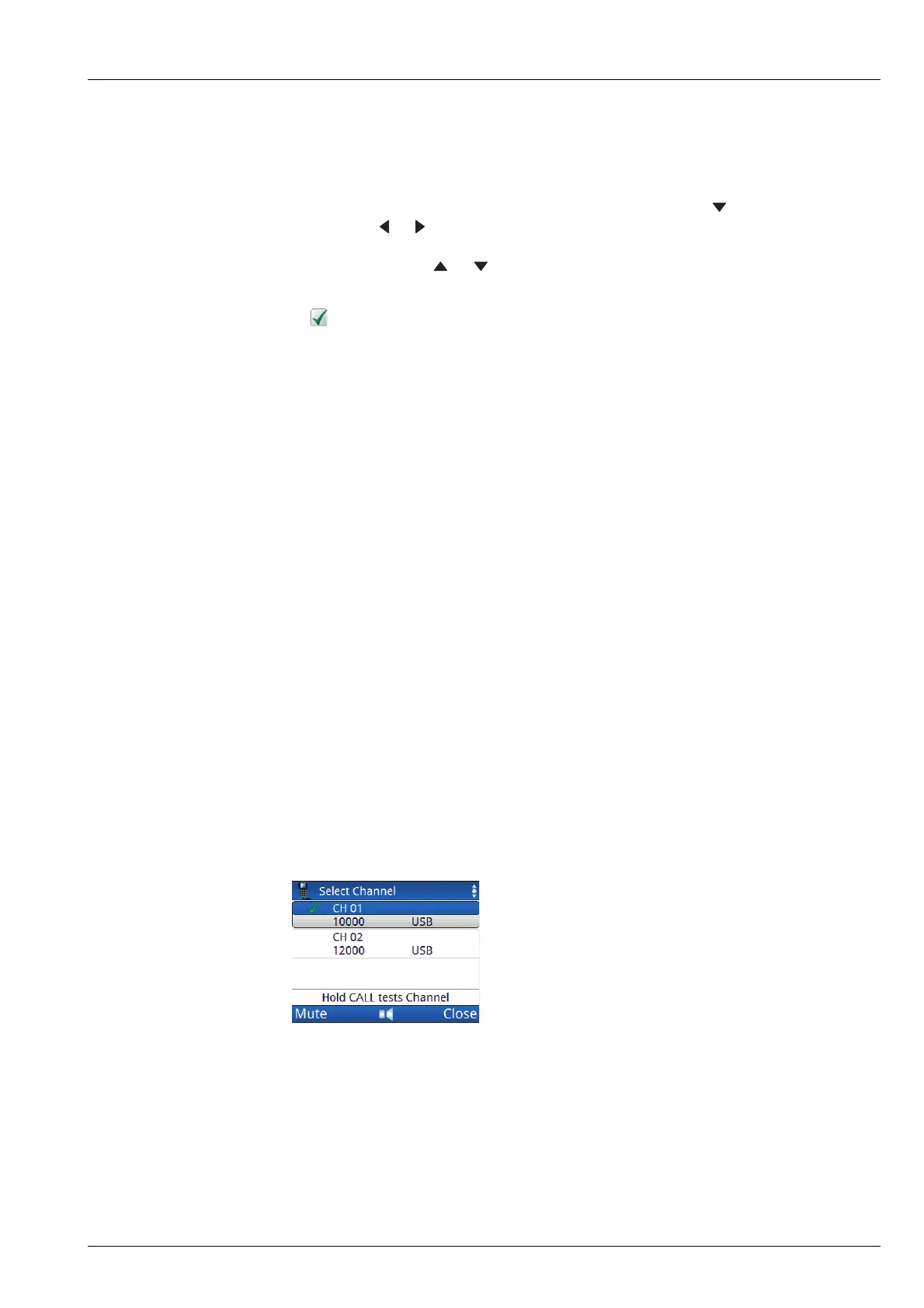
1 If prompted, press or to scroll to the channel that you want to test, then
press CALL.
A is shown next to the currently selected channel/mode.
1 Listen for the revertive signal from the other station.
The volume and clarity of the signal indicates the quality of the channel/mode.
Related links:
Channel Test call on page 435
Entering text in a field on page 103
Selecting information to be shown in a status area on page 28
Making a Channel Test call as part of a call in a Selcall HF network
If you want to test the suitability of a channel/mode for transmitting voice or data
during a call, you can make a Channel Test call within the call that you are making.
NOTE: If you set up one of the status areas to show the Rx level, you can view
the strength of the revertive signal.
To test a channel as part of a call in a Selcall HF network:
1 Start the call that you want to make to the other station.
1 When you are prompted to select a channel for the call, scroll to the channel that
you want to use, then hold CALL to perform the Channel Test call.
1 Listen for the revertive signal from the other station.
The volume and clarity of the signal indicates the quality of the channel/mode.
1 Do one of the following:
• If the channel is suitable, press CALL.
• If you want to test another channel, scroll to the channel, then hold CALL.



 To Next Page