CDM-625 Advanced Satellite Modem Revision 13
Ethernet-based Remote Product Management MN-CDM625
6–13
The CDM-625 Web Server Interface menu tree diagram (Figure 6-2) indicates those primary and
nested IP Packet Processor pages having conditional access and operation with an asterisk (*).
Further, each interface page subsection (under Sect. 6.5.4 Web Server Page Descriptions)
governed by such restrictions contains an advisory note similar to this example:
These pages are accessible only to Admin users and when the optional IP Packet
Processor card is installed and enabled. See Sect. 6.5.3.1
about using these conditional access pages.
6.5.4 Web Server Page Descriptions
Access to and availability of certain CDM-625 Web Server Interface pages are
dependent upon the options purchased for operation (e.g., the IP Packet Processor
card) as well as the detected presence of
auxiliary equipment (e.g., Block Up
Converters, Low Noise Block Down Converters, Redundancy Switches, etc.), as
installed and configured for use with the CDM-625. Any s
restrictions are noted in the subsections that follow through the remainder of this
chapter.
6.5.4.1 Home Pages
Click the Home, Contact, or Support tab to continue.
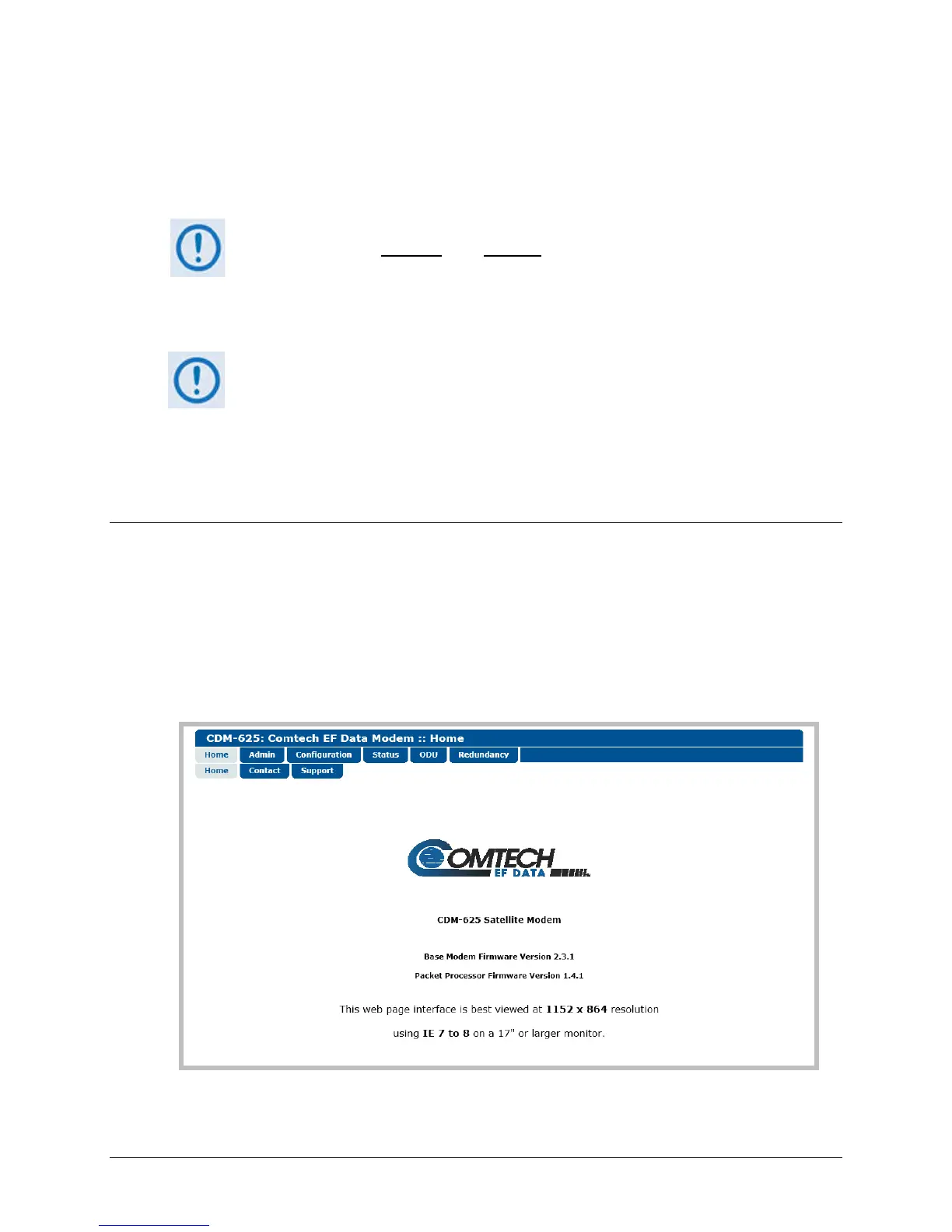
6.5.4.1.1 Home | Home
Use this page to identify the product and its current operating firmware version. Click the Home
navigation tab and/or the nested page tab to return to this page from anywhere in the Web
Server Interface.
Figure 6-3. CDM-625 Satellite Modem Home page



 To Next Page