CDM-625 Advanced Satellite Modem Revision 13
Appendix F MN-CDM625
F–42
F.4.2.4 ODU Pages
All ODU pages are viewable with all three levels of user login. However, you may
submit changes to the ‘ODU | Config’ and ‘ODU | Utilities’ pages only if you have
Administrative or Read/Write privileges.
When configuring the CDM-625 for 70/140 MHz operation, use the ‘ODU (Outdoor Unit)’ pages
to control and monitor the CSAT-5060 or KST-2000A/B Outdoor Unit that is connected via FSK
to the CDM-625.
ODU Comms must be Enabled, and the CDM-625 must be configured for 70/140
MHz operation, in order to fully access the ‘ODU | Config’, ‘ODU | Status’, and
‘ODU | Utilities’ pages.
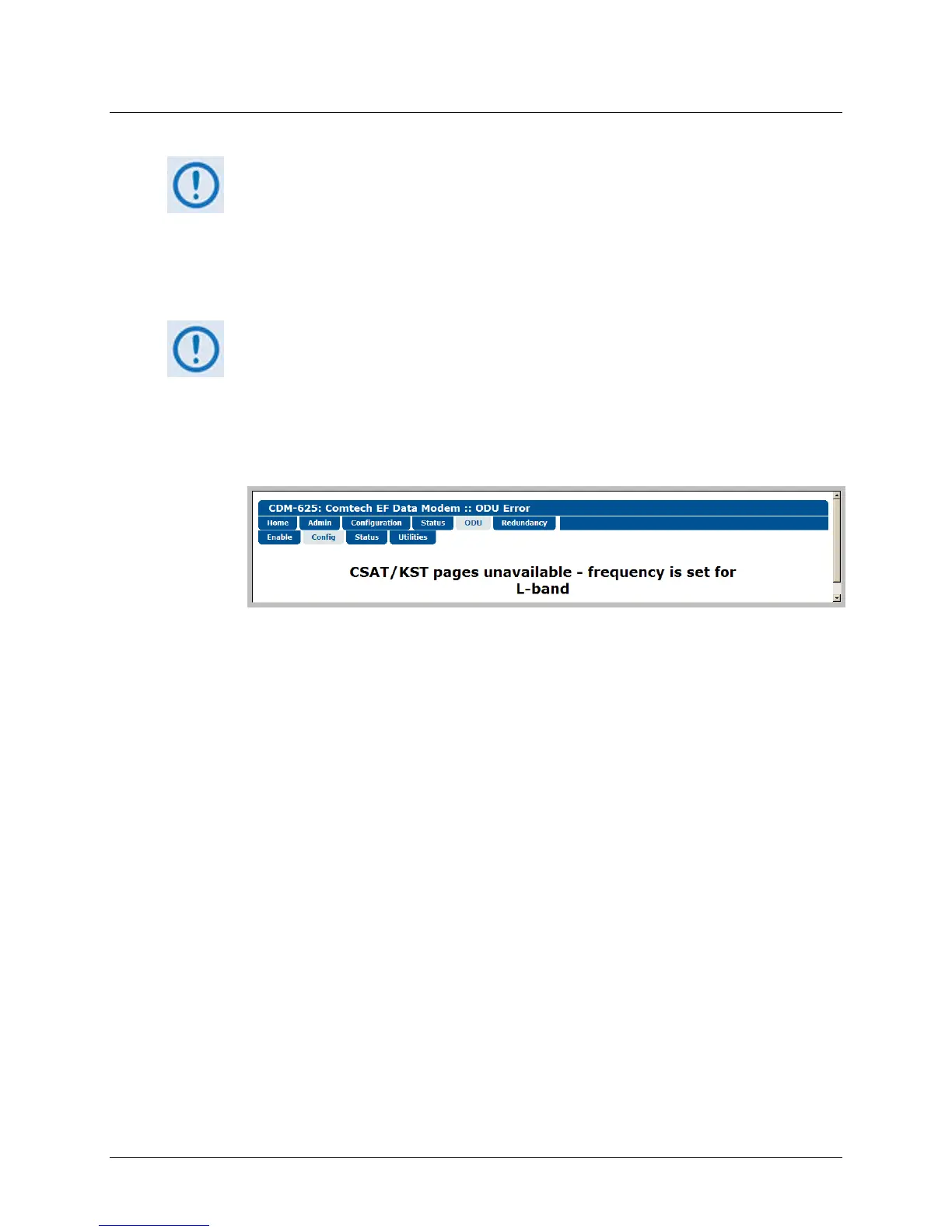
If the CDM-625 is otherwise configured for L-Band operation and selection of the
‘ODU | Config’, ‘ODU | Status’, and ‘ODU | Utilities
’ pages is attempted, the
following error message displays:
When you configure the CDM-625 for L-Band operation, use the ‘ODU | Enable’ page to enable
FSK operation for BUC products.
Click the Enable, Config, Status, or Utilities tab to continue.



 To Next Page