CDM-625 Advanced Satellite Modem Revision 13
Appendix E MN-CDM625
E–21
E.3.2.7 Home > Administration > Restore Factory Defaults
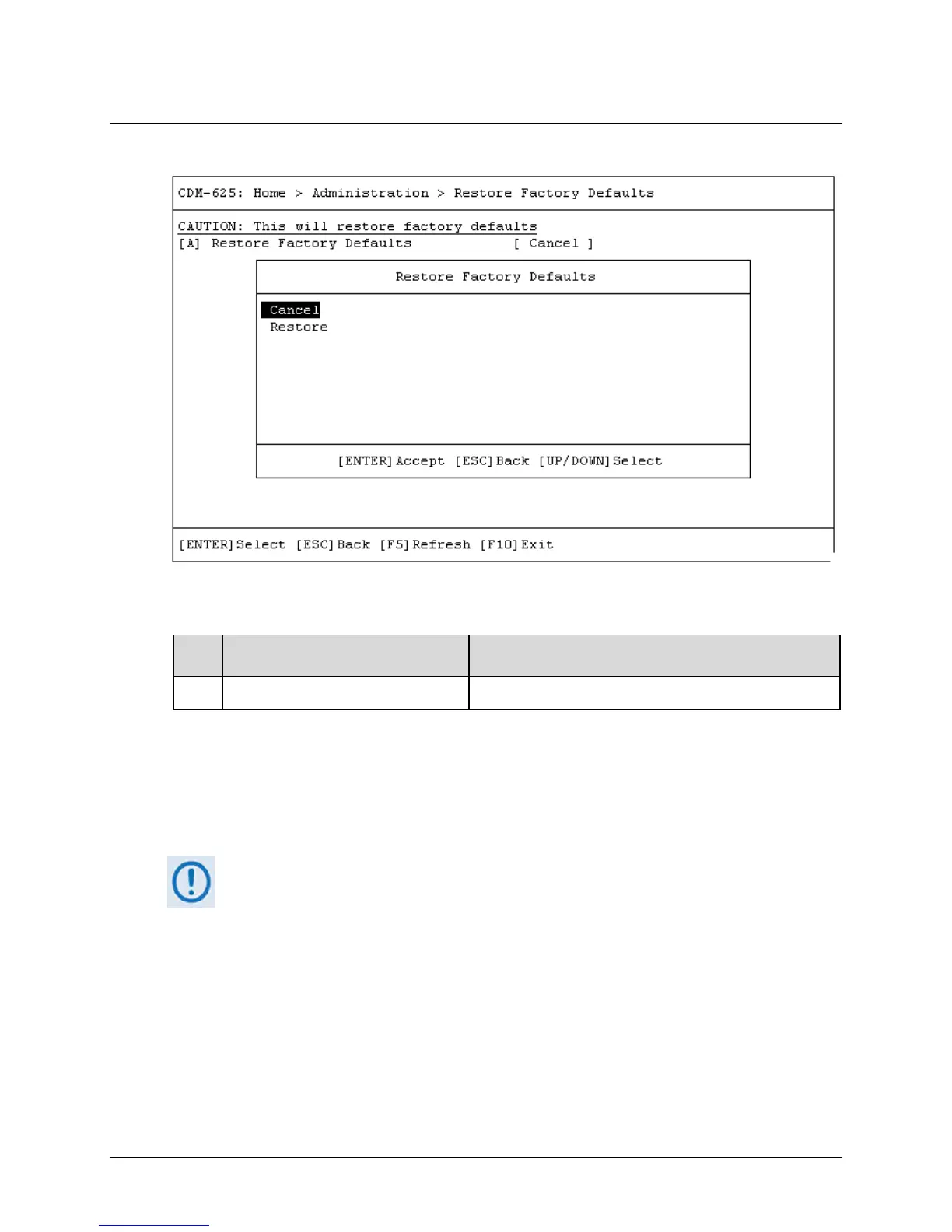
Open the Restore Factory Default page from the Administration submenu. Use this page to
restore the CDM-625 settings to the original settings as shipped from the factory.
Key
Dialog Window Option Entry
A Restore Factory Defaults Use the ↑↓ arrow keys to set as Cancel (default) or Restore
Press [A] to open the Restore Factory Defaults dialog window. Otherwise, press [ESC] to return
to the Administration submenu.
By selecting Restore, the unit proceeds with restoration of factory defaults. Wait while the unit
reboots.
You must restart your Telnet CLI session upon reboot of the CDM-625.



 To Next Page