CDM-625 Advanced Satellite Modem Revision 13
Rear Panel Connectors and Pinouts MN-CDM625
3–19
3.3.3.1 Optional DC Operation – CDM-625 Accessories
Contact your Comtech EF Data sales representative during normal business hours to purchase
any of these available accessories:
CEFD P/N Description
KT-0020683 DC to AC Conversion Kit for CDM-625 Base Modem
KT-0020680 DC to AC Conversion Kit for CDM-625 with IP Packet Processor
DC Primary Power Supply: -48 VDC, w/required cables
CA-0000455 DC Pigtail Adapter
KT/9640-3 BUC Power Supply: 24 VDC 90W (50° C) (100-240 VAC Input)
KT-0000029 BUC Power Supply: 48 VDC 150W (50° C) (100-240 VAC Input)
KT-0000185 BUC Power Supply: 24 VDC 90W (50° C) (-48 VDC Input)
KT-0000186 BUC Power Supply: 48 VDC 150W (50° C) (-48 VDC Input)
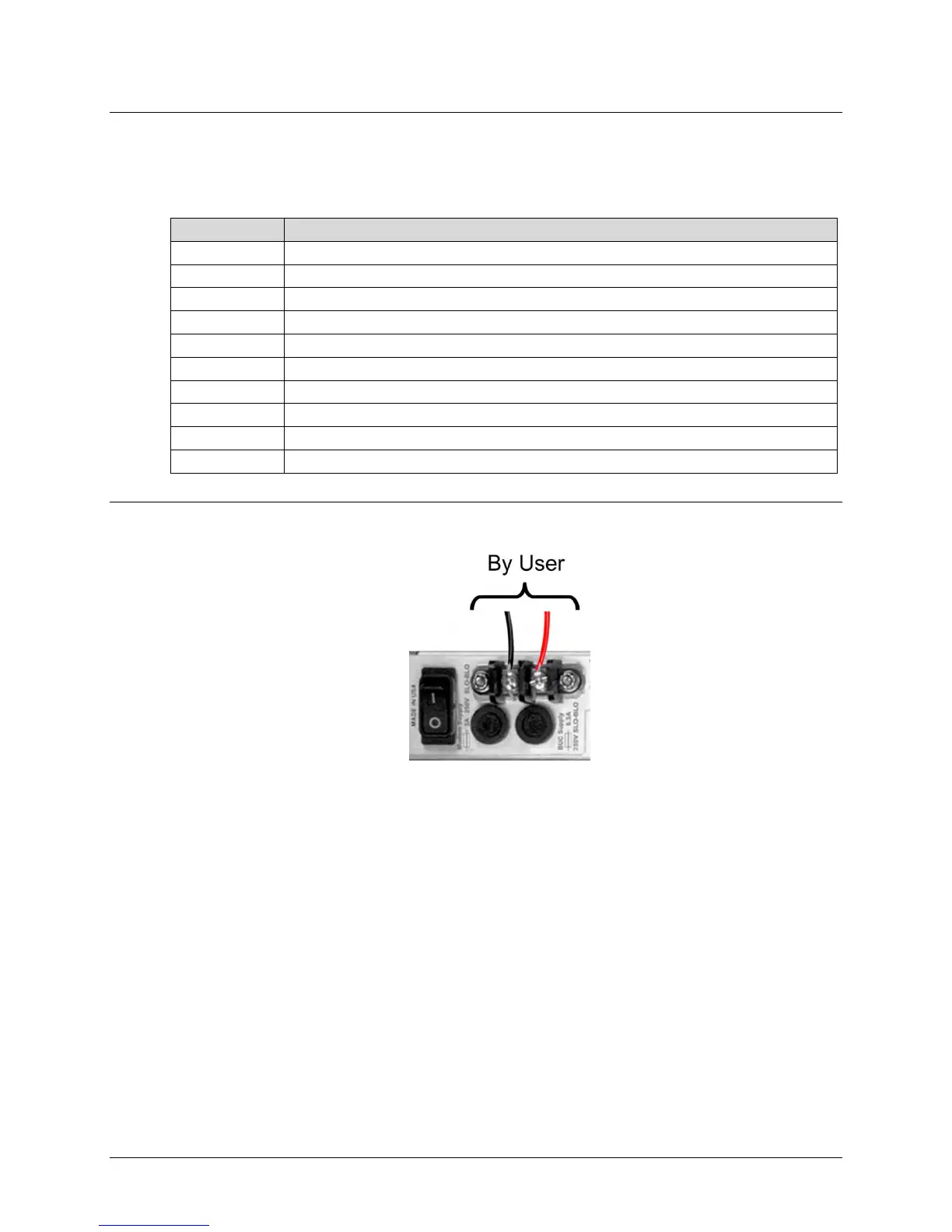
3.3.3.2 Optional DC Operation – Applying Power
Figure 3-11. Applying Power to the CDM-625 Optional DC Chassis
To apply DC power to the CDM-625:
• First, connect the user-supplied (+) and (–) DC power leads to their respective terminals.
Number 18 AWG minimum wires are recommended.
• Then, connect the user-supplied DC power leads to the power source.
• Finally, switch the unit ON.



 To Next Page