CDM-625 Advanced Satellite Modem Revision 13
Appendix E MN-CDM625
E–71
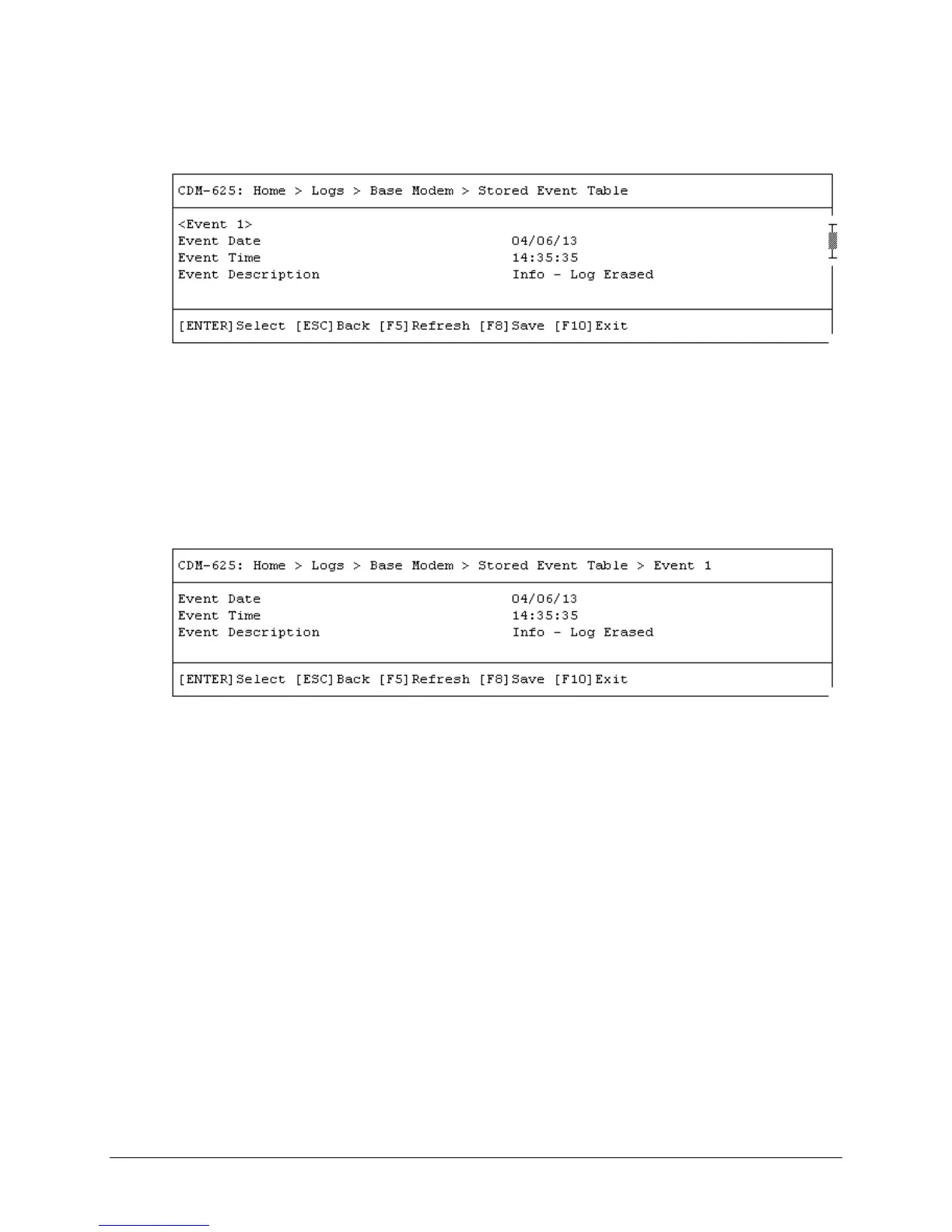
E.3.9.1.1 Home > Logs > Base Modem > Stored Event Table
Open the scrollable Stored Event Table from the Base Modem page. Use the ↑↓ arrow keys to
scroll through the available entries. A date, time, and description is provided for each event.
Events are numbered in the order logged, from the time the event logging buffer was last
cleared.
Press [ESC] to return to the Base Modem page. Or, you may press [ENTER] to select, and then
view in a standalone window, a specific stored event as shown in this example:



 To Next Page