CDM-625 Advanced Satellite Modem Revision 13
Carrier ID (MetaCarrier®) MN-CDM625
19–4
USE OF THE SERIAL-BASED REMOTE CONTROL INTERFACE, THE TELNET-BASED
REMOTE CONTROL INTERFACE, AND THE ETHERNET-BASED SNMP INTERFACE ARE
RECOMMENDED ONLY FOR ADVANCED USERS. COMTECH EF DATA STRONGLY
ENCOURAGES USE OF THE CDM-625 FRONT PANEL OR WEB SERVER (HTTP)
INTERFACE FOR MONITOR AND CONTROL (M&C) OF THE CDM-625.
19.4.1 Enabling Carrier ID Operation
19.4.1.1 Enabling Operation via the CDM-625 Front Panel and VFD
Sect. 5.2.6.3 Utilities: CarrID (Chapter 5. FRONT PANEL OPERATION)
From the front panel main (SELECT:) menu, use the
◄ ► arrow keys to select the Utility menu
branch, and then press ENTER. Then, from the Utilities: screen, use the
◄ ► arrow keys to
select the CarrID submenu. Press ENTER to continue (the solid block indicates the cursor
position upon navigation to that display item):
SELECT: Configuration Test Monitor
Info Store/Ld Utility ODU FAST ()
Utilities: Set-RTC Display-Bright CarrID
LED Redundancy Circuit-ID Firmware Em
Carrier ID: Disabled (Disabled, Enabled)
()
Use the
▲▼ arrow keys to select Carrier ID (MetaCarrier) operation as Enabled, and then press
ENTER.
19.4.1.2 Enabling Operation via the CDM-625 Web Server (HTTP) Interface
S
ect. 6.5.4.3.7 Configuration | Utilities (Chapter 6. ETHERNET-BASED REMOTE
PRODUCT MANAGEMENT)
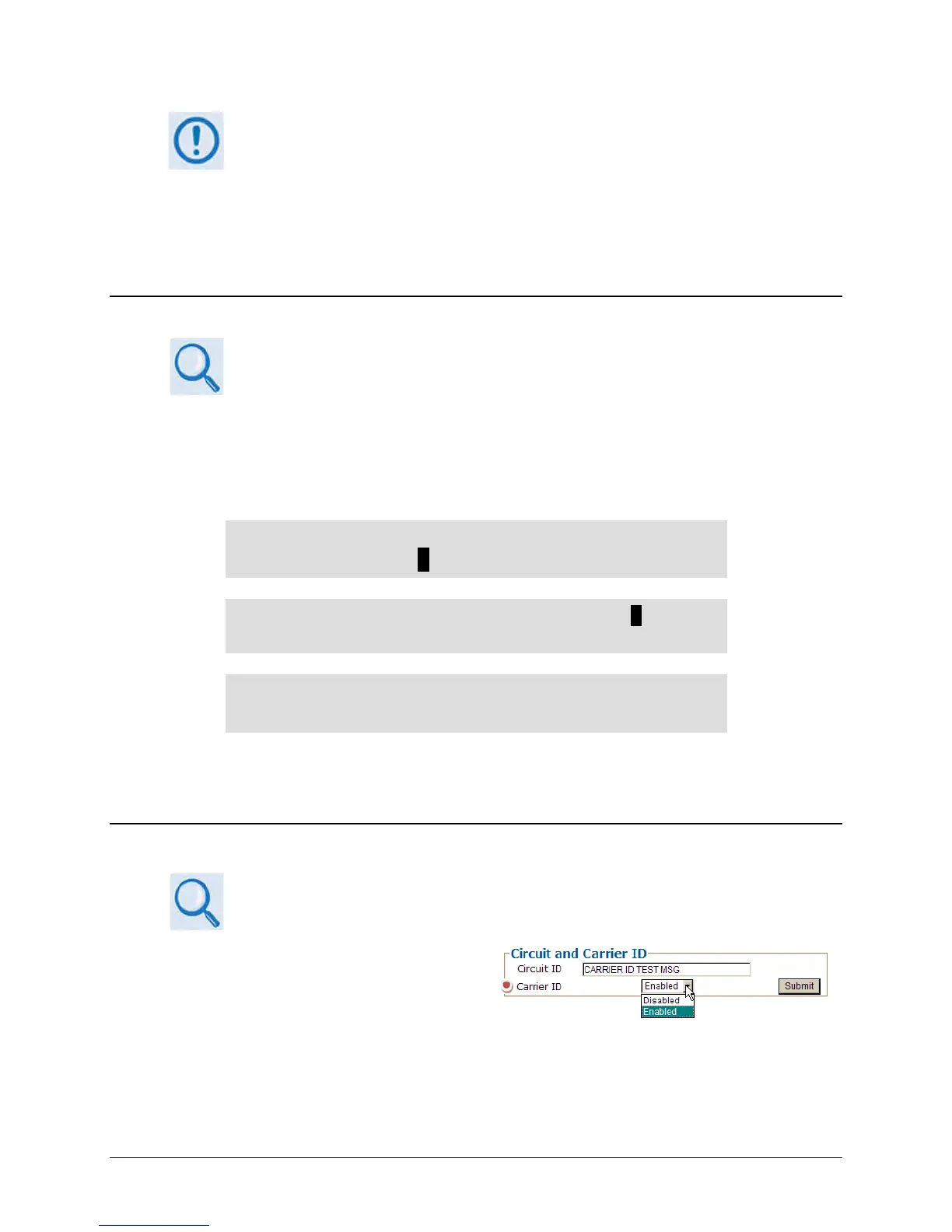
Log in to the CDM-625 Web Server (HTTP)
Interface. Click the Configuration, and then
the Utilities navigation tabs. In the Circuit and
Carrier ID section of the ‘Configuration |
Utilities’ page, use the drop-down list to
select Carrier ID operation as Enabled, and
then click [Submit] to execute the selection.



 To Next Page