CDM-625 Advanced Satellite Modem Revision 13
Appendix F MN-CDM625
F–54
F.5 ODU Operations via the CDM-625 Telnet Command Line Interface (CLI)
Appendix E. TELNET COMMAND LINE INTERFACE (CLI) OPERATION
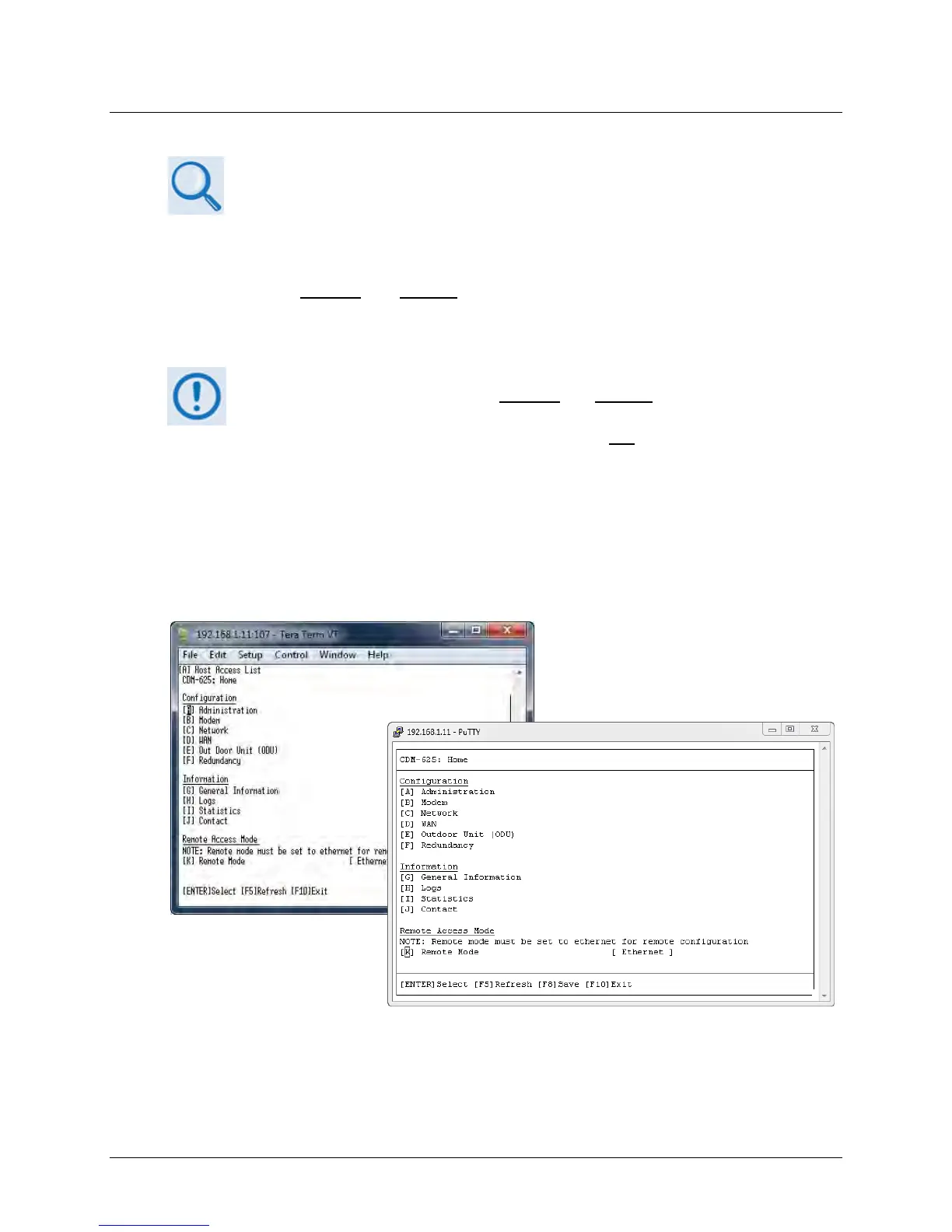
The Telnet Command Line Interface (referred to hereafter as the Telnet CLI or the CLI) (Figure
F-15
) is an Ethernet-based user menu system for the CDM-625 Advanced Satellite Modem
equipped with an installed
and enabled optional IP Packet Processor card. The CLI facilitates
configuration, monitoring, and control of a CSAT-5060 Transceiver (ODU), installed in standalone
or 1:1 Redundancy configurations, using a user-supplied terminal emulator.
1. The CDM-625 Telnet Command Line Interface (CLI) is accessible only when the
optional IP Packet Processor is installed and enabled.
2. The CDM-625 Telnet CLI uses Telnet TCP Port 107. Be sure to specify this port
when configuring your terminal emulator for CLI operation.
3. For best results Comtech EF Data recommends PuTTY or Tera Term as the
preferred terminal emulators.
4.
The Telnet CLI’s Remote Access Mode must be set to [Ethernet] in order to use
the Telnet CLI for ODU operations.
Figure F-15. CDM-625 Telnet Command Line Interface (CLI)
(Left) Tera Term CLI Example
(Right) PuTTY CLI Example



 To Next Page