CDM-625 Advanced Satellite Modem Revision 13
Appendix F MN-CDM625
F–64
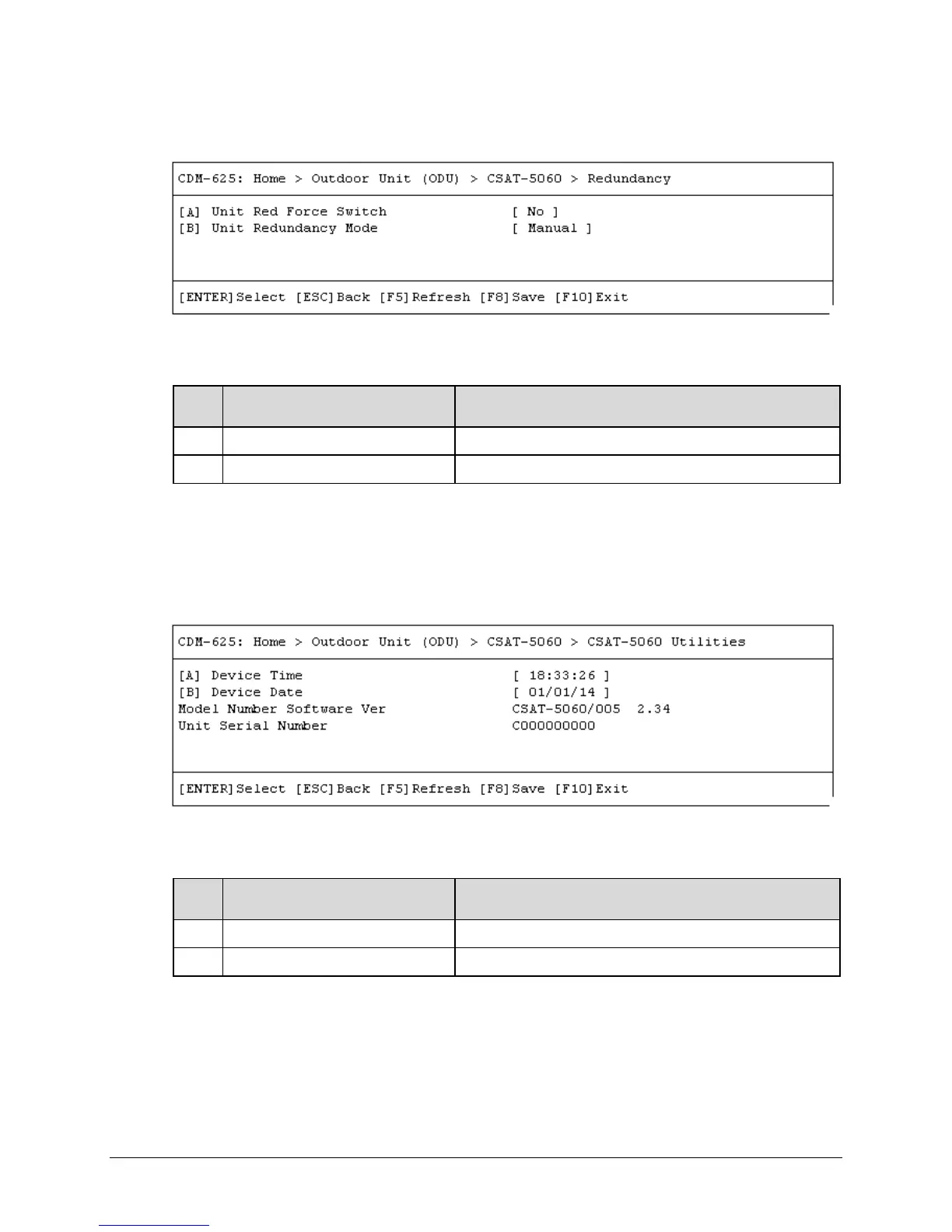
F.5.1.2.1.7 Home > Outdoor Unit (ODU) > CSAT-5060 > Redundancy
Open the Redundancy page from the nested CSAT-5060 submenu. Redundant ODU
configuration options are as follows:
Dialog Window Option Entry
Unit Red Force Switch Use the
arrow keys to select
or
Unit Redundancy Mode Use the
arrow keys to select
or
Press a hot key to open a dialog window. Otherwise, press [ESC] to return to the nested CSAT-
5060 submenu.
F.5.1.2.1.8 Home > Outdoor Unit (ODU) > CSAT-5060 > Utilities
Open the Utilities page from the nested CSAT-5060 submenu. This page contains the following
options:
Dialog Window Option Entry
Enter a time in the form HH:MM:SS
Device Date Enter a date in the form
The page additionally provides the model number, software version, and unit serial number of
the recognized ODU.
Press a hot key to open a dialog window. Otherwise, press [ESC] to return to the nested CSAT-
5060 submenu.



 To Next Page