CDM-625 Advanced Satellite Modem Revision 13
Ethernet-based Remote Product Management MN-CDM625
6–37
6.5.4.3.4 Configuration | Managed Switch
The features on this nested page are
accessible only to Admin users and when the
optional IP Packet Processor card is installed and enabled. See Sect. 6.5.3.1 for
complete details about using conditional access pages.
For configuration of Managed Switch Mode features that do not require the
presence or enabling of the optional IP Packet Processor (i.e., L2 QoS, Dedicated
Management Port, VLAN Mode), see Sect. 6.5.4.3.2.1 Configuration | LAN | IP.
Managed Switch Mode is primarily intended for operation in a point-to-point topology. It
supports VLAN as well as advanced features such as QoS, Header Compression, Payload
Compression, and Encryption/Decryption.
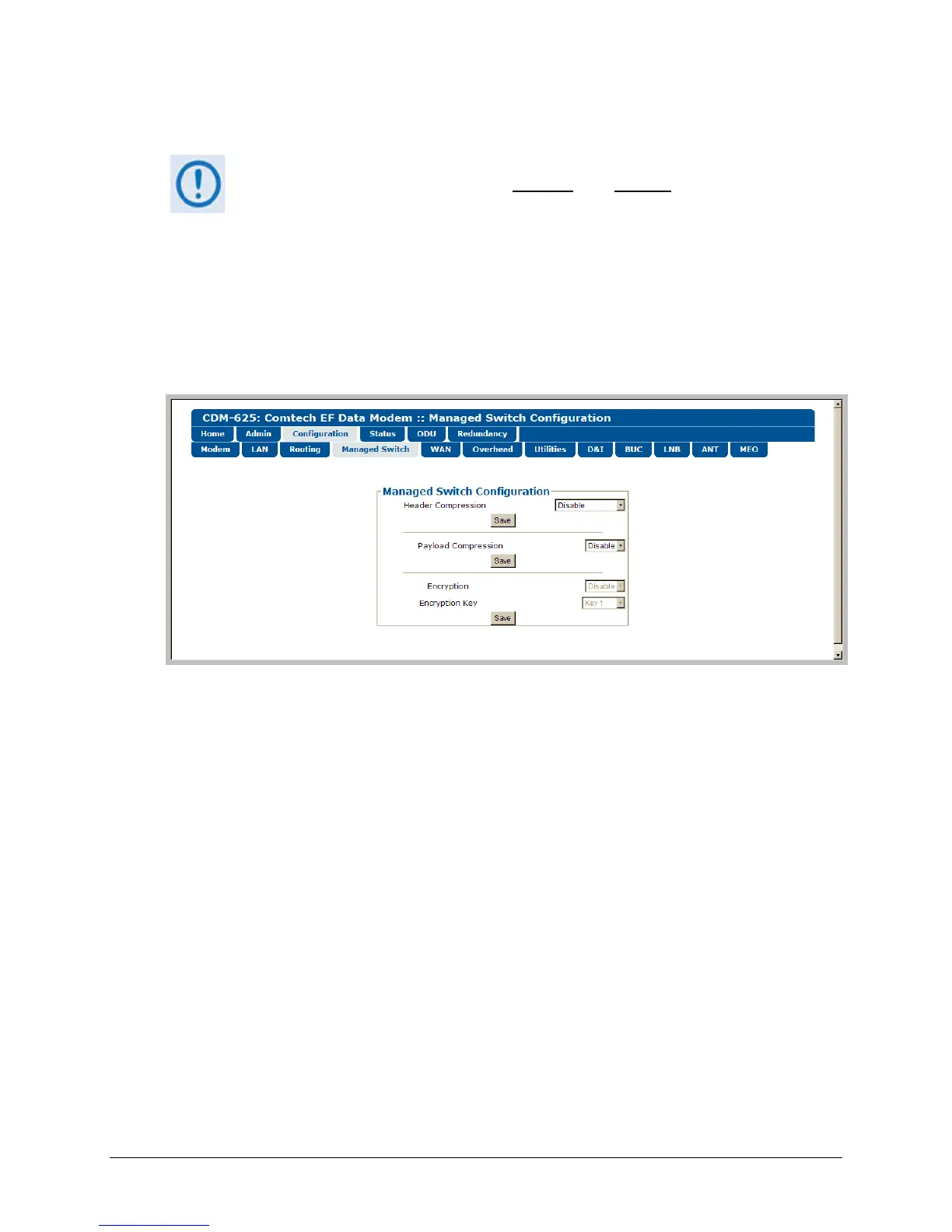
Figure 6-20. Configuration | Managed Switch page
Managed Switch Configuration
• Header Compression – When this optional feature is available, use the drop-down list select
Header Compression as Disable, L2 Enabled, or L2/L3 Enabled.
Click [Save] to save this setting.
• Payload Compression – When this optional feature is available, use the drop-down list to
Disable or Enable Payload Compression.
Click [Save] to save these settings.
• Encryption – When this optional feature is available , use the drop-down list to Disable or
Enable Encryption.
• Encryption Key – When this optional feature is available and encryption has been Enabled,
the Encryption keys are used to encrypt traffic being sent over the satellite interface:



 To Next Page