CDM-625 Advanced Satellite Modem Revision 13
Appendix E MN-CDM625
E–41
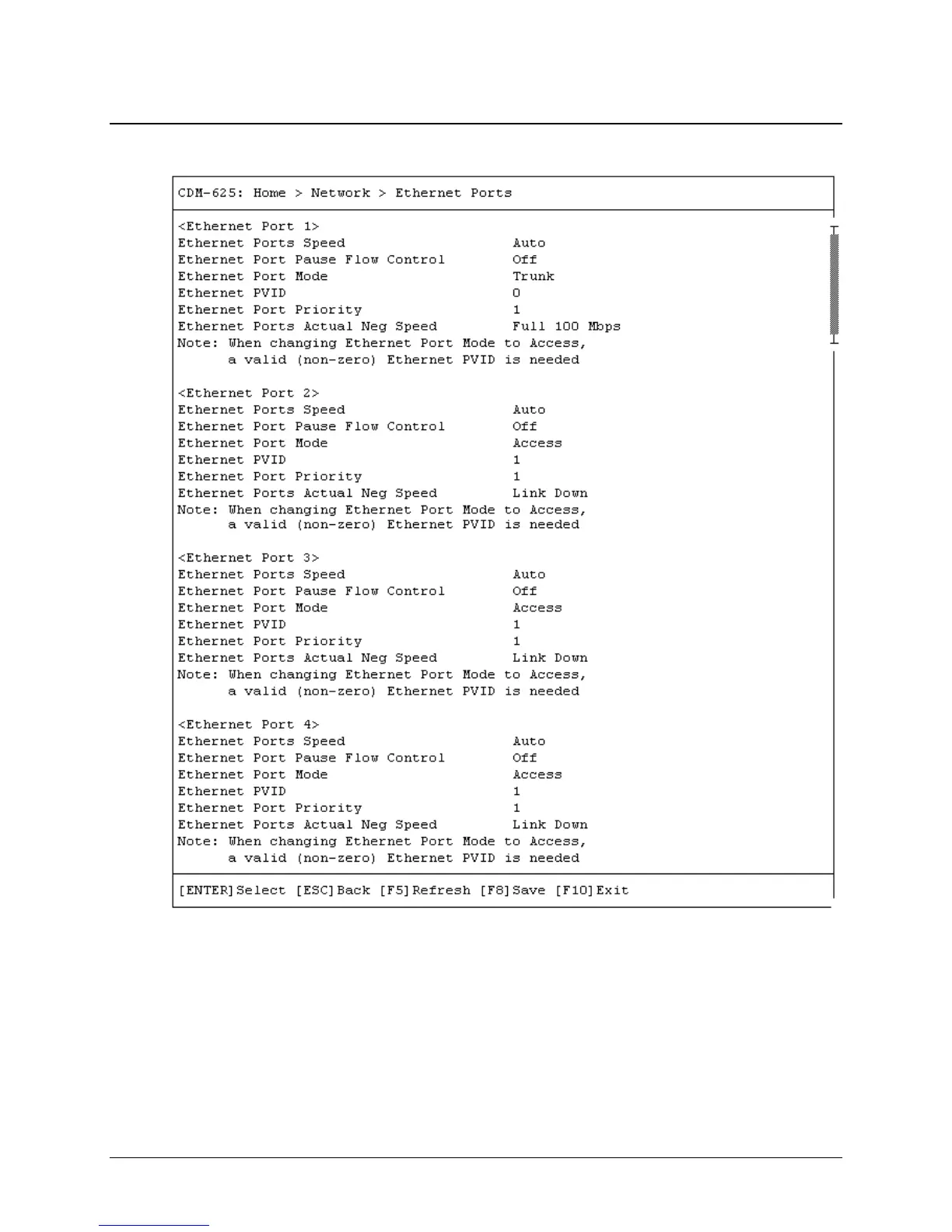
E.3.4.1 Home > Network > Ethernet Ports
Open the scrollable Ethernet Ports page from the Network submenu. This page lists the current
configuration settings for Ethernet Ports 1 through 4.
Use the ↑↓ arrow keys to select <Ethernet Port 1>, <Ethernet Port 2>, <Ethernet Port 3>, or
<Ethernet Port 4>, and then press [ENTER] to continue.



 To Next Page