CDM-625 Advanced Satellite Modem Revision 13
Appendix F MN-CDM625
F–36
F.4 ODU Operations via the CDM-625 Web Server (HTTP) Interface
The CDM-
625 Advanced Satellite Modem’s embedded HTTP Interface provides an
easy to use application to configure and monitor all aspects of an ODU. See
Chapter 6. ETHERNET-BASED REMOTE PRODUCT MANAGEMENT
instructions on using this interface.
The Comtech EF Data LPOD Amplifier / Block Up Converter is not supported by the
CDM-625 Web Server (HTTP) Interface at this time.
A user-supplied web browser allows the full monitor and control (M&C) of an installed Comtech
EF Data CSAT-5060 or KST-2000A/B Transceiver (ODU), installed in standalone or 1:1
Redundancy configurations, from the CDM-625’s Web Server Interface. This embedded web
application is designed for, and works best with, Microsoft’s Internet Explorer Version 7.0 or
higher.
F.4.1 Web Server Interface and Menu Tree
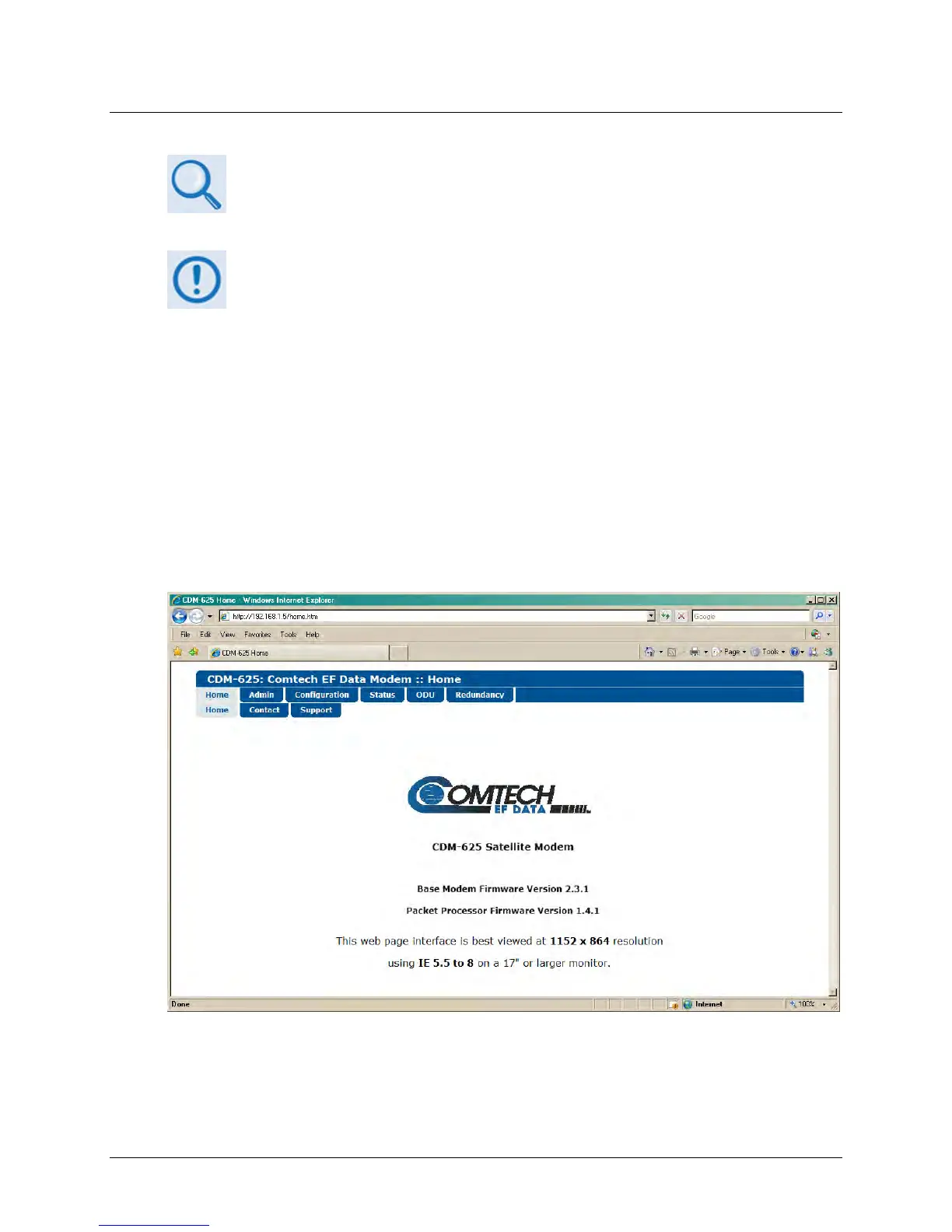
Type the CDM-625’s IP Address into the Address area of the user-supplied web browser, and
then enter a valid User Name and Password is accepted. You will see the CDM-625 Web Server
Interface “splash” page (Figure F-3). Note that the Base Modem and Packet Processor Firmware
Versions shown in this example are subject to change.
Figure F-3. CDM-625 Web Server (HTTP) Interface Home Page
The Figure F-4 menu tree illustrates the ODU options available through the CDM-625 Web Server
(HTTP) Interface. The CDM-625 Web Server Interface provides access to six (6) navigation tabs



 To Next Page