CDM-625 Advanced Satellite Modem Revision 13
Appendix E MN-CDM625
E–63
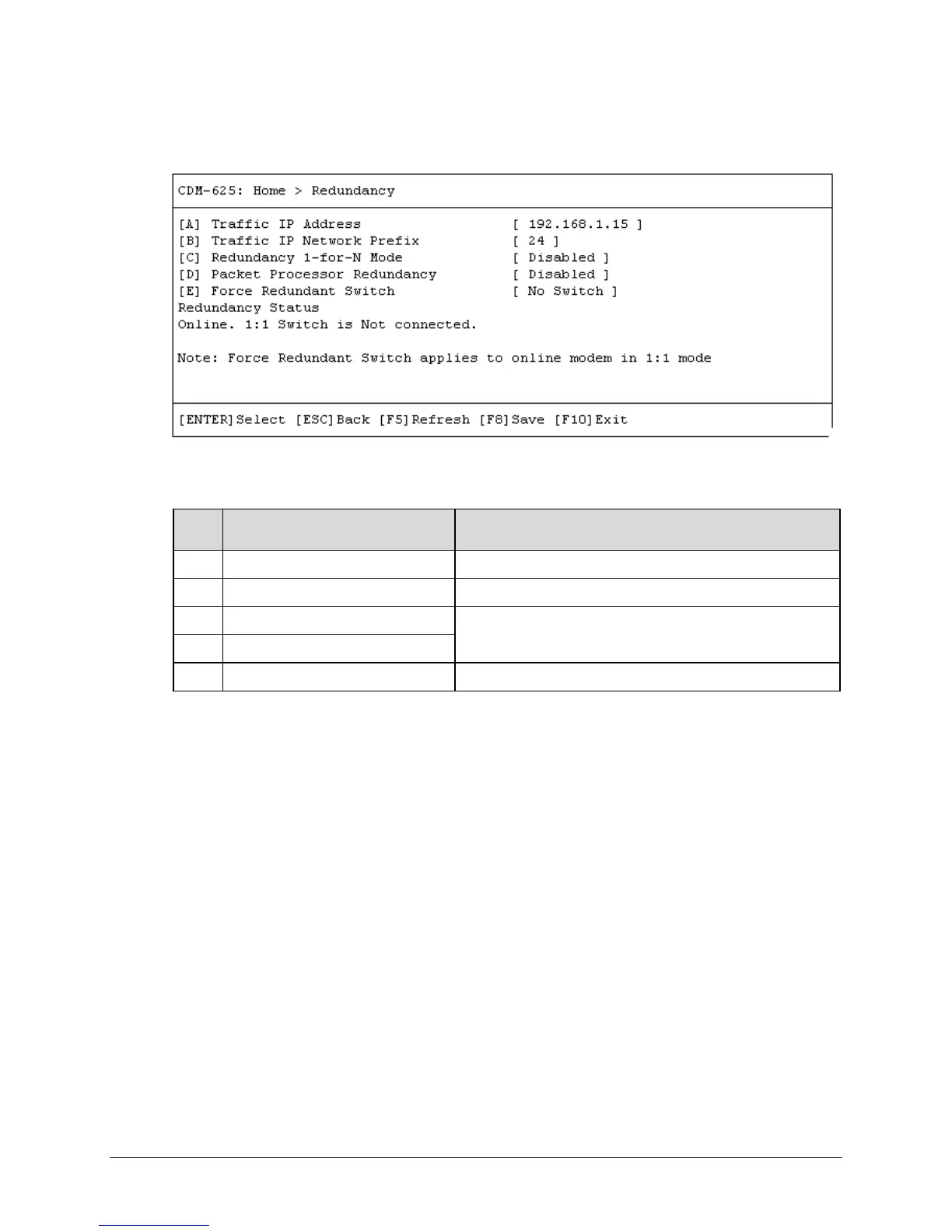
E.3.7 Home > Redundancy Submenu
Open the Redundancy submenu from the Home menu. This submenu additionally displays the
status of the redundant modem setup. The redundant modem operation options are as follows:
Dialog Window Option Entry
A Traffic IP Address Enter an IP address in the form XXX.XXX.XXX.XXX
B Traffic IP Network Prefix Enter a value from 8 to 30
C Redundancy 1-for-N Mode
Typical for either entry – Use the ↑↓ arrow keys to select
Disabled or Enabled
D Packet Processor Redundancy
E Force Redundant Switch Use the ↑↓ arrow keys to select No Switch or Force Switch
Press a hot key to open a dialog window. Otherwise, press [ESC] to return to the Home
submenu.



 To Next Page