CDM-625 Advanced Satellite Modem Revision 13
Ethernet-based Remote Product Management MN-CDM625
6–27
Sect. 6.5.4.3.4 Configuration | Managed Switch
o Router Point-to-Point – Functions as a point-to-point router in Point-to-Point
configurations.
o Router Multipoint Hub – Functions as the Hub side router in a Point-to-Multipoint
network. Allows Satellite-to-Satellite packets to pass.
o Router Multipoint Remote – Functions as a Remote Router in a Point-to-Multipoint
network. Packets from the WAN are not allowed to be sent to the WAN.
• Packet Processor – This feature is operational only when the optional IP Packet Processor
card is installed
. Use the drop-down list to select the IP Packet Processor card as Enabled or
Disabled.
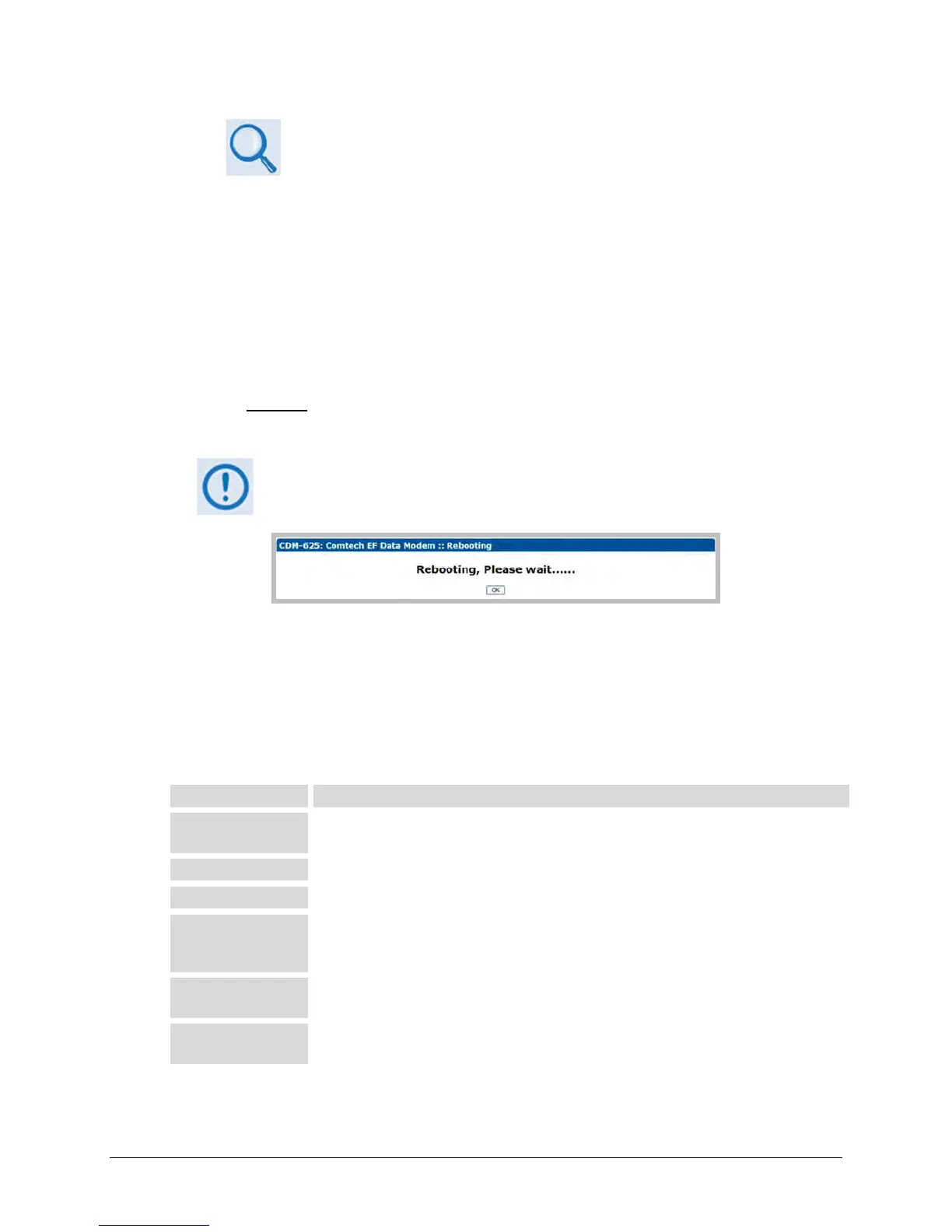
When you change the optional IP Packet Processor card operation (i.e.,
Enabled or Disabled), after you click the [Submit] tab the modem is forced to
reboot and you will see the following message:
Note that, before clicking [OK] to proceed with reboot of the modem, you may
first need to clear the PC’s ARP table.
Click [Submit] to save these settings.
Per Port Configuration
Set the parameters on a per-port basis (Port 1 through Port 4). Note the following:
Use the drop-down list to select the speed for each selected port: Auto, 100 Full, 100 Half,
10 Full, or 10 Half.
Use the drop-down list to select Pause Flow Control for the port as Off or On.
Use the drop-down list to select Port Mode for the port as Access or Trunk.
When Port Mode is Access, a PVI D ( Native VLAN ID) may be as signed to the selected
port us ing a v alue r ange of 0001 -4095. ( See not e about P VIDs ( Native V LAN IDs) v s.
Use the drop-down l ist t o s et the operational priority of t he selected port, in the or der of
preference (from 1 to 4).
Actual Negotiated
Port Speed
This i s t he s tatus of t he c urrent oper ating ac tual s peed and d uplex. I f t he port i s not
connected, and then “Link Down” is displayed.
Click [Submit Port Cnfg] to save these settings.



 To Next Page