CDM-625 Advanced Satellite Modem Revision 13
Ethernet-based Remote Product Management MN-CDM625
6–48
Route encryption is set using the ‘Configuration | Routing | Routes’ page (see Sect.
6.5.4.3.3.1) when the modem is in a router mode, or the ‘Configuration | Managed Switch’
page (see Sect. 6.5.4.3.4) when the modem is in Managed Switch Mode.
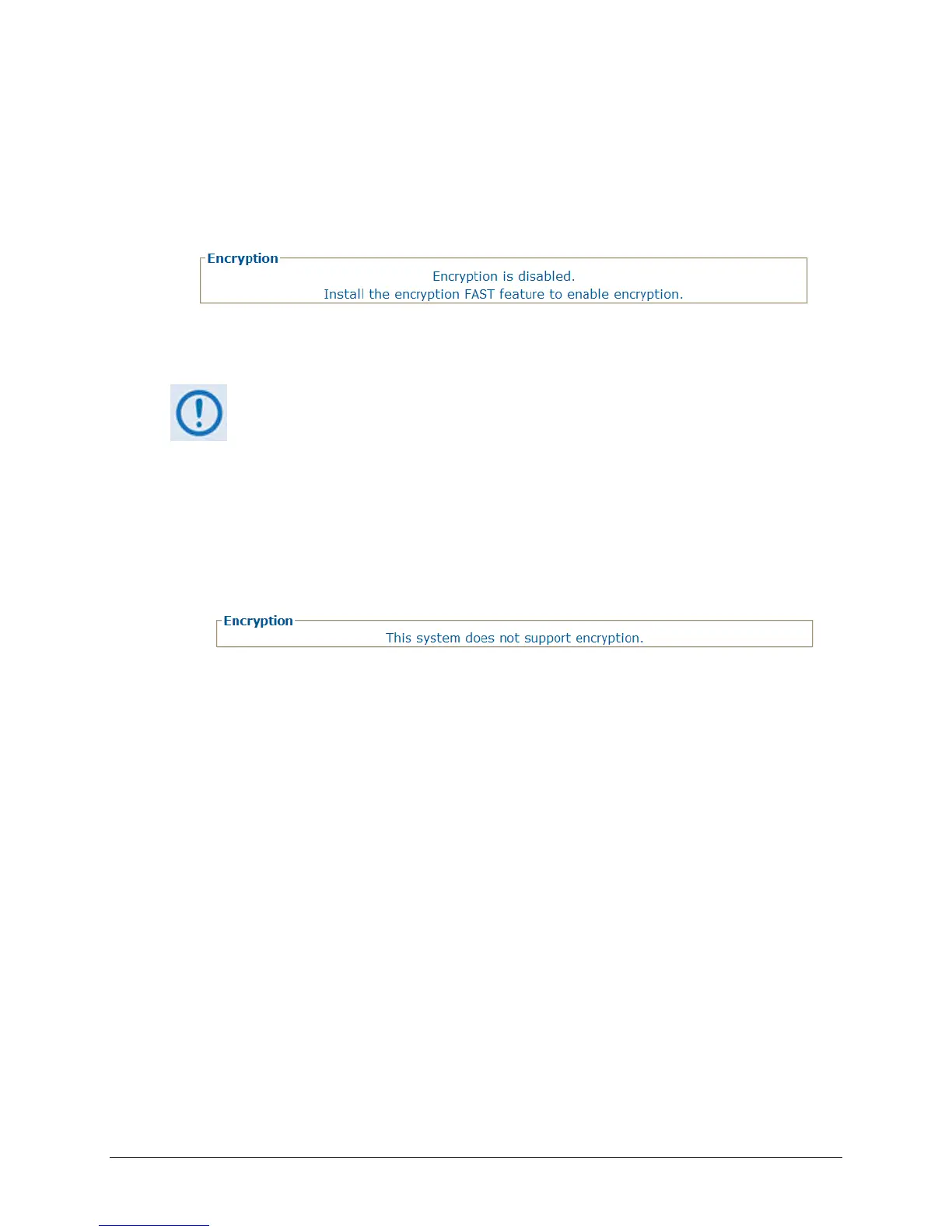
• When the AES Encryption FAST feature has not been purchased and is therefore disabled,
the Encryption section of this page appears as follows:
While the AES Encryption FAST feature itself is disabled, the this page may still be used to
program the Encryption and Decryption keys in anticipation of future use.
FAST features may be purchased from Comtech EF Data Sales Representatives
during normal business hours. See Sect. 5.2.8 SELECT: FAST Menus or Appendix C.
FAST ACTIVATION PROCEDURE in this manual for
addtional information about
activating FAST features.
For situations where, for example, export restrictions prohibit the availability of the AES
Encryption option, the CDM-625 runs an FPGA chipset that does not allow encryption
operations. The ‘Configuration | WAN | Encryption’ page is therefore disabled: The page, when
accessed, notes the operational restriction by hiding the Encryption Key and Decryption Key
programming sections and displaying the following message in the Encryption section:
Encryption – Unencrypted Rx Traffic
Use the drop-down list to select Allow (default) or Drop. Note the following:
• Under the default Allow setting, the local modem allows receipt of unencrypted (plain text)
packets from the remote modem over the WAN, even when encryption is enabled.
• Under the Drop setting, the modem drops all unencrypted traffic received over the WAN
interface when encryption is enabled. The remote modem may therefore transmit only
encrypted data.
Encryption / Decryption Keys
A typical encryption or decryption key consists of a string of 32 characters, using any
combination of the numbers ‘0’ through ‘9’ and the letters ‘a’ through ‘f’ / ‘A’ through ‘F’.
To program a key, enter the desired 32-character string in the appropriate key row, and then
click [Set]. Any previously programmed key may be overwritten in this manner.
Alternately, click [Clear] to reset a previously programmed entry to all zeroes, and then re-enter
the new key string as instructed here.



 To Next Page