CDM-625 Advanced Satellite Modem Revision 13
Appendix C MN-CDM625
C–5
Contact a Comtech EF Data sales representative during normal business hours to order features:
• Provide the unit Serial Number to the representative.
• Identify and purchase the desired FAST option(s).
• Obtain the invoice, the register-specific 20-digit FAST Access Code(s), and t he FAST option
activation instructions.
When a F AST ac cess code i s obtained f rom Comtech EF D ata, it will be for a
specific option register. The FAST options are linked to three option registers:
• Register 1 is for Data Rate options.
• Register 2 is for L-Band, Modulation type and Framing options.
•
Register 3 is the Fractional CnC option.
Enter the FAST access code(s):
a) In the ‘Admin | FAST’ page FAST code section, carefully enter each register-specific 20-
character FAST access code in
sequence.
b) Click [Submit FAST code].
With Firmware Ver. 2.1.0 and later, all three FAST access codes must be entered in
sequence in order for the purchased option upgrades to be properly activated.
The message “Configured S uccessfully” appears at the t op of t he FAST code section if th e FAST
upgrade is accepted; the modem then resets to its newly-incorporated default configuration.
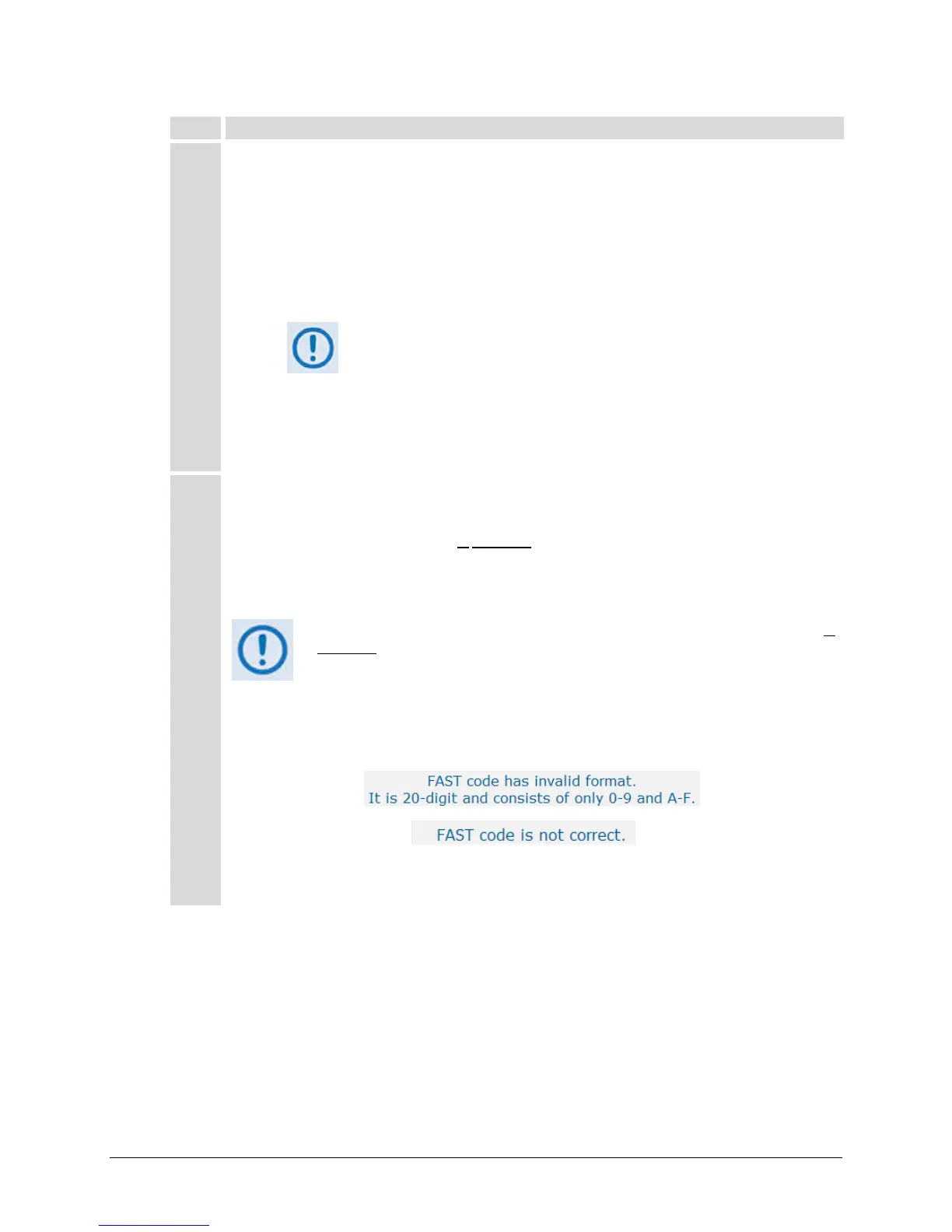
However, if an invalid code is entered, either of the following messages may appear instead:
Repeat the FAST access code entry procedure. Should the code entry error persist, contact Comtech EF
Data Customer Support for further assistance.



 To Next Page