The Z-Drive Assembly
7-22 DSX™ System Service Manual
7.4.5 Replacing The Z-Drive Belt
To Remove the Z-Drive Belt:
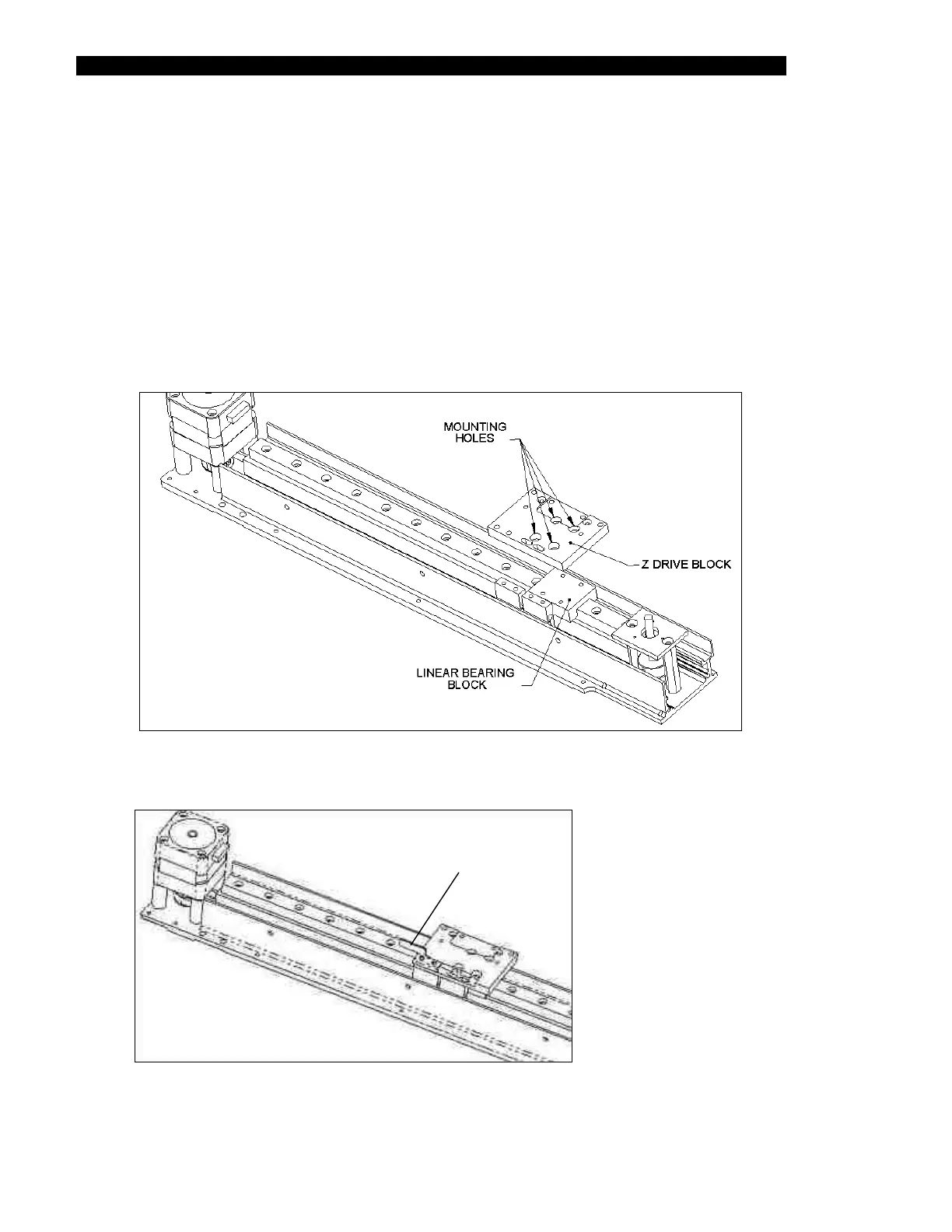
1 Remove the Z-Drive Block Assembly from the Linear Bearing Block by
unscrewing the four M3 x 6 Cap Head Screws (Figure 7-21). The Z Sensor
Breaker Flag is attached to the Z-Drive Block Assembly and should also be
removed (Figure 7-22).
2 Remove the Blocks that are attached to each end of the belt from the Linear
Bearing Block.
Figure 7-21 Removing the Z-Drive Block
Breaker Flag
Figure 7-22 Location of the Z Sensor Breaker Flag



 To Next Page