Servicing Internal Components
15-12 DSX™ System Service Manual
15.4.6 Replacing the Temperature Sensor
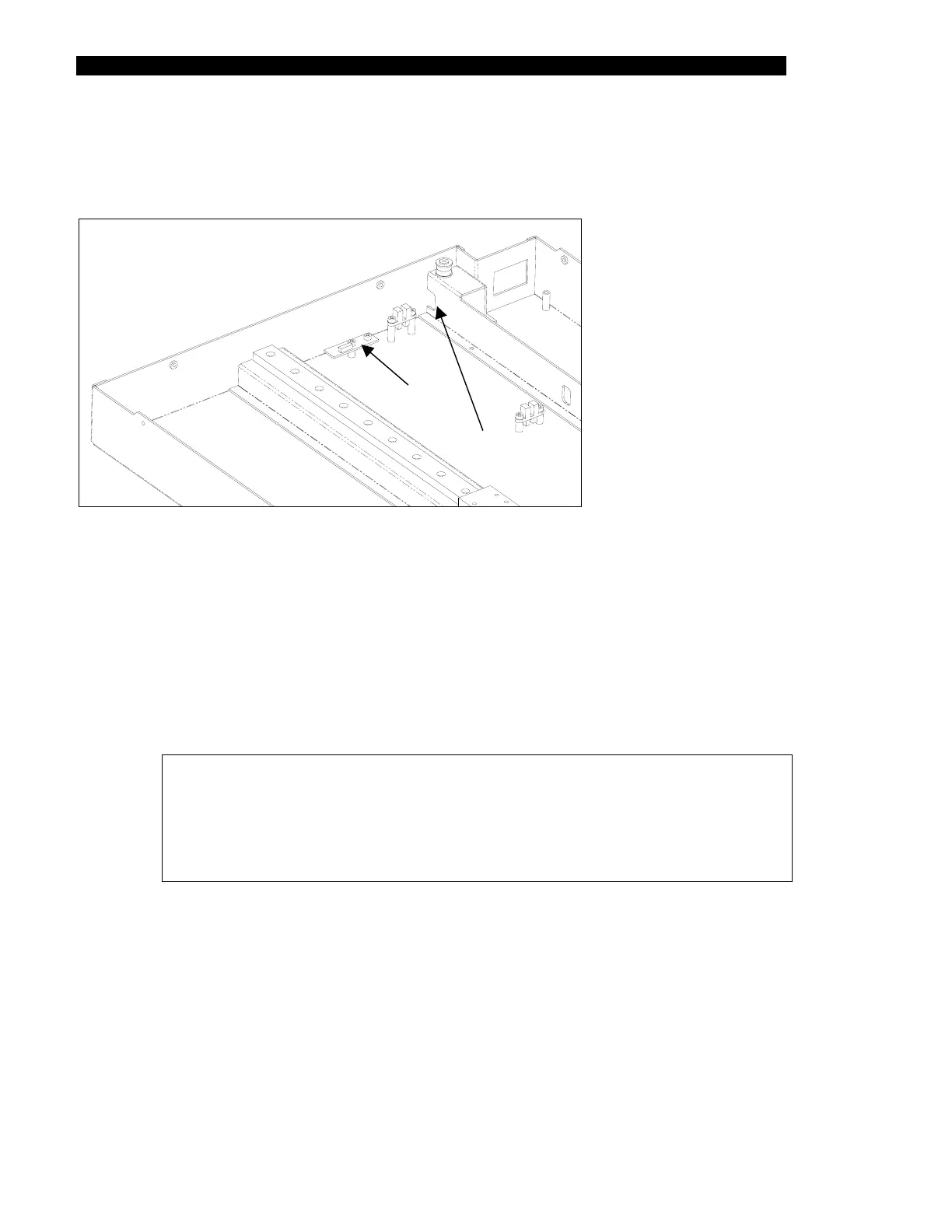
The temperature sensor is located on a sensor-mounting bracket (Figure 15-11).
Access Hole
Temperature
Figure 15-11 Temperature Sensor
To Replace the Temperature Sensor:
1 Remove the two button head screws and Nylon washers that secure the
temperature sensor to the lower enclosure (Figure 15-11).
2 Disconnect the temperature sensor cable from the temperature sensor board.
3 Secure the new temperature sensor into position, using the two button head
screws and Nylon washers removed in Step 1.
Note: The temperature sensor board is supplied as a part of the ambient
drawer printed circuit board. It should be removed from the ambient
drawer board.
When reinstalling temperature sensor board, ensure that the connector
on the sensor printed circuit board faces up.
4 Connect the cable to the connector on the circuit board.
5 Secure the temperature sensor cable to the home sensor cable using a tie wrap.



 To Next Page