Manual Control Operations
DSX™ System Service Manual 5-9
5.2.8 Arm
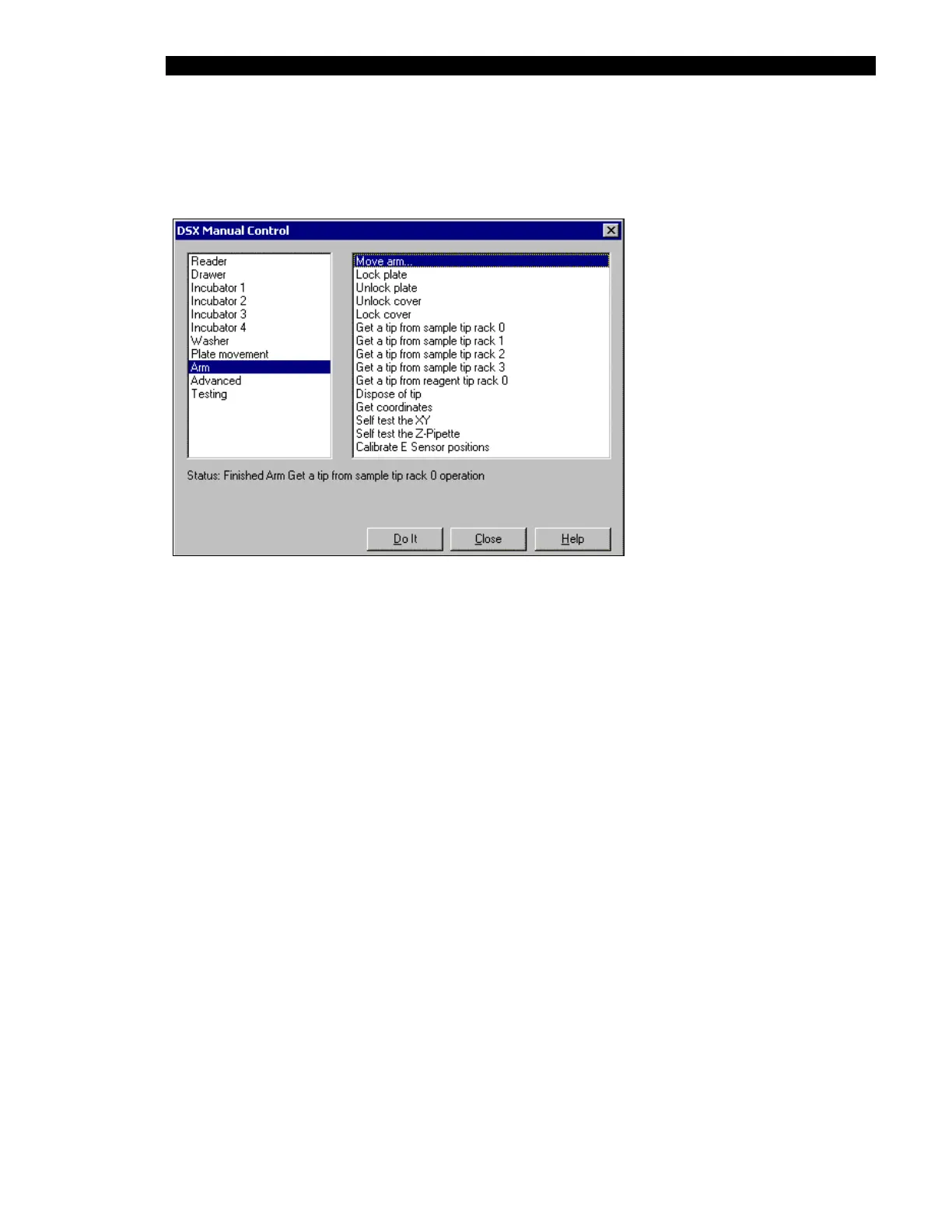
The Arm test selections are listed in the right column of Figure 5-10.
Figure 5-10 DSX Manual Control Dialog Box (Arm Selections)
For Lock plate, Unlock plate, Lock cover, Unlock cover, Dispose of tip, Self test the XY,
Self test the Z-Pipette and Calibrate E Sensor positions: When you click on the Do It
button, the Status line will indicate that the system is performing the operation (for example,
Doing a Dispose of Tip operation). At the completion of the test operation, the message will
indicate that the operation has been performed (for example, Finished Dispose of Tip
operation).



 To Next Page