Initializing Communication
2-4 DSX™ System Service Manual
2.6 Initializing Communication
Click on the DSX icon to present the Password dialog box and enter the appropriate password.
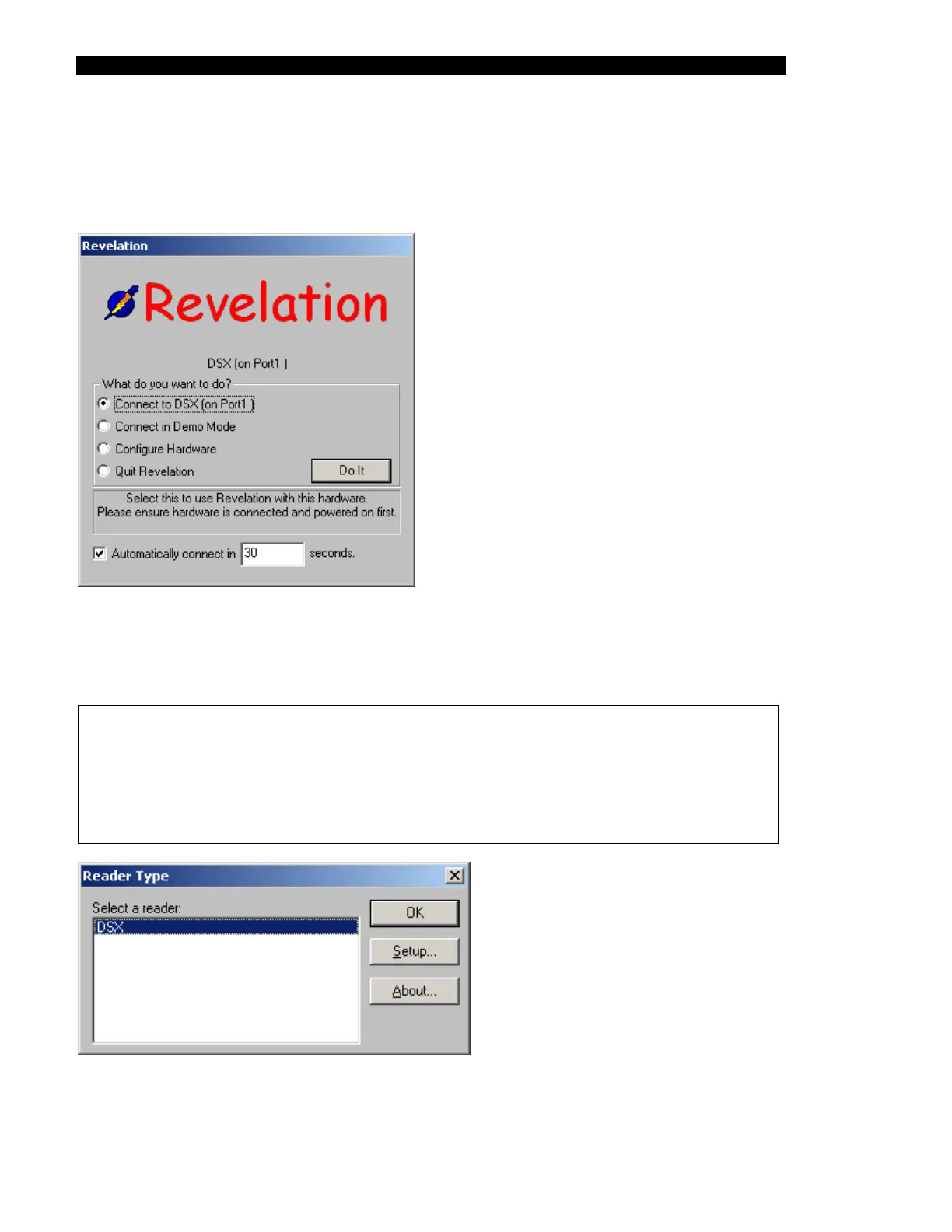
The system will present the Revelation welcome screen (Figure 2-1).
Figure 2-1 First Screen
Select the Connect to DSX (on Port1) radio button and press the Do It button to present the
Reader Type dialog box (Figure 2-2).
Note: The DSX™ Automated ELISA System should normally be connected to
Communication Port 1. If for some reason it is necessary to connect the system to
some other communication port, it will be necessary to change this by selecting
the Configure hardware radio button to access the Configure Hardware dialog box,
then select the appropriate radio button and press Do It to present the Reader
type dialog box.
Figure 2-2 Reader Type Dialog Box



 To Next Page