Repairing/Replacing Internal Components
13-22 DSX™ System Service Manual
13.4.5 Mounting the Y Subassembly
Note: The Y Subassembly can be replaced as a unit or various components can be
replaced by the service engineer. In this section, we describe the removal and re-
installation of the entire sub-assembly, to replace individual components, refer to
page 13-31.
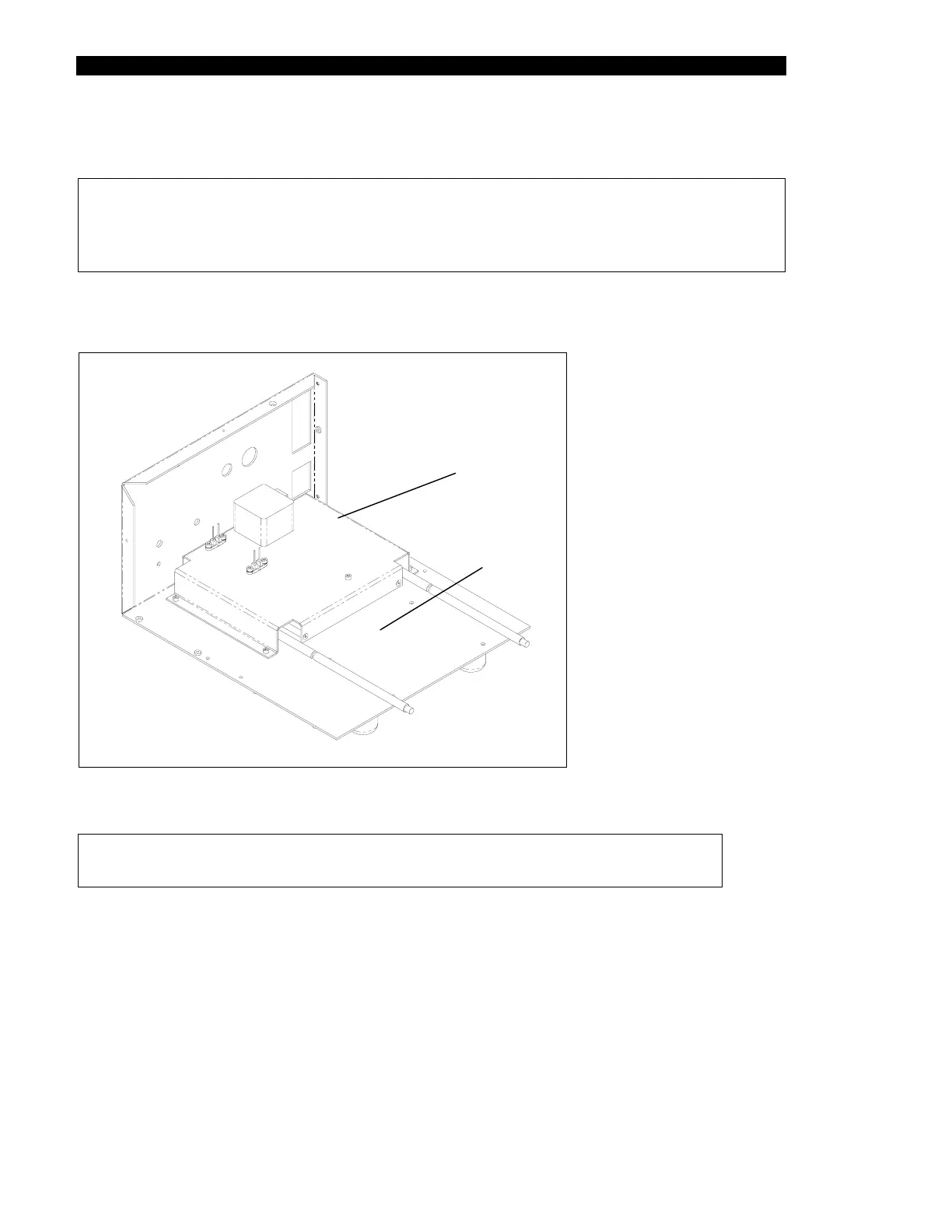
The Y sub-assembly is removed from the baseplate by removing the four M3 x 10 Caphead
Screws (Figure 13-14).
Baseplate
Assembly
Y Drive
Assembly
Figure 13-14 Installing the Wash Y-Drive Assembly
Note: When replacing the screws, secure them with Loctite 222.



 To Next Page