Repairing/Replacing Internal Components
DSX™ System Service Manual 11-29
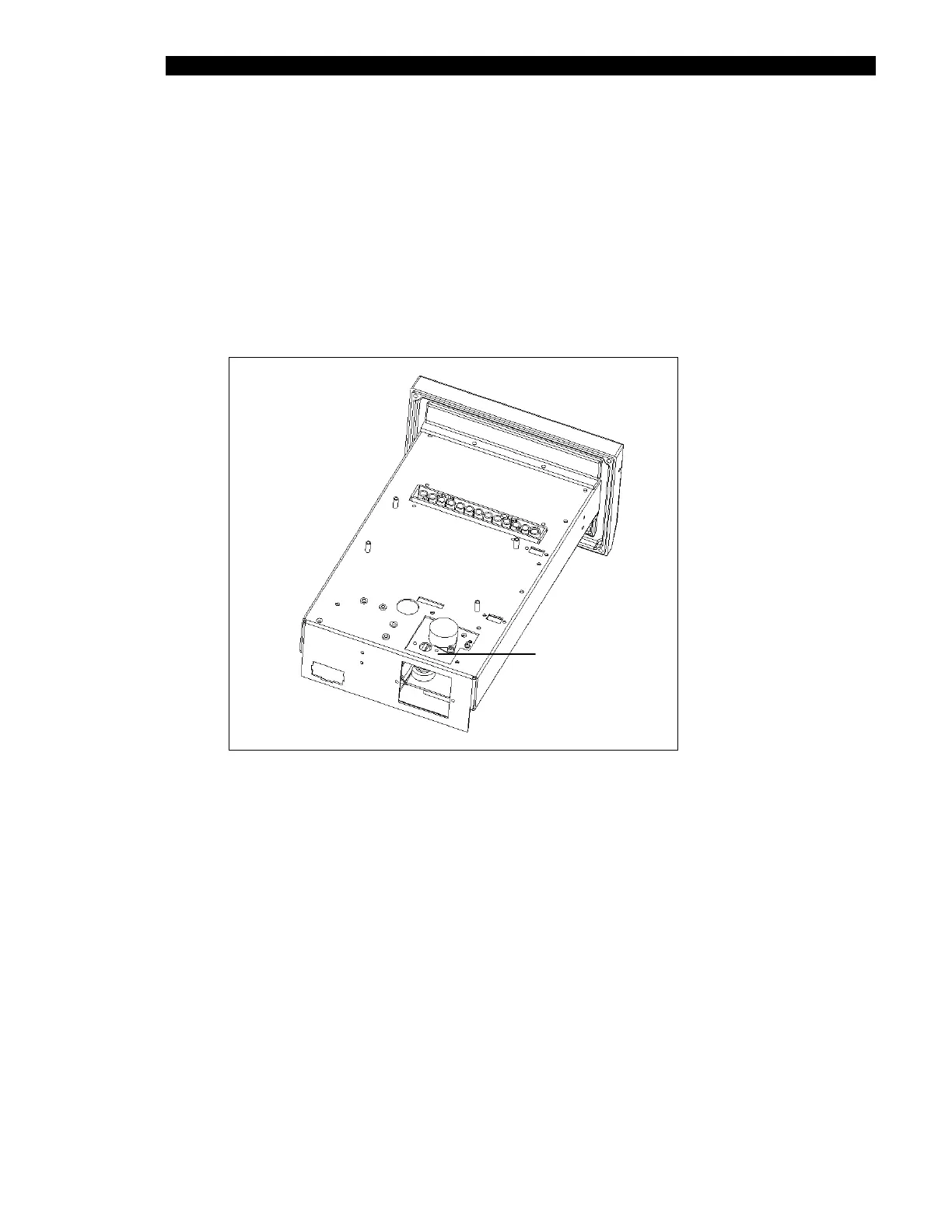
11.4.10 Removal/Replacement of the Optics Cube
1 Remove the fiber bundle from the cube.
2 Cut the Tie-wraps securing the wires from the cube to the base and then remove
the 3 M3 x 6mm socket head cap screws and 3 M3 lock washers securing the
Optics Cube to the chassis.
3 Pull the stepper motor and filter switch wires through the hole in the base and
remove the cube (Figure 11-24).
OPTICAL CUBE
Figure 11-24 Optical Cube and Chassis



 To Next Page