Manual Control Operations
5-6 DSX™ System Service Manual
5.2.6 Washer
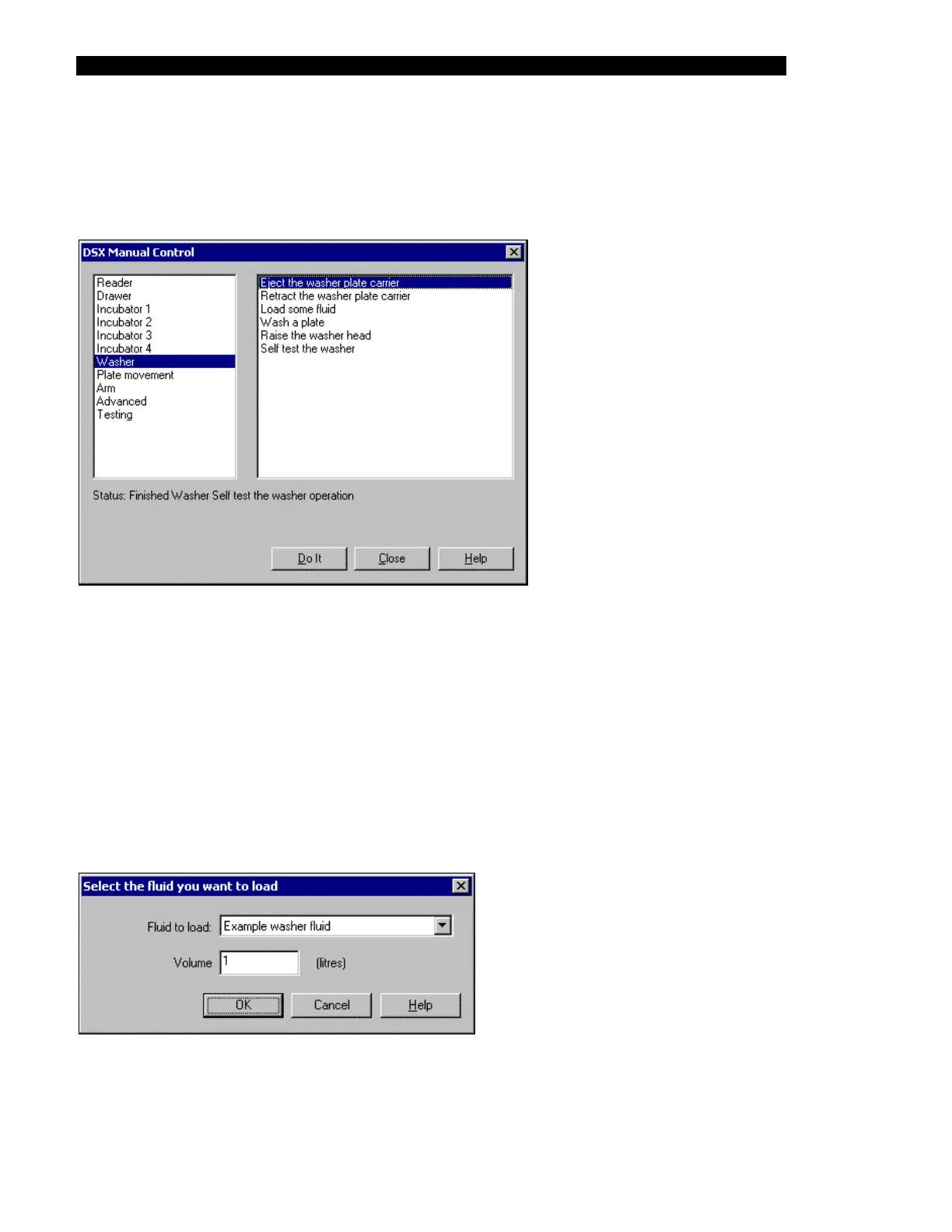
The Washer test selections are listed in the right column of Figure 5-5. The self-test operation
incorporates all of the individual operations.
Figure 5-5 DSX Manual Control Dialog Box (Washer Selections)
For the Eject the washer plate carrier, Retract the washer plate carrier, Raise the washer head
and Self test the washer operations: When you click on the Do It button, the Status line will
indicate that the system is performing the operation (for example, Doing a Washer Eject the
washer plate carrier operation). At the completion of the test operation, the message will
indicate that the operation has been performed (for example, Finished a Washer Eject the
washer plate carrier operation).
For the Load Some Fluid operation: The Load Some Fluid operation is used to indicate that
you wish to use a given fluid for the "Wash a Plate" operation. When you click on the Do It
button, the Select the fluid you want to load dialog box (Figure 5-6) is presented.
Figure 5-6 Select the Fluid you want to Load Dialog Box



 To Next Page