Replacing External Components
DSX™ System Service Manual 13-13
13.3.3 Replacing The Aspirate Pump Assembly
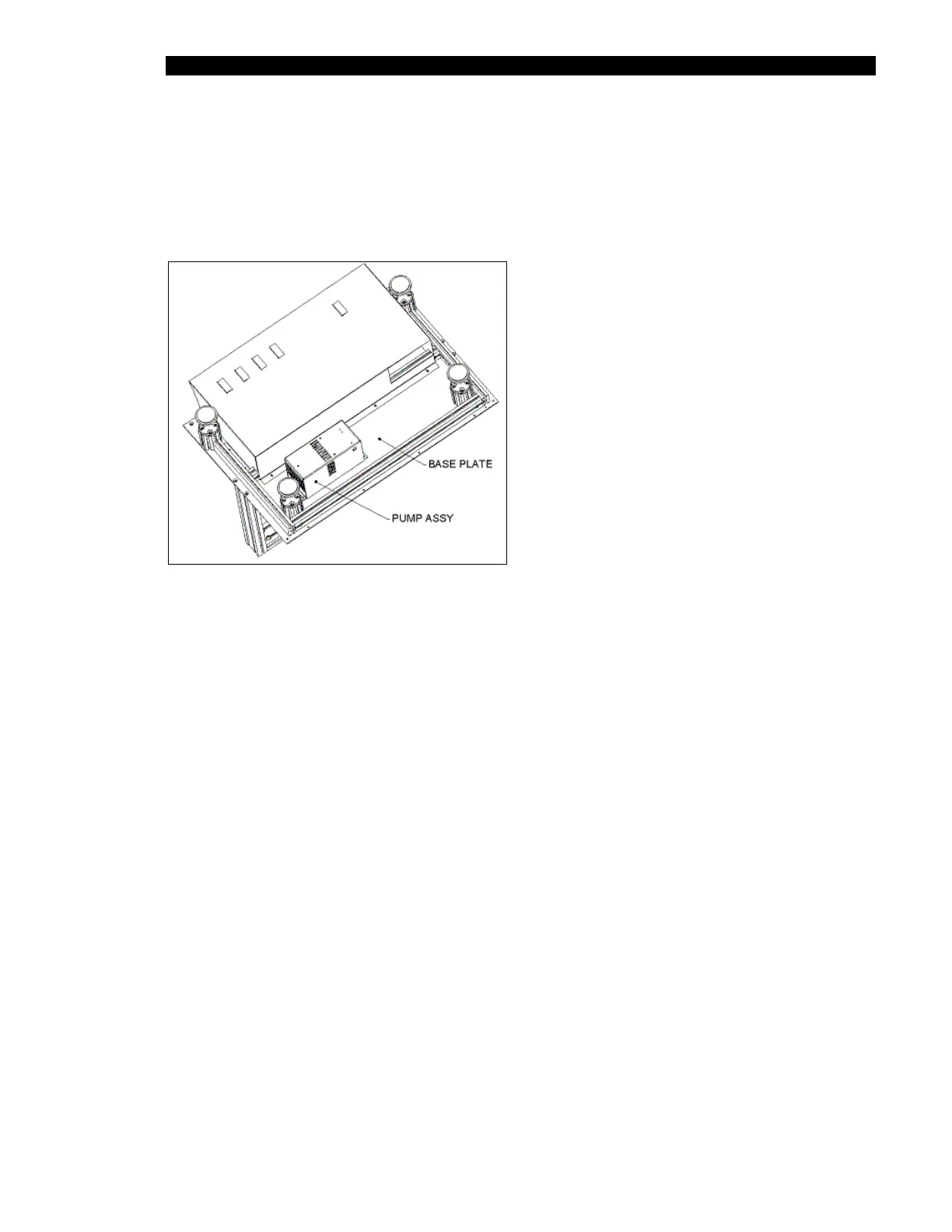
The Aspirate Pump Assembly (Part No. 13001480) supplies a vacuum so that fluid can be
aspirated from microtiter plate wells. The Aspirate Pump Assembly is located at the rear of
the system as shown in Figure 13-5.
Figure 13-5 Aspirate Pump Assembly
To remove the pump assembly, unscrew the four M4 x 8 SKT cap screws.
When replacing the pump, secure the screws with Loctite 222. Ensure that the wires and the
300 mm tubing from the straight barb fitting on the pump are passed thru the grommet.



 To Next Page