Sample ID Module
15-16 DSX™ System Service Manual
15.5.4 Testing the Scan Module
To Test the Scan Module:
1 Select Configure System on the Tools menu to display the Setup DSX dialog box.
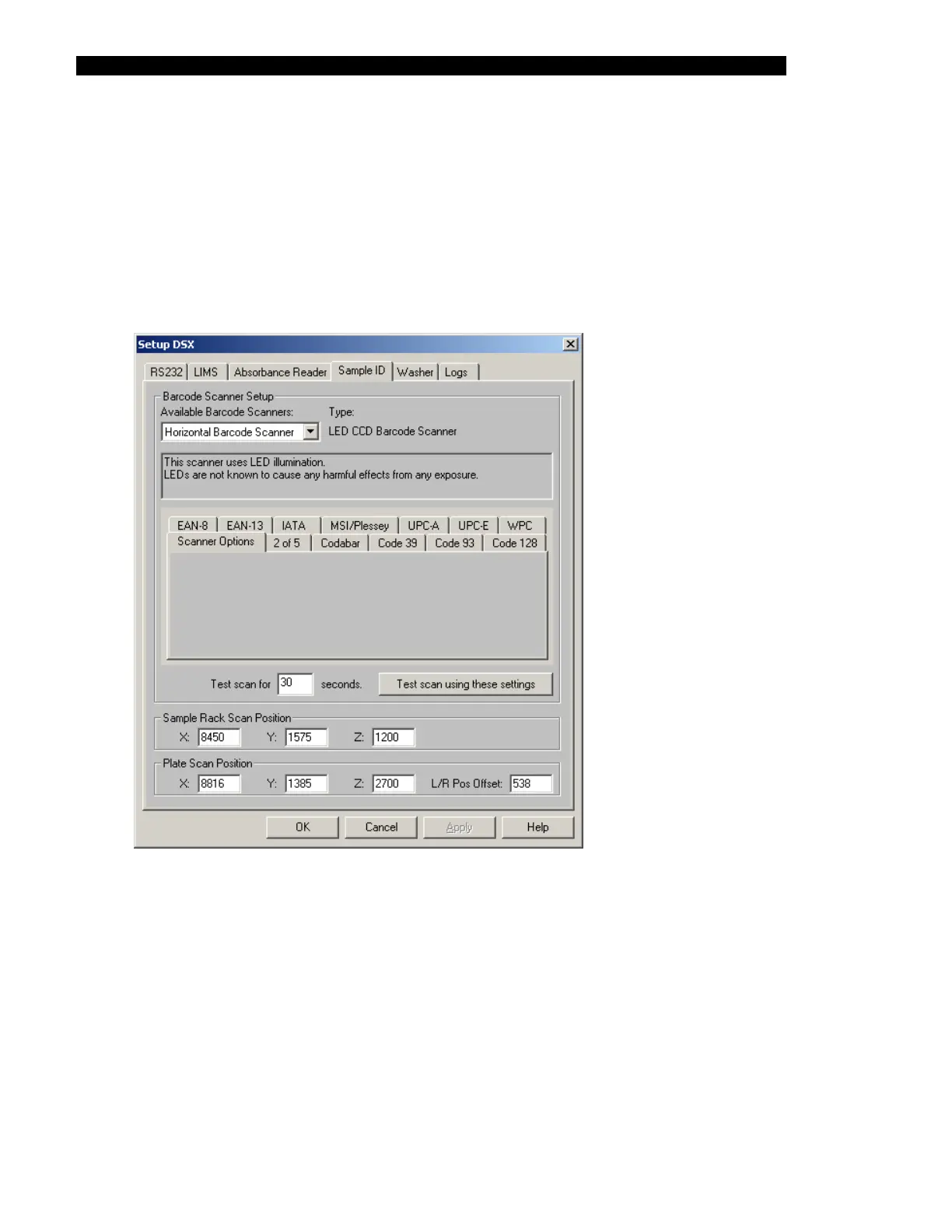
2 Select the Sample ID tab (Figure 15-14). The window will indicate the current
scanner settings.
Figure 15-14 The Sample ID Tab - Horizontal Scanner
3 In the Available Barcode Scanners field of the Barcode Scanner Setup panel,
choose either the Horizontal Barcode Scanner or the Vertical Barcode Scanner
for testing. Both scanners can be setup to read any of the barcode types listed
under 'Scanner Options'. Currently, the default setting is for both scanners to
read all of the listed types.
4 When Test scan using these settings is selected, the scanner that is shown in
the Available Barcode Scanners field operates for 30 seconds. A window appears
with instructions to hold a barcode label up to the appropriate scanner window. If
the barcode is read, the characters that are read are displayed.



 To Next Page