Repairing/Replacing Internal Components
DSX™ System Service Manual 11-25
11.4.7 Installing the Plate Carrier
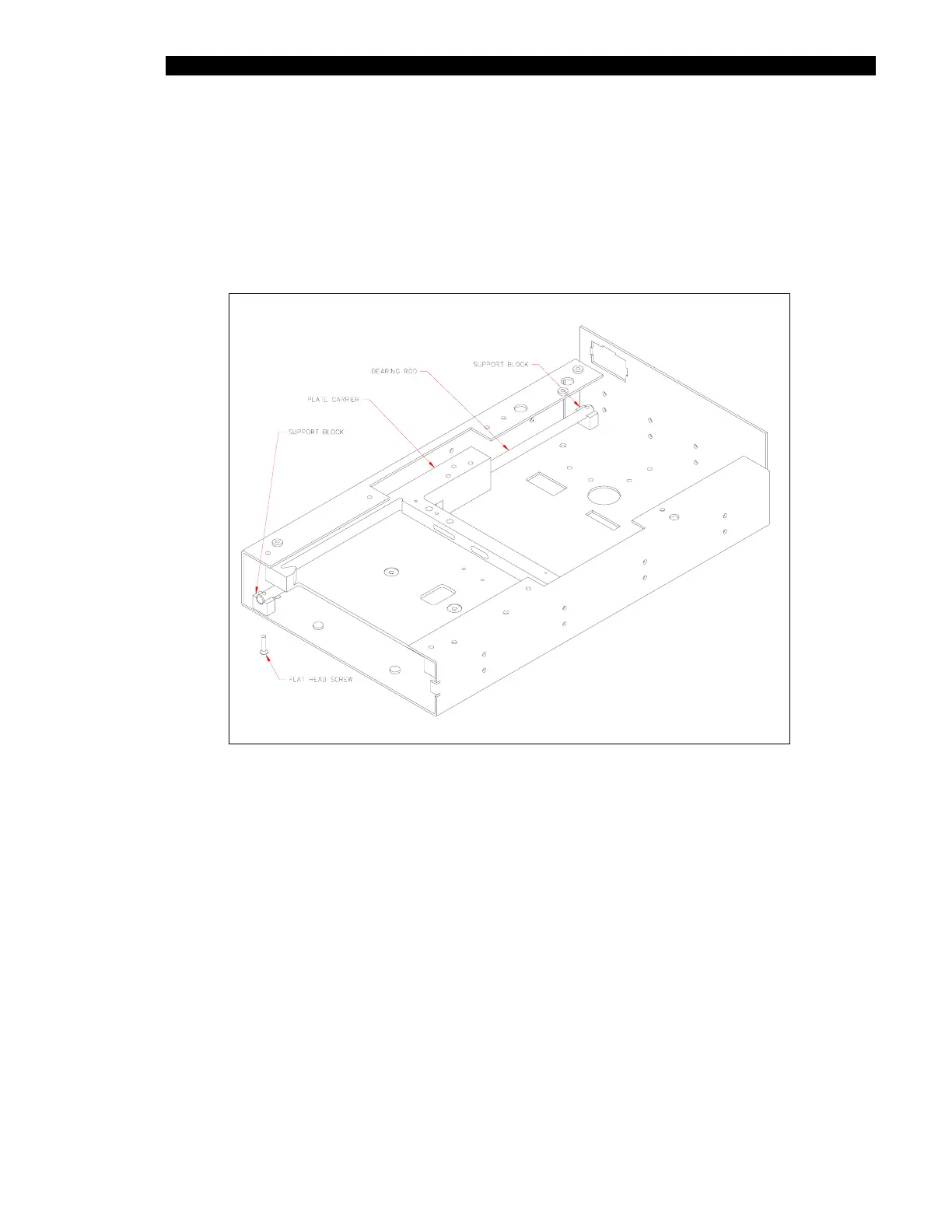
1 Slide the bearing shaft into the Plate Carrier Assembly (Figure 11-16).
2 Install this assembly into the chassis (Figure 11-19) using two support blocks and
two M2.5 x 12mm Flathead screws using Loctite 222.
Figure 11-19 Installing Bearing Shaft



 To Next Page